MemFlow
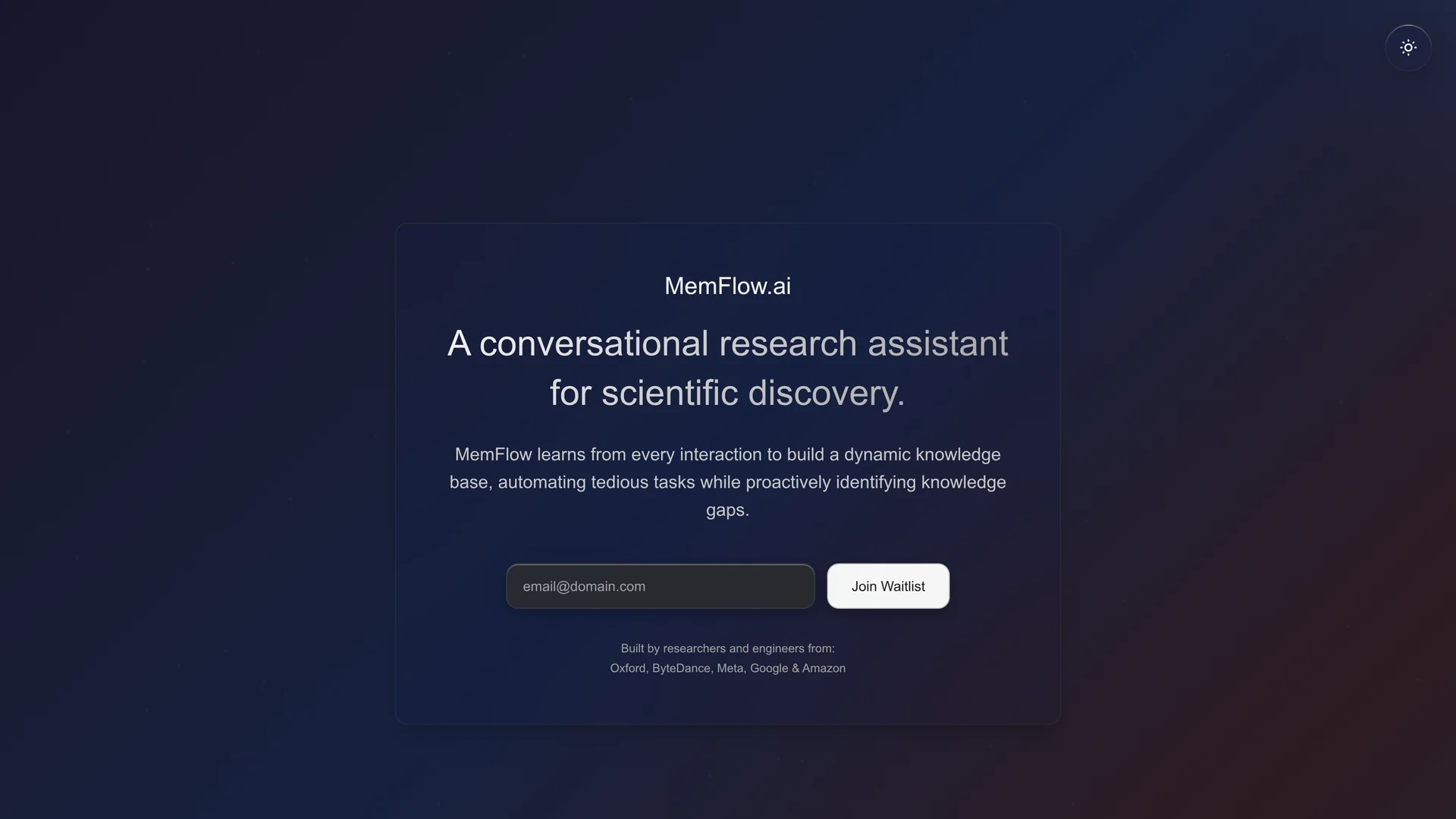
MemFlow is a Mac memory assistant that automatically records screenshots and sounds, enabling semantic search to efficiently find and generate information.
Disclaimer: Visionary Hub is not affiliated with, endorsed by, or the operator of this tool. All trademarks, logos, and content are the property of their respective owners. Full disclaimer available here
Key Features
Screenshot & Audio Recording
Automatically captures screen and sound data in chronological order.
Semantic Memory Search
Enables AI-driven search across recorded content for quick recall.
AI Content Generation
Uses AI to generate new information from recorded texts.
Data Compression & Encryption
Compresses recordings up to 10,000x and encrypts data locally.
Get Started
Share & Save
Share on Social Media
Why Choose MemFlow
Automatic Capture:
Records screenshots and audio continuously without manual input.Semantic Search:
Finds memories and information using AI-powered contextual search.Local Privacy:
Processes and encrypts data locally to protect user privacy.
Pricing
MemFlow offers a free trial during its alpha testing phase. For detailed pricing and plans, visit the official website.
About MemFlow
MemFlow is a Mac memory assistant that automatically records screenshots and sounds, enabling semantic search to efficiently find and generate information.
What MemFlow Does
MemFlow automatically records screenshots and audio from a Mac, converting them into searchable text using OCR and ASR technologies. This allows users to find past interactions and information quickly through semantic search.
The tool leverages AI to generate new content from recorded data and organizes memories chronologically. It processes and encrypts data locally to ensure privacy and compresses recordings to save disk space.
MemFlow is useful for researchers, project managers, sales professionals, and students who need efficient recall, meeting indexing, and daily summaries across various industries.
Pros & Cons
Time Saving
Reduces up to 30 minutes daily by automating memory recall.
Privacy Focused
Stores and processes data locally with encryption.
Mac Only
Currently supports only MacOS Ventura 13.0 and above.
Resource Usage
Consumes 5-10% CPU and around 200MB memory during operation.
Frequently Asked Questions
Visit https://memflow.ai and click the "Join Alpha Test" button to start.
Currently, MemFlow supports MacOS Ventura 13.0+. Windows, iOS, and Android support is planned.
It requires Screen Recording, Accessibility, and Microphone permissions to collect data locally.
Data is stored and processed locally with encryption following industry best practices.
It uses about 5-10% CPU and 200MB of memory on Mac during operation.
Similar Tools You Might Like
Discover more AI-powered tools that complement your workflow
List Your AI Tool & Reach Thousands of Users
Join 500+ AI innovators already thriving on our platform. Get visibility, feedback, and boost your conversions.
Expand Your Audience
Connect with over 50,000 AI enthusiasts actively looking for tools like yours.
Boost Your Authority
Get verified reviews and ratings to build credibility in the AI marketplace.
Drive Conversions
Our premium placements and targeted audience deliver quality leads and sign-ups.