
MD Editor
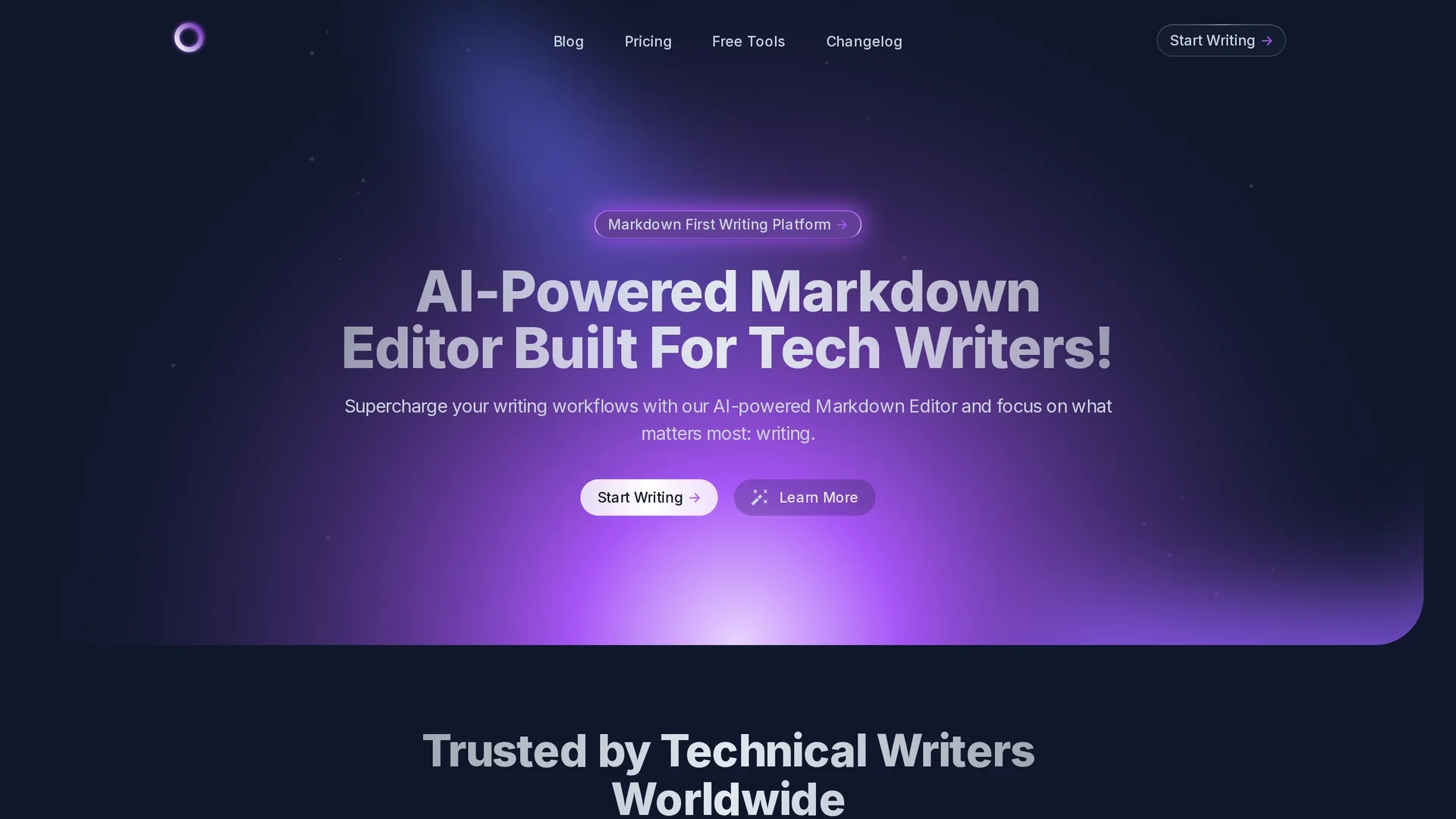
MD Editor is an AI-powered markdown editor designed for tech writers, offering intelligent suggestions, customizable themes, code highlighting, and seamless collaboration to enhance writing workflows.
Disclaimer: Visionary Hub is not affiliated with, endorsed by, or the operator of this tool. All trademarks, logos, and content are the property of their respective owners. Full disclaimer available here
Key Features
Intelligent Suggestions
AI assistant offers writing improvements and formatting help.
Syntax Highlighting
Supports code blocks with syntax highlighting for clarity.
Export Formats
Exports articles to Markdown, HTML, PDF, DocX, and other formats.
Customization
Customizable themes, fonts, and editor settings enhance user experience.
Get Started
Share & Save
Share on Social Media
Why Choose MD Editor
AI Assistance:
Provides intelligent suggestions and draft generation to speed up writing.Code Support:
Includes syntax highlighting and code block management for technical content.Cross-Device Sync:
Syncs articles across devices for seamless collaboration and workflow.
Pricing
MD Editor offers pricing details on its official pricing page. Visit https://mdedit.ai/pricing for current plans and options.
About MD Editor
MD Editor is an AI-powered markdown editor designed for tech writers, offering intelligent suggestions, customizable themes, code highlighting, and seamless collaboration to enhance writing workflows.
What MD Editor Does
MD Editor functions as a markdown editor enhanced with AI capabilities to assist tech writers in creating, formatting, and managing technical documents efficiently. It improves productivity by offering intelligent suggestions, formatting help, and code highlighting.
The tool includes features such as AI-generated first drafts, syntax highlighting, support for code blocks, and export to multiple formats like HTML, PDF, and DocX. It also enables syncing articles across devices and integrates with platforms like Medium and Dev.to for publishing.
MD Editor is suitable for industries involving software development, technical blogging, and documentation, helping users produce clear, well-structured, and professional technical content.
Pros & Cons
Focused Design
Built specifically for tech writers and developers.
Comprehensive Features
Combines AI assistance with powerful markdown editing tools.
Limited Collaboration
Team sharing features are planned but not yet available.
Pricing Details
Pricing information requires visiting the official pricing page.
Frequently Asked Questions
It provides intelligent suggestions, AI-generated drafts, formatting help, and code explanations.
Pricing details are available on the official pricing page at https://mdedit.ai/pricing.
Yes, it supports syntax highlighting and code blocks for multiple programming languages.
Sync across devices is supported; team collaboration features are coming soon.
It exports to Markdown, HTML, PDF, DocX, and various Pandoc formats.
Similar Tools You Might Like
Discover more AI-powered tools that complement your workflow
List Your AI Tool & Reach Thousands of Users
Join 500+ AI innovators already thriving on our platform. Get visibility, feedback, and boost your conversions.
Expand Your Audience
Connect with over 50,000 AI enthusiasts actively looking for tools like yours.
Boost Your Authority
Get verified reviews and ratings to build credibility in the AI marketplace.
Drive Conversions
Our premium placements and targeted audience deliver quality leads and sign-ups.