Mangaka.app
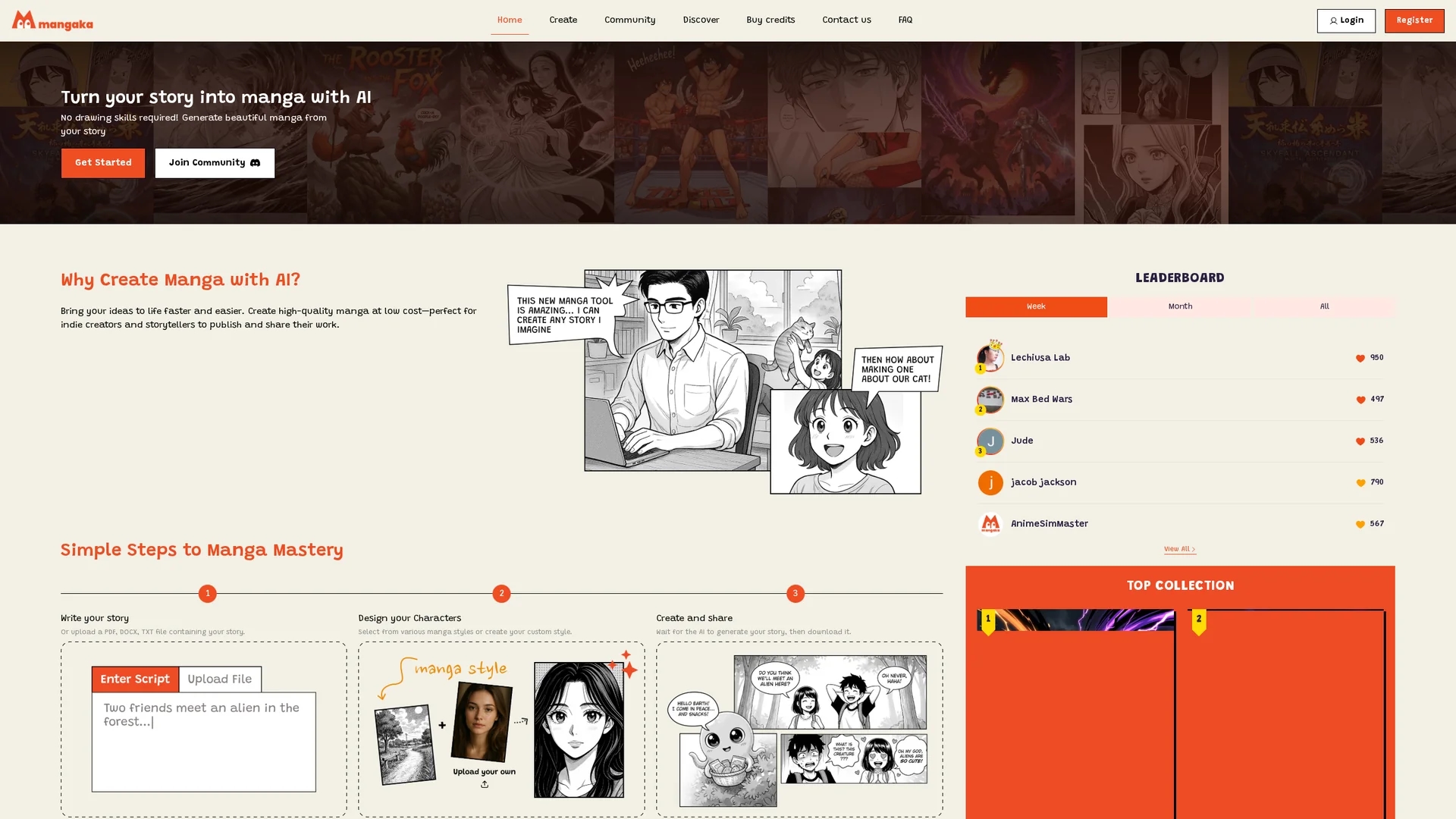
Mangaka.app converts PDF, DOCX, or TXT stories into manga by auto-generating characters, panels, speech bubbles, and layouts with preset or custom styles.
Disclaimer: Visionary Hub is not affiliated with, endorsed by, or the operator of this tool. All trademarks, logos, and content are the property of their respective owners. Full disclaimer available here
Key Features
Story Upload
Import stories via PDF, DOCX, or TXT files for manga conversion.
Style Selection
Choose from preset manga styles or create custom visual styles.
AI Character Generation
Automatically creates characters based on story text.
Panel Auto-layout
Generates panel layouts and speech bubbles aligned with the narrative.
Get Started
Share & Save
Share on Social Media
Why Choose Mangaka.app
No Drawing Skills:
Generates manga visuals automatically from text without manual illustration.Custom Styles:
Offers preset and customizable manga styles for unique visual storytelling.Multi-format Upload:
Supports PDF, DOCX, and TXT files for flexible story input.
Pricing
Pricing details are not explicitly provided on the homepage. Users can buy credits via the "Buy credits" page. For current prices, visit the official Mangaka.app pricing or recharge page.
About Mangaka.app
Mangaka.app converts PDF, DOCX, or TXT stories into manga by auto-generating characters, panels, speech bubbles, and layouts with preset or custom styles.
What Mangaka.app Does
Mangaka.app converts novels, scripts, or text files into manga by automatically generating characters, panels, speech bubbles, and page layouts. This streamlines manga creation and enables users to publish or share their work efficiently.
The tool allows users to upload stories in PDF, DOCX, or TXT formats, select preset manga styles or create custom ones, and then uses AI to generate consistent visual elements. Finished manga can be downloaded as PDFs or individual image files suitable for print or digital distribution.
It is ideal for indie creators, graphic novelists, educators, and marketers who want to create visual storyboards, promotional comics, or serialized webcomics with minimal manual effort.
Pros & Cons
Ease of Use
No artistic skills required to produce professional manga layouts.
Time-saving
Automates illustration and layout, reducing manual effort significantly.
Pricing Transparency
Specific pricing details are not clearly stated on the homepage.
Customization Limits
Customization options may be limited compared to manual manga creation.
Frequently Asked Questions
Mangaka.app supports PDF, DOCX, and TXT files for importing stories.
Yes, users can select preset styles or create custom manga styles.
The homepage does not specify a free trial; check the official site for details.
Finished manga can be downloaded as PDF files or individual image files.
Mangaka.app is developed by ThinkPrompt, based in Ho Chi Minh City.
Similar Tools You Might Like
Discover more AI-powered tools that complement your workflow

List Your AI Tool & Reach Thousands of Users
Join 500+ AI innovators already thriving on our platform. Get visibility, feedback, and boost your conversions.
Expand Your Audience
Connect with over 50,000 AI enthusiasts actively looking for tools like yours.
Boost Your Authority
Get verified reviews and ratings to build credibility in the AI marketplace.
Drive Conversions
Our premium placements and targeted audience deliver quality leads and sign-ups.