Luminar De
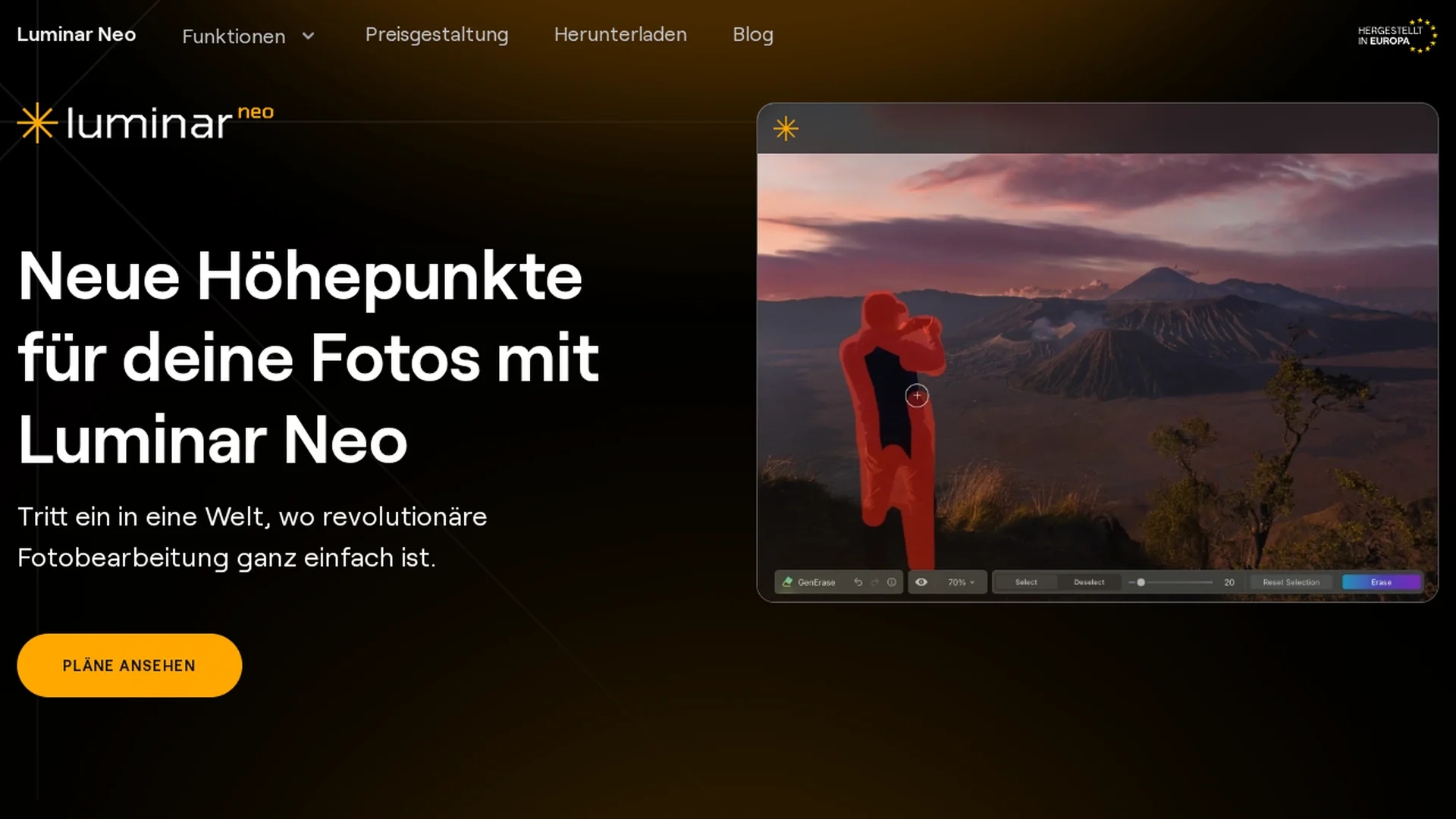
Luminar Neo is an AI-powered photo editor offering advanced tools like Sky Replacement, Smart Face Retouching, and layers for precise, professional-grade image enhancement and creative editing.
Disclaimer: Visionary Hub is not affiliated with, endorsed by, or the operator of this tool. All trademarks, logos, and content are the property of their respective owners. Full disclaimer available here
Key Features
Sky Replacement
Replace skies in photos automatically with realistic AI-generated effects.
Face & Body Retouching
Enhance portraits using smart AI tools for natural retouching.
Relight AI
Adjust lighting and shadows to improve photo depth and mood.
Layer Masking
Use layers and masks for detailed, non-destructive editing control.
Get Started
Share & Save
Share on Social Media
Why Choose Luminar De
AI Automation:
Automates complex edits like sky replacement and relighting for faster workflows.Flexible Integration:
Works standalone or as a plugin with Lightroom, Photoshop, and macOS Photos.Advanced Controls:
Supports layers and masking for precise, non-destructive photo editing.
Pricing
Pricing details are available on the official Skylum website. Plans include monthly and annual subscriptions with a 30-day money-back guarantee. Visit the pricing page for current offers and trial options.
About Luminar De
Luminar Neo is an AI-powered photo editor offering advanced tools like Sky Replacement, Smart Face Retouching, and layers for precise, professional-grade image enhancement and creative editing.
What Luminar De Does
Luminar Neo provides AI-powered photo editing tools that automate complex enhancements, saving time while boosting creativity. Users benefit from quick touch-ups and detailed edits with professional precision.
Key features include AI-driven sky replacement, smart face and body retouching, relighting, and portrait mode. The software supports layers and masking for advanced control and non-destructive editing workflows. It also integrates seamlessly as a plugin for popular platforms like Lightroom, Photoshop, and macOS Photos.
This tool is widely used by photographers, digital artists, and creative professionals across industries such as photography, media production, and content creation to produce visually compelling images efficiently.
Pros & Cons
Powerful AI Tools
Automates complex photo edits, reducing manual effort.
Plugin Compatibility
Integrates smoothly with major photo editing software.
System Requirements
Requires modern hardware and OS versions for optimal performance.
Pricing Info
Pricing details are not directly available on the homepage.
Frequently Asked Questions
It includes AI sky replacement, face and body retouching, relighting, and automatic image enhancement.
You can buy it via the official Skylum pricing page with monthly or annual plans.
Plugins are available for Adobe Lightroom Classic, Adobe Photoshop, and macOS Photos.
Requires macOS 11.0+ or Windows 10 (64-bit), Intel Core i5 or better, and at least 8 GB RAM.
Yes, a 30-day money-back guarantee is offered with purchase.
Similar Tools You Might Like
Discover more AI-powered tools that complement your workflow

List Your AI Tool & Reach Thousands of Users
Join 500+ AI innovators already thriving on our platform. Get visibility, feedback, and boost your conversions.
Expand Your Audience
Connect with over 50,000 AI enthusiasts actively looking for tools like yours.
Boost Your Authority
Get verified reviews and ratings to build credibility in the AI marketplace.
Drive Conversions
Our premium placements and targeted audience deliver quality leads and sign-ups.