
Lmstudio.ai
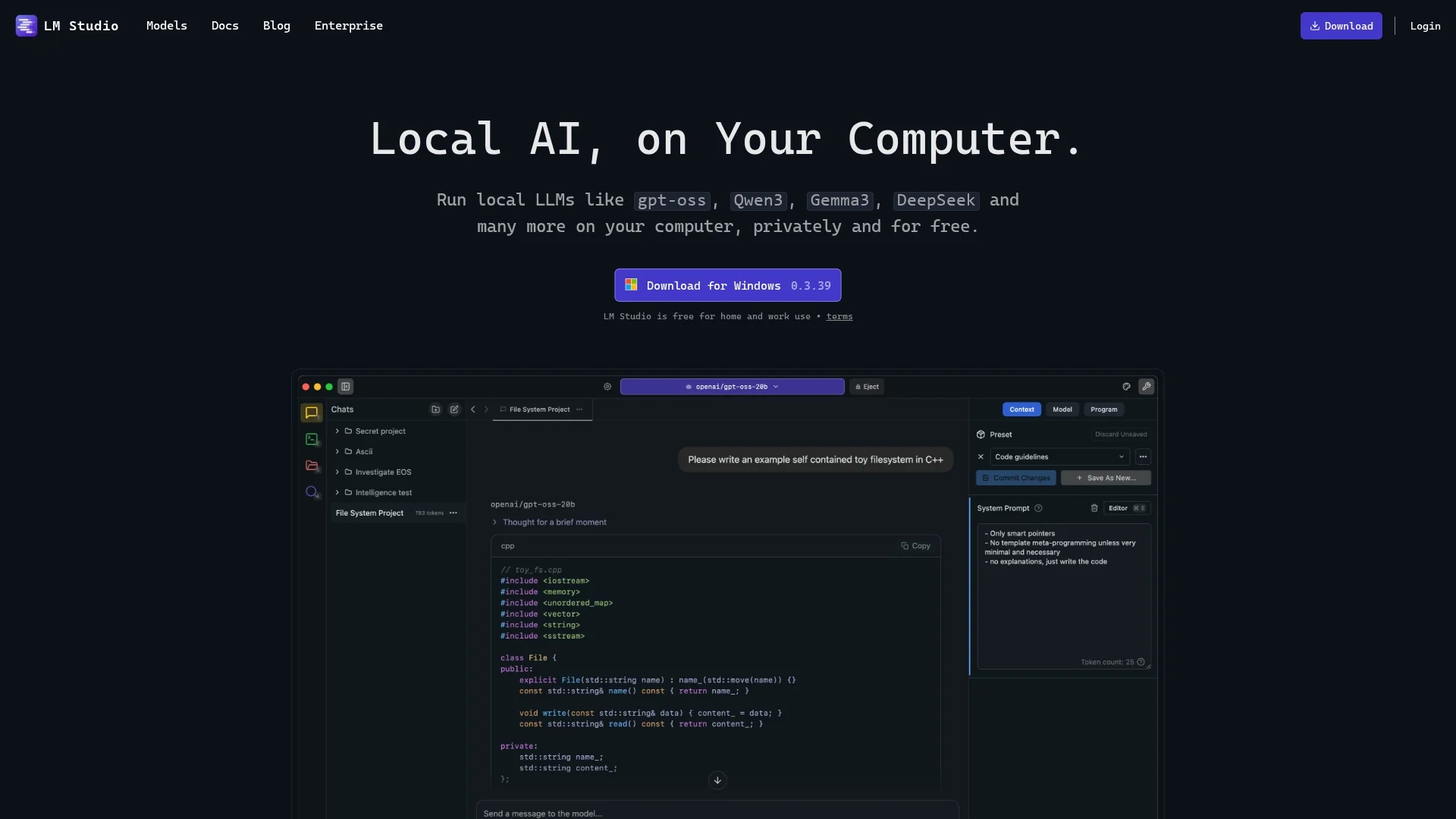
LM Studio enables users to discover, download, and run local large language models (LLMs) offline on their own machines with a simple interface and OpenAI compatibility.
Disclaimer: Visionary Hub is not affiliated with, endorsed by, or the operator of this tool. All trademarks, logos, and content are the property of their respective owners. Full disclaimer available here
Key Features
Local Model Execution
Run large language models directly on your machine without internet.
Model Discovery
Browse and download compatible LLMs from Hugging Face within the app.
OpenAI Compatibility
Supports OpenAI API compatibility for seamless integration.
In-App Chat UI
Interact with models using a built-in chat interface.
Get Started
Share & Save
Share on Social Media
Why Choose Lmstudio.ai
Offline Use:
Run LLMs entirely offline to ensure data privacy and security.Wide Model Support:
Access diverse open-source models from Hugging Face with ease.Cross-Platform:
Compatible with Mac (M1/M2/M3), Windows, and Linux systems.
Pricing
LM Studio is free for personal and work use. No paid plans are listed on the official site.
About Lmstudio.ai
LM Studio enables users to discover, download, and run local large language models (LLMs) offline on their own machines with a simple interface and OpenAI compatibility.
What Lmstudio.ai Does
LM Studio allows users to discover and download various open-source large language models (LLMs) and run them locally on their machines, eliminating the need for internet connectivity. This ensures data privacy and offline accessibility.
The tool supports models from Hugging Face including LLama, Falcon, MPT, StarCoder, and others. It offers an in-app chat interface and compatibility with OpenAI APIs, enabling seamless interaction with local LLMs. LM Studio also supports GPU acceleration with Nvidia and AMD hardware for enhanced performance.
Use cases include AI research, machine learning development, and private AI experimentation for data scientists, AI researchers, and hobbyists who require secure and offline AI model execution.
Pros & Cons
Privacy
All data and model operations remain local, protecting user privacy.
Free Usage
Available free for personal and work use without cost.
Hardware Requirements
Requires minimum 16GB RAM and 6GB VRAM, limiting use on low-end devices.
Limited Support
Linux version is in beta and may have stability issues.
Frequently Asked Questions
LM Studio supports Mac (M1/M2/M3), Windows, and Linux (beta) platforms.
Yes, LM Studio is free for personal and work use.
Yes, LM Studio runs local LLMs entirely offline for privacy.
It supports models from Hugging Face including LLama, Falcon, MPT, StarCoder, and more.
Yes, it supports Nvidia and AMD GPUs for improved performance.
Similar Tools You Might Like
Discover more AI-powered tools that complement your workflow


List Your AI Tool & Reach Thousands of Users
Join 500+ AI innovators already thriving on our platform. Get visibility, feedback, and boost your conversions.
Expand Your Audience
Connect with over 50,000 AI enthusiasts actively looking for tools like yours.
Boost Your Authority
Get verified reviews and ratings to build credibility in the AI marketplace.
Drive Conversions
Our premium placements and targeted audience deliver quality leads and sign-ups.