
LM Studio
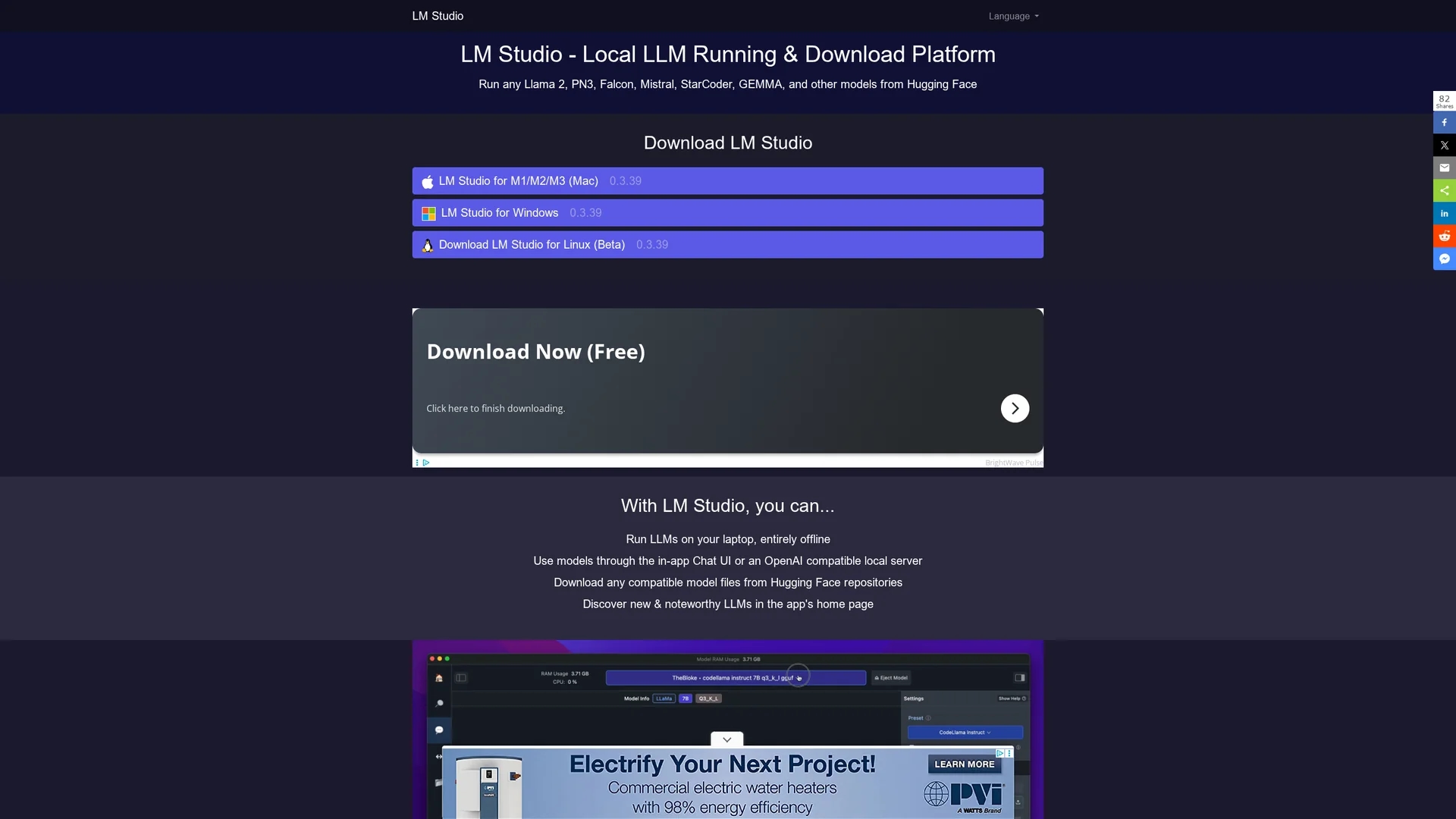
LM Studio is a local platform to run large language models like Llama 2 and Mistral offline, supporting multiple OS and simultaneous model execution with a user-friendly interface.
Disclaimer: Visionary Hub is not affiliated with, endorsed by, or the operator of this tool. All trademarks, logos, and content are the property of their respective owners. Full disclaimer available here
Key Features
Local Execution
Run large language models directly on your device offline.
Model Compatibility
Supports Llama 2, Mistral, Falcon, and other Hugging Face models.
Playground Mode
Operate multiple models simultaneously for enhanced AI tasks.
Cross-Platform
Available on macOS, Windows, and Linux with GPU support.
Get Started
Share & Save
Share on Social Media
Why Choose LM Studio
Offline Privacy:
Runs models locally to ensure data security without internet dependency.Multi-Model Support:
Enables simultaneous operation of multiple LLMs in playground mode.User-Friendly:
No programming skills required due to its intuitive interface.
Pricing
LM Studio is free for individual users. For the latest pricing or subscription details, please visit the official LM Studio website.
About LM Studio
LM Studio is a local platform to run large language models like Llama 2 and Mistral offline, supporting multiple OS and simultaneous model execution with a user-friendly interface.
What LM Studio Does
LM Studio allows users to download and run large language models locally on their computers without internet dependency, ensuring data privacy and control. It benefits users by providing an accessible way to explore AI models without coding.
The platform supports multiple popular models like Llama 2, Mistral, and Falcon, and offers a user-friendly interface to manage and operate these models. Its playground mode enables simultaneous use of several models, enhancing performance and versatility.
LM Studio is suitable for software developers, researchers, and educators who want to experiment with AI models offline, create AI-driven applications, or teach AI concepts using real models on various operating systems.
Pros & Cons
Privacy
Offline operation protects user data from external exposure.
Accessibility
Designed for users without programming expertise.
Hardware Requirements
Requires modern hardware with sufficient RAM and GPU support.
Limited Commercial Info
Commercial use terms require separate review.
Frequently Asked Questions
No, LM Studio offers an intuitive interface requiring no coding knowledge.
It is free for individual users; check the website for current pricing.
Supports Apple Silicon Macs with macOS 13.6+, and Windows/Linux PCs with AVX2 CPUs and 16GB+ RAM.
Yes, the playground mode allows simultaneous operation of multiple models.
Download links for macOS, Windows, and Linux are available on the official LM Studio website.
Similar Tools You Might Like
Discover more AI-powered tools that complement your workflow
List Your AI Tool & Reach Thousands of Users
Join 500+ AI innovators already thriving on our platform. Get visibility, feedback, and boost your conversions.
Expand Your Audience
Connect with over 50,000 AI enthusiasts actively looking for tools like yours.
Boost Your Authority
Get verified reviews and ratings to build credibility in the AI marketplace.
Drive Conversions
Our premium placements and targeted audience deliver quality leads and sign-ups.