
LivePhoto.video
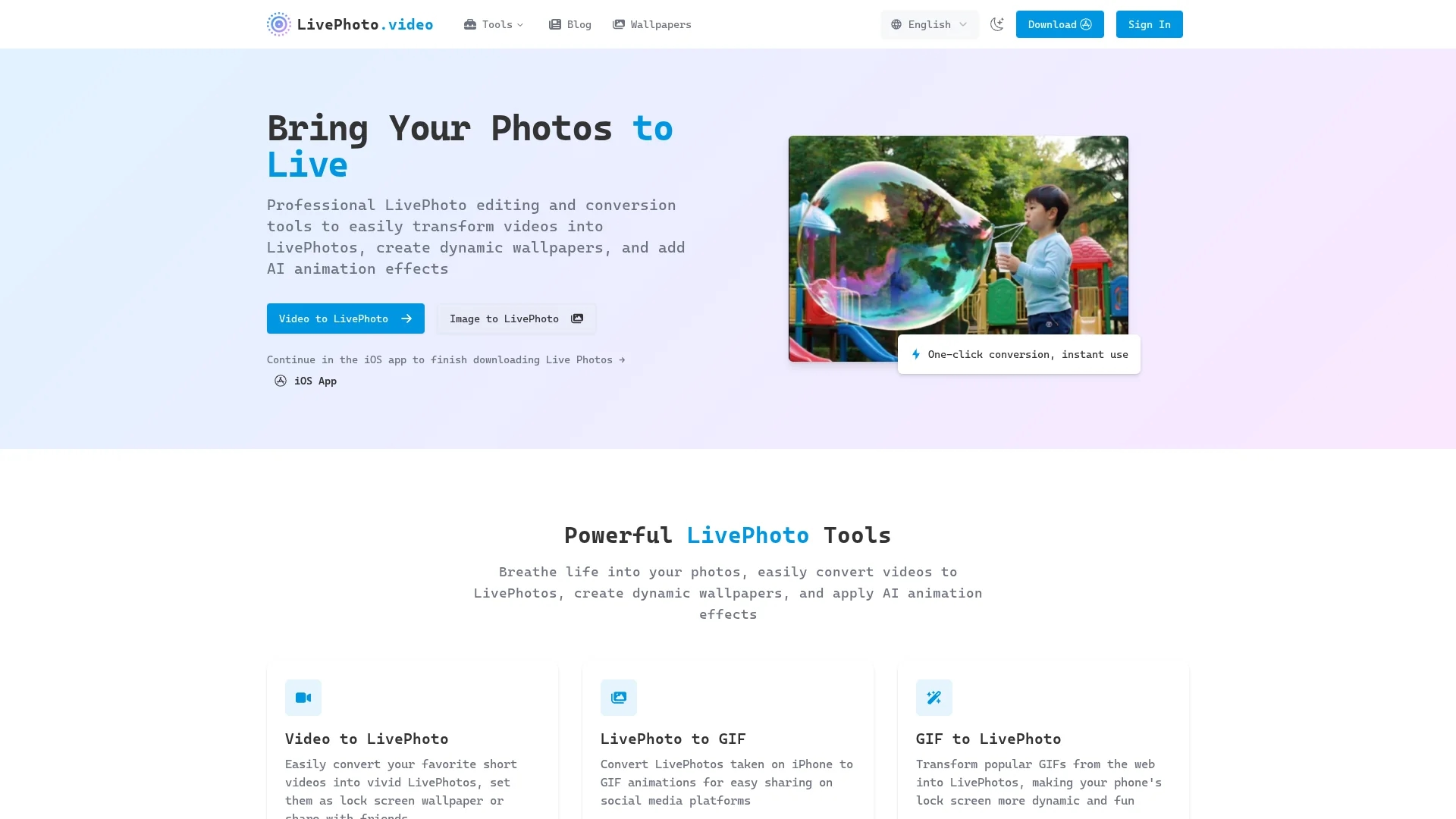
LivePhoto.video converts videos and GIFs into animated Live Photos and dynamic iPhone wallpapers using AI-driven subject-aware motion and offers one-click export to Camera Roll and social sharing.
Disclaimer: Visionary Hub is not affiliated with, endorsed by, or the operator of this tool. All trademarks, logos, and content are the property of their respective owners. Full disclaimer available here
Key Features
Video & GIF Conversion
Transforms videos and GIFs into animated Live Photos and wallpapers.
AI Subject Motion
Applies AI-driven motion effects to animate static photos naturally.
Custom Adjustments
Supports cropping, size, and quality settings for optimized output.
Social Sharing
Enables direct sharing of Live Photos and GIFs to social media platforms.
Get Started
Share & Save
Share on Social Media
Why Choose LivePhoto.video
AI Animation:
Adds natural subject-aware motion to photos for realistic Live Photo sequences.One-Click Export:
Saves animated images directly to iPhone Camera Roll for instant use.Multi-Format Support:
Converts between videos, GIFs, and Live Photos with custom size options.
Pricing
For current prices, visit the official page at https://livephoto.video/
About LivePhoto.video
LivePhoto.video converts videos and GIFs into animated Live Photos and dynamic iPhone wallpapers using AI-driven subject-aware motion and offers one-click export to Camera Roll and social sharing.
What LivePhoto.video Does
LivePhoto.video converts videos and GIFs into animated Live Photos and dynamic wallpapers for iPhone, allowing users to personalize their lock screens with motion-enhanced images. It benefits users by simplifying the creation of engaging, motion-ready content for personal and professional use.
The tool applies AI animation effects with subject-aware motion to animate static photos and create natural Live Photo sequences. It supports multiple video formats, offers custom cropping, size, and quality adjustments, and enables bidirectional conversion between Live Photos and GIFs. One-click conversion saves results directly to the iPhone Camera Roll and allows setting Live Photos as lock screen wallpapers.
Typical uses include creating dynamic wallpapers, enhancing ecommerce product photos with motion, and generating social media-ready animated posts optimized for platforms like Instagram and TikTok. This makes it valuable for photographers, digital artists, social media creators, and mobile content producers.
Pros & Cons
User-Friendly
Simple interface with one-click conversion and instant export.
Versatile
Supports multiple input/output formats and platform-optimized sizes.
Platform Limitation
Live Photos are primarily compatible with Apple devices only.
No Pricing Info
Pricing details are not clearly provided on the website.
Frequently Asked Questions
A Live Photo captures 1.5 seconds of video and audio before and after a still photo, animating when pressed on compatible Apple devices.
Live Photos are Apple-specific, but you can convert them to GIFs or videos for universal compatibility.
Go to Settings > Wallpaper > Choose New Wallpaper > Live Photos album, select your Live Photo, and set it as your lock screen.
Live Photos include audio and higher quality video activated on press; GIFs are silent, loop continuously, and are widely compatible.
Upload your video to the Video to Live Photo converter, adjust settings, and save the output to your iPhone Camera Roll.
Similar Tools You Might Like
Discover more AI-powered tools that complement your workflow


List Your AI Tool & Reach Thousands of Users
Join 500+ AI innovators already thriving on our platform. Get visibility, feedback, and boost your conversions.
Expand Your Audience
Connect with over 50,000 AI enthusiasts actively looking for tools like yours.
Boost Your Authority
Get verified reviews and ratings to build credibility in the AI marketplace.
Drive Conversions
Our premium placements and targeted audience deliver quality leads and sign-ups.