
Littlebird
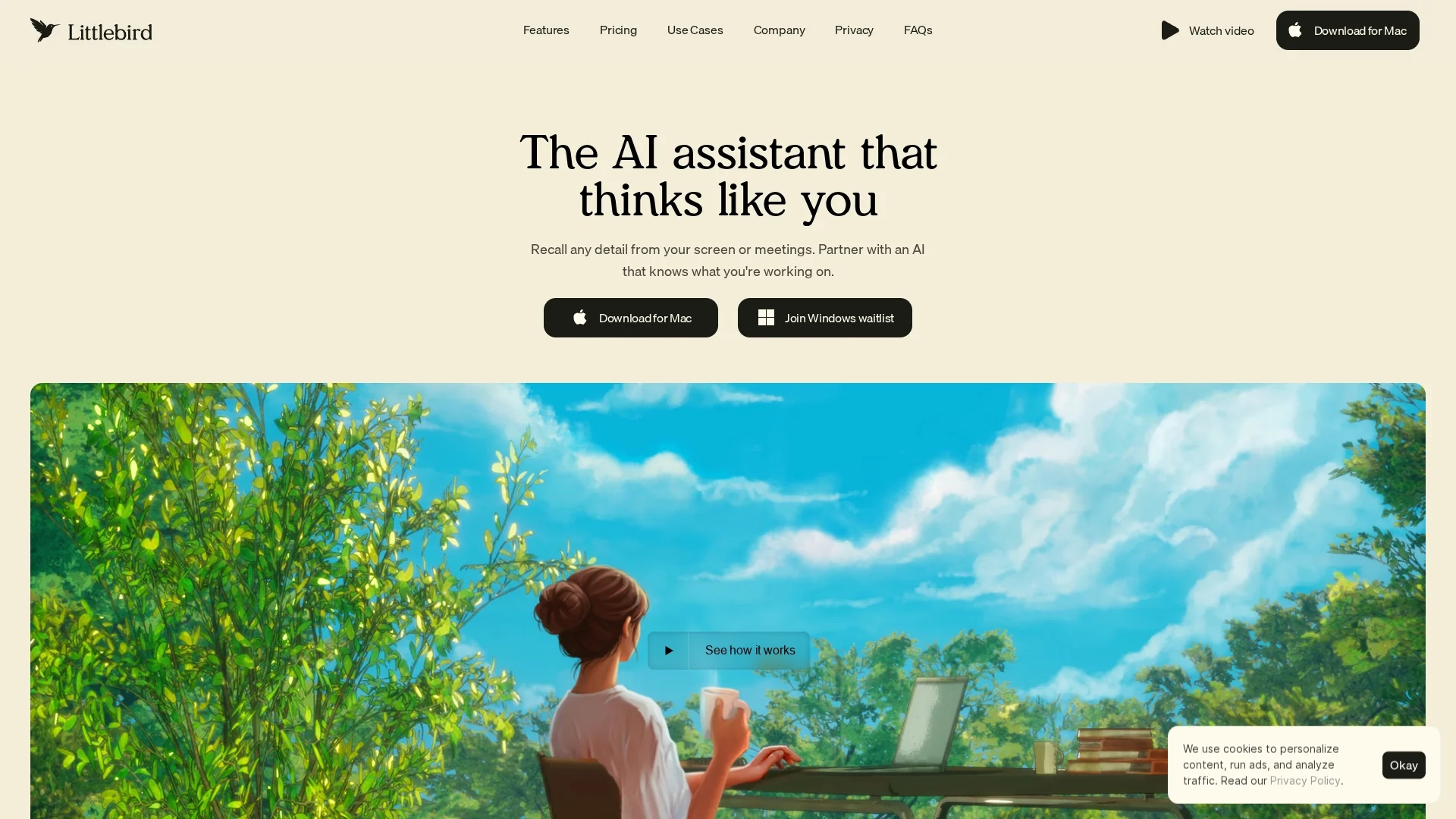
Littlebird is a digital twin AI assistant that learns and optimizes personal workflows by aggregating insights, automating tasks, and securely managing data to boost productivity and focus.
Disclaimer: Visionary Hub is not affiliated with, endorsed by, or the operator of this tool. All trademarks, logos, and content are the property of their respective owners. Full disclaimer available here
Key Features
Digital Twin
Creates a dynamic model of your work context for intelligent feedback.
Meeting Summaries
Transcribes and summarizes meetings to keep you focused.
Task Automation
Automatically generates to-do lists based on conversations and notes.
Encrypted Data
Ensures all user data is securely stored with industry-leading encryption.
Get Started
Share & Save
Share on Social Media
Why Choose Littlebird
Context Awareness:
Continuously learns and adapts to your workflow for personalized assistance.Secure Storage:
Uses enterprise-grade encryption to protect your data privacy.Automation:
Automates routine tasks and generates summaries to save time.
Pricing
Littlebird offers a free download for Mac with no setup or integrations required. Detailed pricing plans are not publicly listed; visit the official website for current pricing information.
About Littlebird
Littlebird is a digital twin AI assistant that learns and optimizes personal workflows by aggregating insights, automating tasks, and securely managing data to boost productivity and focus.
What Littlebird Does
Littlebird functions as an always-on AI assistant that autonomously collects and synthesizes data from your digital activities to enhance productivity and organization. It helps users by generating daily task lists, personalized journals, and instant meeting summaries, reducing manual tracking and note-taking.
Key features include continuous learning to adapt to user workflows, digital twin capabilities that mirror your work context, secure encrypted data storage, and automated management of routine processes. It operates quietly in the background, linking information from multiple sources without requiring manual integrations.
Industries such as software engineering, sales, marketing, and product management benefit from Littlebird by maintaining focus, improving meeting efficiency, and streamlining communication across remote or distributed teams.
Pros & Cons
Seamless Integration
Works quietly in the background without manual app connections.
Proactive Insights
Delivers personalized updates and suggestions on your schedule.
Platform Limitation
Currently available only for macOS devices.
Pricing Transparency
Detailed pricing plans are not publicly disclosed.
Frequently Asked Questions
It continuously learns from your activity across applications to build a digital twin of your workflow.
No, Littlebird works automatically in the background without requiring manual app integrations.
Yes, your data is encrypted using enterprise-grade security and never sold or used for AI training.
Littlebird is currently available as a downloadable app for macOS.
Yes, you can download Littlebird for free and get started without setup or integrations.
Similar Tools You Might Like
Discover more AI-powered tools that complement your workflow
List Your AI Tool & Reach Thousands of Users
Join 500+ AI innovators already thriving on our platform. Get visibility, feedback, and boost your conversions.
Expand Your Audience
Connect with over 50,000 AI enthusiasts actively looking for tools like yours.
Boost Your Authority
Get verified reviews and ratings to build credibility in the AI marketplace.
Drive Conversions
Our premium placements and targeted audience deliver quality leads and sign-ups.