
LipSurf
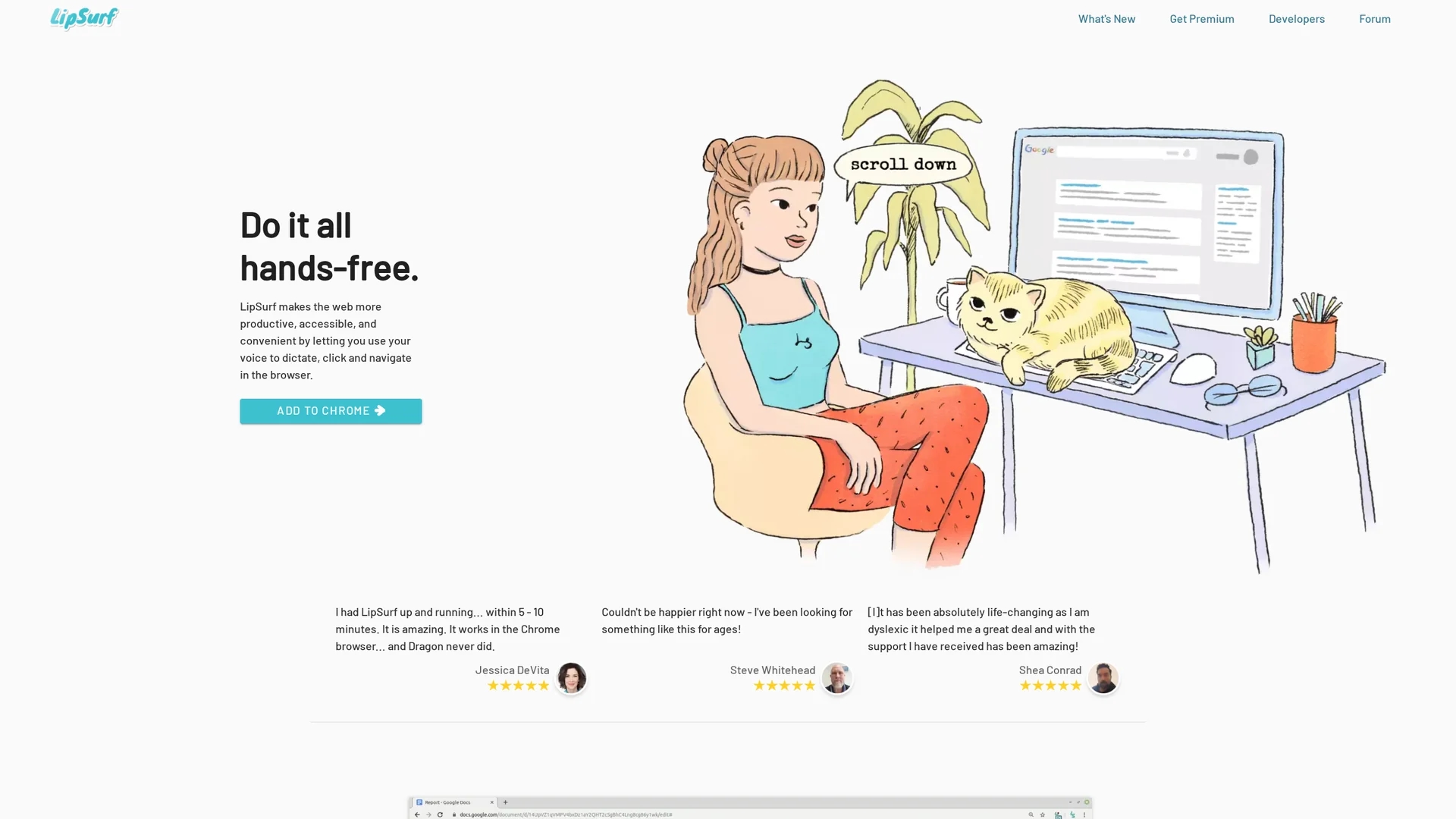
LipSurf is a voice-controlled Chrome extension enabling hands-free web navigation and text dictation, enhancing productivity and accessibility with customizable voice shortcuts and open-source plugin support.
Disclaimer: Visionary Hub is not affiliated with, endorsed by, or the operator of this tool. All trademarks, logos, and content are the property of their respective owners. Full disclaimer available here
Key Features
Voice Navigation
Control browser actions hands-free using voice commands.
Speech-to-Text
Accurate dictation powered by Google’s AI technology.
Custom Shortcuts
Map phrases to voice commands for efficient workflows.
Open-Source
Supports plugin development for extended features.
Get Started
Share & Save
Share on Social Media
Why Choose LipSurf
Hands-Free Control:
Navigate and dictate without keyboard or mouse, improving accessibility and productivity.Custom Shortcuts:
Create voice shortcuts for quick access to commands and phrases.Open-Source Plugins:
Extend functionality with developer-created plugins.
Pricing
LipSurf offers a freemium pricing model with a Free plan at $0, Plus plan at $3/month, and Premium plan at $6/month. Pricing details are subject to change; visit the official pricing page for updates.
About LipSurf
LipSurf is a voice-controlled Chrome extension enabling hands-free web navigation and text dictation, enhancing productivity and accessibility with customizable voice shortcuts and open-source plugin support.
What LipSurf Does
LipSurf allows users to navigate websites, click links, scroll, and dictate text hands-free using voice commands within the Chrome browser. This reduces reliance on keyboards and mice, improving productivity and accessibility.
It leverages Google's AI-powered speech-to-text engine for accurate and fast dictation and supports customizable voice shortcuts to streamline workflows. Its open-source plugin system enables developers to extend its capabilities.
Common use cases include managing emails, documents, social media, and other web applications, benefiting individuals with motor disabilities and professionals seeking efficient hands-free control.
Pros & Cons
Accessibility
Supports users with motor disabilities to reduce typing strain.
Cross-Platform
Works on Windows, Mac, Linux, and Chromebooks without special hardware.
Browser Limitation
Only compatible with Google Chrome browser.
Requires Microphone
Needs a functional microphone for voice input.
Frequently Asked Questions
LipSurf works on Windows, Mac, Linux, and Chromebooks via the Chrome browser.
LipSurf offers Free, Plus ($3/month), and Premium ($6/month) plans with varying features.
Yes, users can create custom voice shortcuts to streamline commands.
Yes, LipSurf supports open-source plugins for extended functionality.
Yes, it enhances accessibility for users with motor disabilities like Parkinson’s and arthritis.
Similar Tools You Might Like
Discover more AI-powered tools that complement your workflow
List Your AI Tool & Reach Thousands of Users
Join 500+ AI innovators already thriving on our platform. Get visibility, feedback, and boost your conversions.
Expand Your Audience
Connect with over 50,000 AI enthusiasts actively looking for tools like yours.
Boost Your Authority
Get verified reviews and ratings to build credibility in the AI marketplace.
Drive Conversions
Our premium placements and targeted audience deliver quality leads and sign-ups.