LightPDF
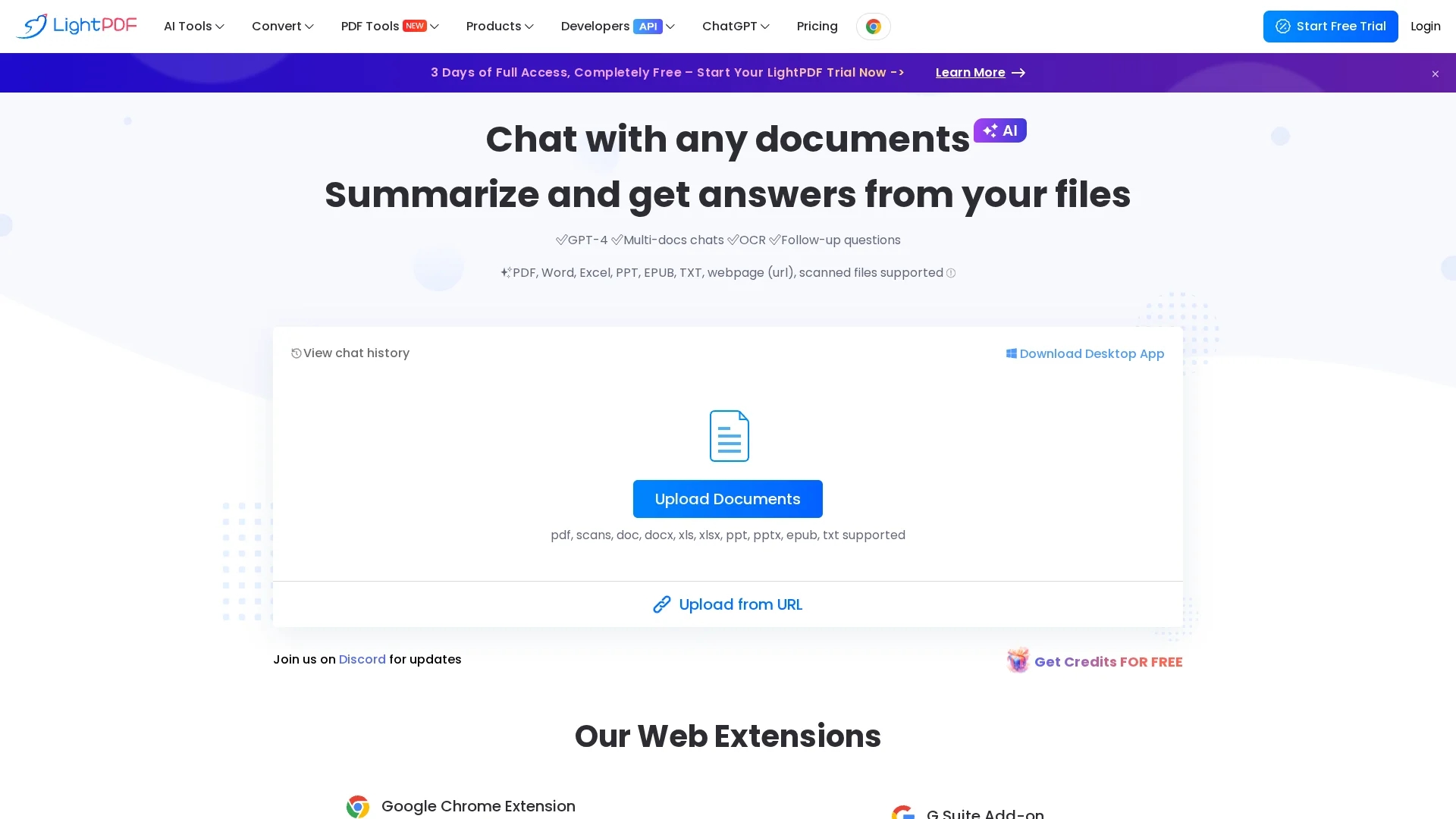
LightPDF AI for Docs is a free online AI-powered tool that enables interactive chat with documents in PDF, Word, Excel, PPT, and ePub formats for instant answers with cited sources.
Disclaimer: Visionary Hub is not affiliated with, endorsed by, or the operator of this tool. All trademarks, logos, and content are the property of their respective owners. Full disclaimer available here
Key Features
Conversational Chat
Chat naturally with documents to extract information instantly.
Multi-Document Chat
Upload and interact with multiple documents simultaneously.
Flexible Output
Answers presented in lists, paragraphs, or tables with citations.
Cross-Platform
Accessible on Windows, Mac, Android, and iOS devices.
Get Started
Share & Save
Share on Social Media
Why Choose LightPDF
Multi-format Support:
Interact with PDFs, Word, Excel, PPT, ePub, and scanned files seamlessly.Free Usage:
No limits on file size, chat sessions, or upload times for free users.Cited Answers:
Provides precise answers with sources and clickable references.
Pricing
LightPDF AI for Docs offers a free plan with no limitations on file size, chat sessions, or upload times. Users can upgrade to Pro for extended features and higher page limits. Visit the pricing page for details.
About LightPDF
LightPDF AI for Docs is a free online AI-powered tool that enables interactive chat with documents in PDF, Word, Excel, PPT, and ePub formats for instant answers with cited sources.
What LightPDF Does
LightPDF AI for Docs allows users to upload documents and interact with them through a conversational chat interface, receiving instant answers and summaries. It supports various file formats including PDFs, Word, Excel, PPT, ePub, and scanned files.
The tool uses GPT-4 and OCR technology to extract and analyze text, providing responses in lists, paragraphs, or tables with cited sources. It supports multi-document chats and offers outputs in markdown and table formats.
This tool is useful for business analysis, academic research, content creation, and data analysis, helping users gain insights and streamline document-based workflows.
Pros & Cons
No Usage Limits
Free plan without restrictions on file size or chat sessions.
Accurate References
Answers include sources with clickable footnotes for verification.
Page Limit
Free uploads limited to 100 pages; larger files require upgrade.
Online Only
Primarily a web-based tool; desktop app available but less emphasized.
Frequently Asked Questions
It supports PDF, Word, Excel, PPT, ePub, TXT, scanned files, and webpages.
Free users have no limits on file size or chat sessions but can upload files up to 100 pages.
Yes, it supports Windows, Mac, Android, and iOS platforms.
Files are stored in encrypted cloud storage with full user control and deletion options.
Yes, answers include clickable references to the original document sources.
Similar Tools You Might Like
Discover more AI-powered tools that complement your workflow
List Your AI Tool & Reach Thousands of Users
Join 500+ AI innovators already thriving on our platform. Get visibility, feedback, and boost your conversions.
Expand Your Audience
Connect with over 50,000 AI enthusiasts actively looking for tools like yours.
Boost Your Authority
Get verified reviews and ratings to build credibility in the AI marketplace.
Drive Conversions
Our premium placements and targeted audience deliver quality leads and sign-ups.