
Lido PDF to Excel
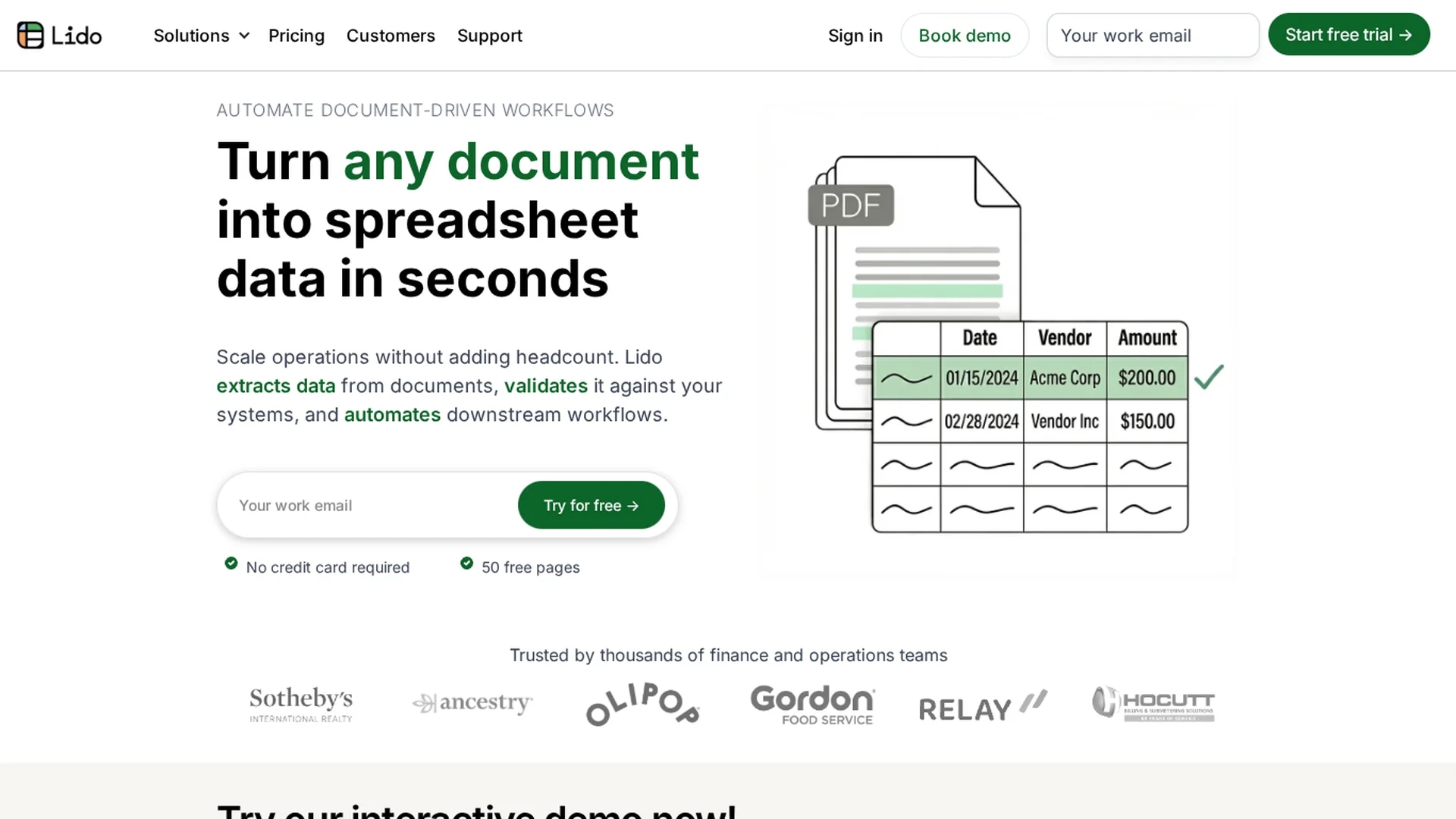
Lido converts PDFs into organized Excel spreadsheets, automating data extraction, cleaning, and validation for finance teams handling scanned and searchable documents securely.
Disclaimer: Visionary Hub is not affiliated with, endorsed by, or the operator of this tool. All trademarks, logos, and content are the property of their respective owners. Full disclaimer available here
Key Features
PDF to Excel
Converts PDFs into organized Excel spreadsheets efficiently.
Batch Uploads
Supports uploading multiple PDFs for simultaneous processing.
Custom Extraction
Allows users to define rules for extracting specific data fields.
Data Cleaning
Automates cleaning and standardization of extracted data.
Get Started
Share & Save
Share on Social Media
Why Choose Lido PDF to Excel
High Accuracy:
Achieves 99% data extraction accuracy, reducing manual corrections.Fast Implementation:
Deploys within an hour, much quicker than legacy OCR solutions.Workflow Automation:
Automates data validation and downstream document processing.
Pricing
Lido offers a free trial with 50 free page conversions. Paid plans include Basic ($24/mo), Standard ($95/mo), Pro ($150/mo), and custom Enterprise options. Visit the pricing page for current details.
About Lido PDF to Excel
Lido converts PDFs into organized Excel spreadsheets, automating data extraction, cleaning, and validation for finance teams handling scanned and searchable documents securely.
What Lido PDF to Excel Does
Lido converts PDF documents, including invoices and receipts, into structured Excel spreadsheets, saving time on manual data entry and improving accuracy for finance teams.
It supports batch uploads, customizable extraction rules, and automated data cleaning, standardizing formats and generating transaction descriptions. The tool handles both scanned and searchable PDFs using AI-driven extraction and validation.
Finance departments, accountants, and compliance officers use Lido to streamline expense analysis, reporting, and document-driven workflows across industries.
Pros & Cons
Versatile Input
Handles both scanned and searchable PDF documents.
Security
Uses enterprise-grade encryption and compliance standards.
No Mobile Support
Currently unavailable on mobile devices, desktop required.
Pricing Transparency
Detailed pricing requires visiting the official pricing page.
Frequently Asked Questions
Lido supports both scanned and searchable PDFs for data extraction.
Yes, Lido provides a free trial with 50 free page conversions.
Yes, users can define custom extraction rules for specific data fields.
Lido uses enterprise-grade encryption and complies with SOC 2 and HIPAA standards.
You can sign up or log in at https://sheets.lido.app/login.
Similar Tools You Might Like
Discover more AI-powered tools that complement your workflow
List Your AI Tool & Reach Thousands of Users
Join 500+ AI innovators already thriving on our platform. Get visibility, feedback, and boost your conversions.
Expand Your Audience
Connect with over 50,000 AI enthusiasts actively looking for tools like yours.
Boost Your Authority
Get verified reviews and ratings to build credibility in the AI marketplace.
Drive Conversions
Our premium placements and targeted audience deliver quality leads and sign-ups.