
Lens AI
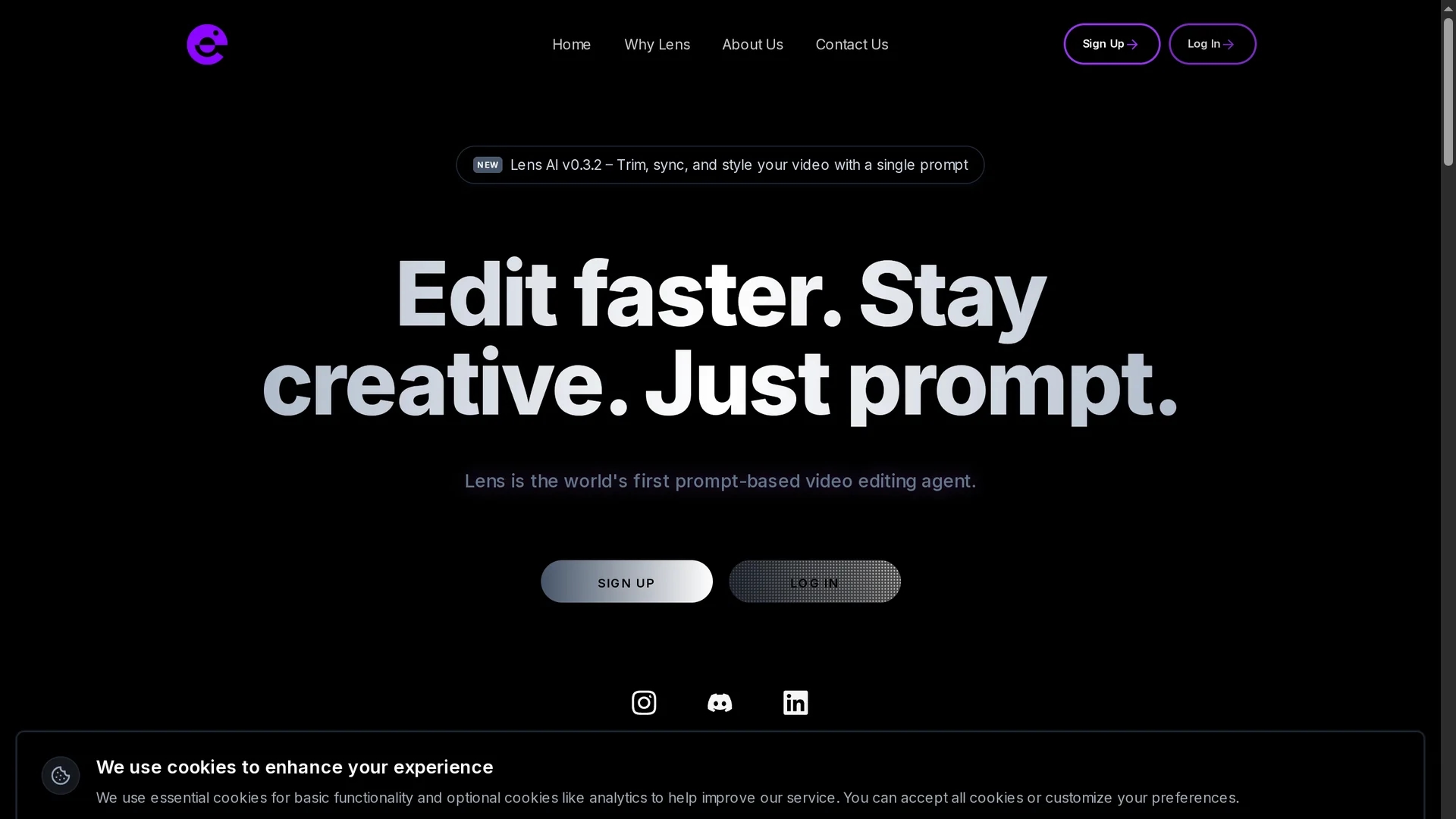
Lens AI v0.3.2 is a prompt-based video editing tool that enables creators to trim, sync, and style videos efficiently using a single prompt, streamlining the editing workflow.
Disclaimer: Visionary Hub is not affiliated with, endorsed by, or the operator of this tool. All trademarks, logos, and content are the property of their respective owners. Full disclaimer available here
Key Features
Prompt Editing
Control video edits through natural language prompts.
Trimming & Syncing
Automatically trims and syncs footage efficiently.
Styling Videos
Applies visual styles to enhance video appearance.
Editing Automation
Reduces manual effort by automating complex editing steps.
Get Started
Share & Save
Share on Social Media
Why Choose Lens AI
Prompt-Based:
Edit videos using simple text prompts without complex timelines.Time-Saving:
Automates editing tasks to accelerate video production.Vibe Coding:
Applies style and edits based on user-defined vibe instructions.
Pricing
Pricing details are not explicitly provided on the homepage. For current prices, visit the official page at https://trylens.ai/pricing.
About Lens AI
Lens AI v0.3.2 is a prompt-based video editing tool that enables creators to trim, sync, and style videos efficiently using a single prompt, streamlining the editing workflow.
What Lens AI Does
Lens AI enables users to edit videos through simple text prompts, automating tasks like trimming, syncing, and styling without relying on traditional timelines. This reduces editing time and complexity for creators.
The tool incorporates vibe coding to interpret user prompts and apply precise edits, streamlining the workflow and allowing users to customize how prompts interact with the timeline, including adding, stacking, blending, or removing elements.
It is ideal for professionals in film, content creation, marketing, and education, helping them produce polished videos quickly for social media, YouTube, and online courses.
Pros & Cons
User-Friendly
Simplifies editing with an intuitive prompt-based interface.
Efficient Workflow
Speeds up video editing by eliminating timeline constraints.
Limited Details
Pricing and detailed feature scope are not fully disclosed.
Early Version
Currently at v0.3.2, may lack some advanced editing features.
Frequently Asked Questions
Lens AI trims, syncs, and styles videos using prompt-based commands.
A demo is showcased on the homepage; trial details are not specified.
Pricing is not detailed; users should visit the official site for current plans.
No, it simplifies editing by using natural language prompts without timelines.
Yes, it is suitable for creating promotional and social media content efficiently.
Similar Tools You Might Like
Discover more AI-powered tools that complement your workflow


List Your AI Tool & Reach Thousands of Users
Join 500+ AI innovators already thriving on our platform. Get visibility, feedback, and boost your conversions.
Expand Your Audience
Connect with over 50,000 AI enthusiasts actively looking for tools like yours.
Boost Your Authority
Get verified reviews and ratings to build credibility in the AI marketplace.
Drive Conversions
Our premium placements and targeted audience deliver quality leads and sign-ups.