
Lakera - ChatGPT Data Leak Protection
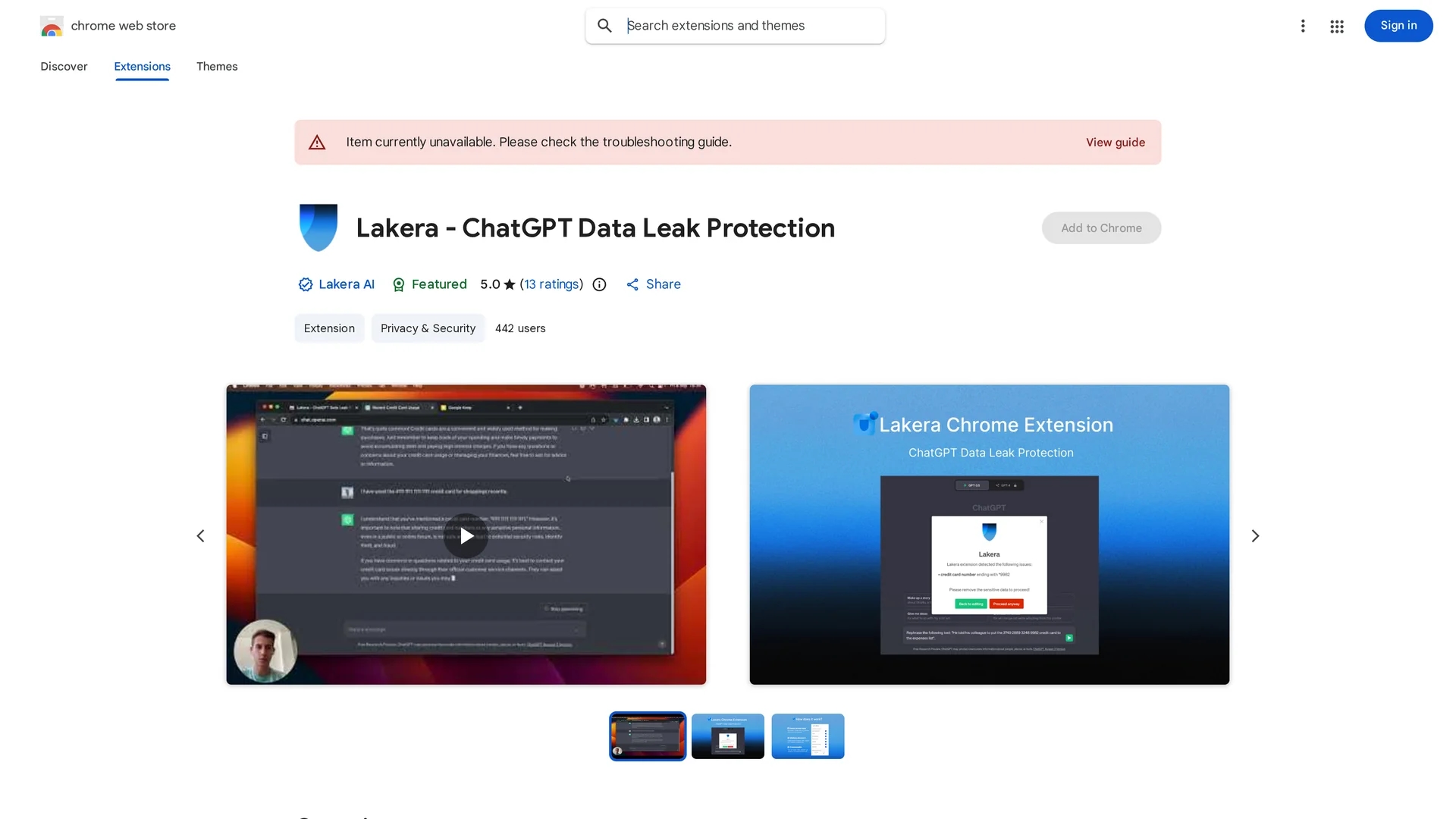
Lakera Chrome Extension safeguards your privacy by detecting and warning against sharing sensitive data with ChatGPT locally in your browser.
Disclaimer: Visionary Hub is not affiliated with, endorsed by, or the operator of this tool. All trademarks, logos, and content are the property of their respective owners. Full disclaimer available here
Key Features
Sensitive Data Detection
Identifies credit cards, emails, phone numbers, and other private data before submission.
Privacy Guard
Prevents accidental sharing of sensitive information with ChatGPT.
Browser-Based
Runs entirely within the user’s browser without sending data externally.
User Control
Allows toggling of specific data detectors via the extension icon.
Get Started
Share & Save
Share on Social Media
Why Choose Lakera - ChatGPT Data Leak Protection
Local Processing:
All data is processed locally in your browser, ensuring privacy and no data transmission.Customizable Detection:
Users can enable or disable specific sensitive data detectors based on their needs.Open Source:
The extension's code is publicly available for transparency and security auditing.
Pricing
The Lakera Chrome Extension is available for free on the Chrome Web Store.
About Lakera - ChatGPT Data Leak Protection
Lakera Chrome Extension safeguards your privacy by detecting and warning against sharing sensitive data with ChatGPT locally in your browser.
What Lakera - ChatGPT Data Leak Protection Does
Lakera Chrome Extension scans your text inputs before sending them to ChatGPT, warning you if sensitive data like credit card numbers or personal identifiers are detected. This helps prevent unintended data leaks and protects your privacy.
The extension operates entirely within your browser, analyzing input locally without transmitting data externally. Users can toggle detection categories on or off via the extension icon, tailoring protection to their needs. The tool supports detection of credit cards, Anglophone names, email addresses, phone numbers, US street addresses, social security numbers, and secret keys.
It is useful for professionals in customer support, research, and development who frequently interact with AI chatbots and need to safeguard confidential information from accidental exposure.
Pros & Cons
Privacy Focused
Processes data locally without collecting or transmitting user information.
Transparent
Open-source code enables user trust and community review.
Limited Language Support
Currently supports detection only for English-language data.
Browser Restriction
Available only as a Chrome extension, limiting use to Chrome users.
Frequently Asked Questions
It protects credit card numbers, Anglophone names, emails, phone numbers, US addresses, social security numbers, and secret keys.
No, all data processing happens locally in the browser; no data is collected or transmitted.
Yes, the source code is publicly available at https://github.com/lakeraai/chrome-extension.
Yes, you can turn specific detectors on or off by clicking the extension icon.
Currently, Lakera is only available as a Chrome extension.
Similar Tools You Might Like
Discover more AI-powered tools that complement your workflow


List Your AI Tool & Reach Thousands of Users
Join 500+ AI innovators already thriving on our platform. Get visibility, feedback, and boost your conversions.
Expand Your Audience
Connect with over 50,000 AI enthusiasts actively looking for tools like yours.
Boost Your Authority
Get verified reviews and ratings to build credibility in the AI marketplace.
Drive Conversions
Our premium placements and targeted audience deliver quality leads and sign-ups.