
Kuse
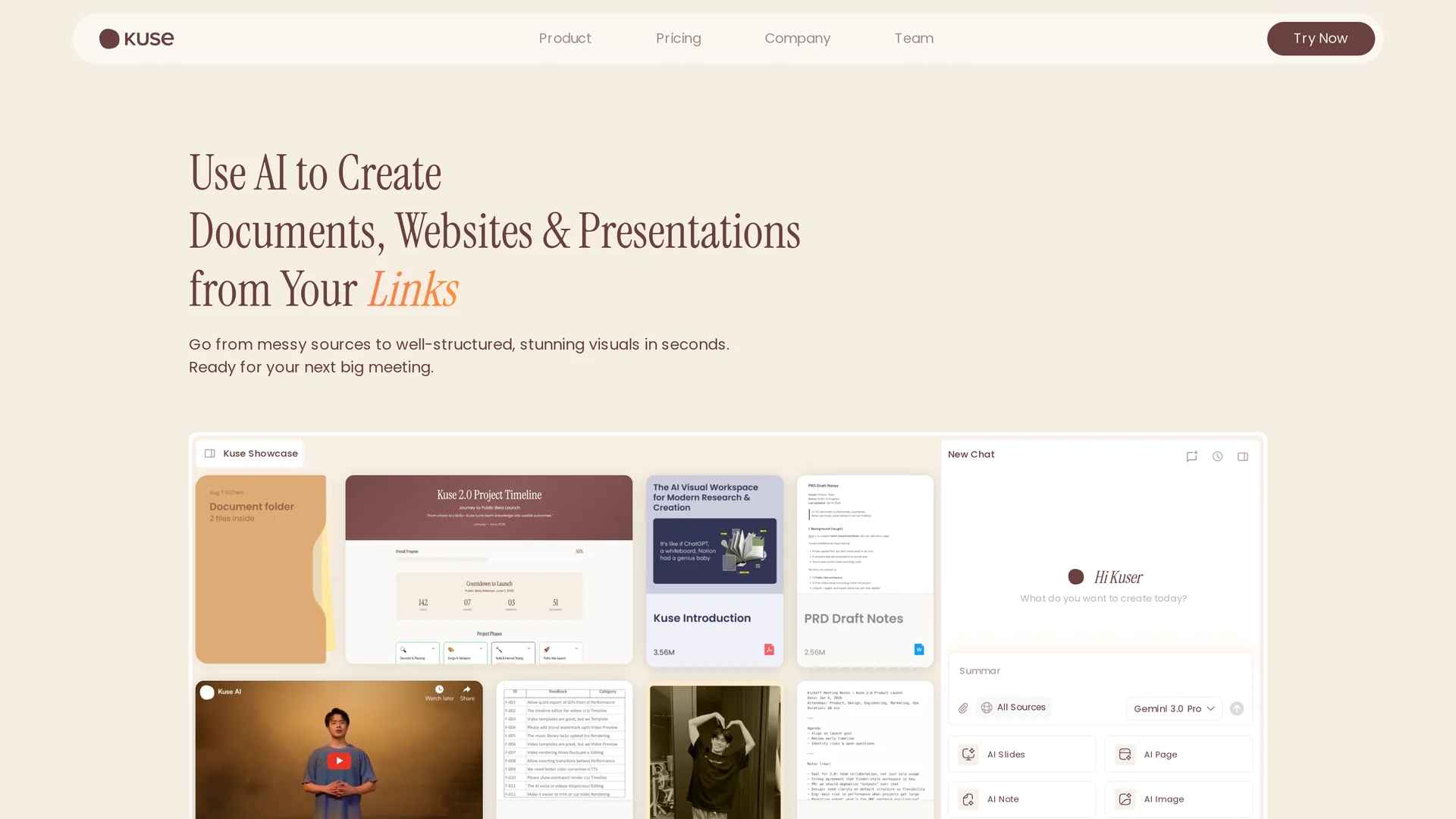
Kuse is an AI-powered tool that transforms mixed content into structured visuals on a flexible canvas, enabling real-time editing and collaborative project planning.
Disclaimer: Visionary Hub is not affiliated with, endorsed by, or the operator of this tool. All trademarks, logos, and content are the property of their respective owners. Full disclaimer available here
Key Features
Drag-and-Drop
Easily upload and organize files, images, and videos on the canvas.
Library-Based Approach
Access and mix content elements from a centralized resource library.
Interactive Outputs
Create presentations, infographics, quizzes, and webpages seamlessly.
Evolving AI Memory
AI learns and updates with every change to enhance workspace intelligence.
Get Started
Share & Save
Share on Social Media
Why Choose Kuse
Flexible Canvas:
Arrange and edit mixed content types intuitively on a versatile workspace.Real-Time Collaboration:
Work simultaneously with team members for efficient project development.Smart Integrations:
Connect with favorite tools and databases to keep data synchronized.
Pricing
Pricing details are available on the official pricing page at https://app.kuse.ai/pricing. Plans and costs vary based on features and usage.
About Kuse
Kuse is an AI-powered tool that transforms mixed content into structured visuals on a flexible canvas, enabling real-time editing and collaborative project planning.
What Kuse Does
Kuse transforms unstructured inputs like documents, images, and videos into organized visual presentations and interactive infographics. It benefits users by streamlining content creation and enhancing communication clarity.
The tool offers drag-and-drop functionality, a versatile canvas for arranging mixed media, and a library-based system for easy content management. Real-time modifications and collaborative features enable teams to co-create and iterate efficiently.
Industries such as marketing, education, finance, and technology use Kuse to create campaign materials, educational content, financial reports, and product roadmaps, improving project planning and presentation quality.
Pros & Cons
Versatility
Supports multiple content types and output formats for diverse needs.
Collaboration
Enables team co-creation with shared, evolving workspaces.
Pricing Transparency
Detailed pricing requires visiting the official pricing page.
Developer Info
No explicit developer or company details provided on the homepage.
Frequently Asked Questions
You can upload files, videos, images, links, and text for creating visuals.
Yes, multiple users can collaborate simultaneously on shared projects.
Pricing details are available on Kuse's official pricing page online.
Yes, Kuse offers smart integrations to keep your data synchronized.
Yes, it supports creating AI-powered presentations, webpages, and interactive content.
Similar Tools You Might Like
Discover more AI-powered tools that complement your workflow
List Your AI Tool & Reach Thousands of Users
Join 500+ AI innovators already thriving on our platform. Get visibility, feedback, and boost your conversions.
Expand Your Audience
Connect with over 50,000 AI enthusiasts actively looking for tools like yours.
Boost Your Authority
Get verified reviews and ratings to build credibility in the AI marketplace.
Drive Conversions
Our premium placements and targeted audience deliver quality leads and sign-ups.