
Kontext AI
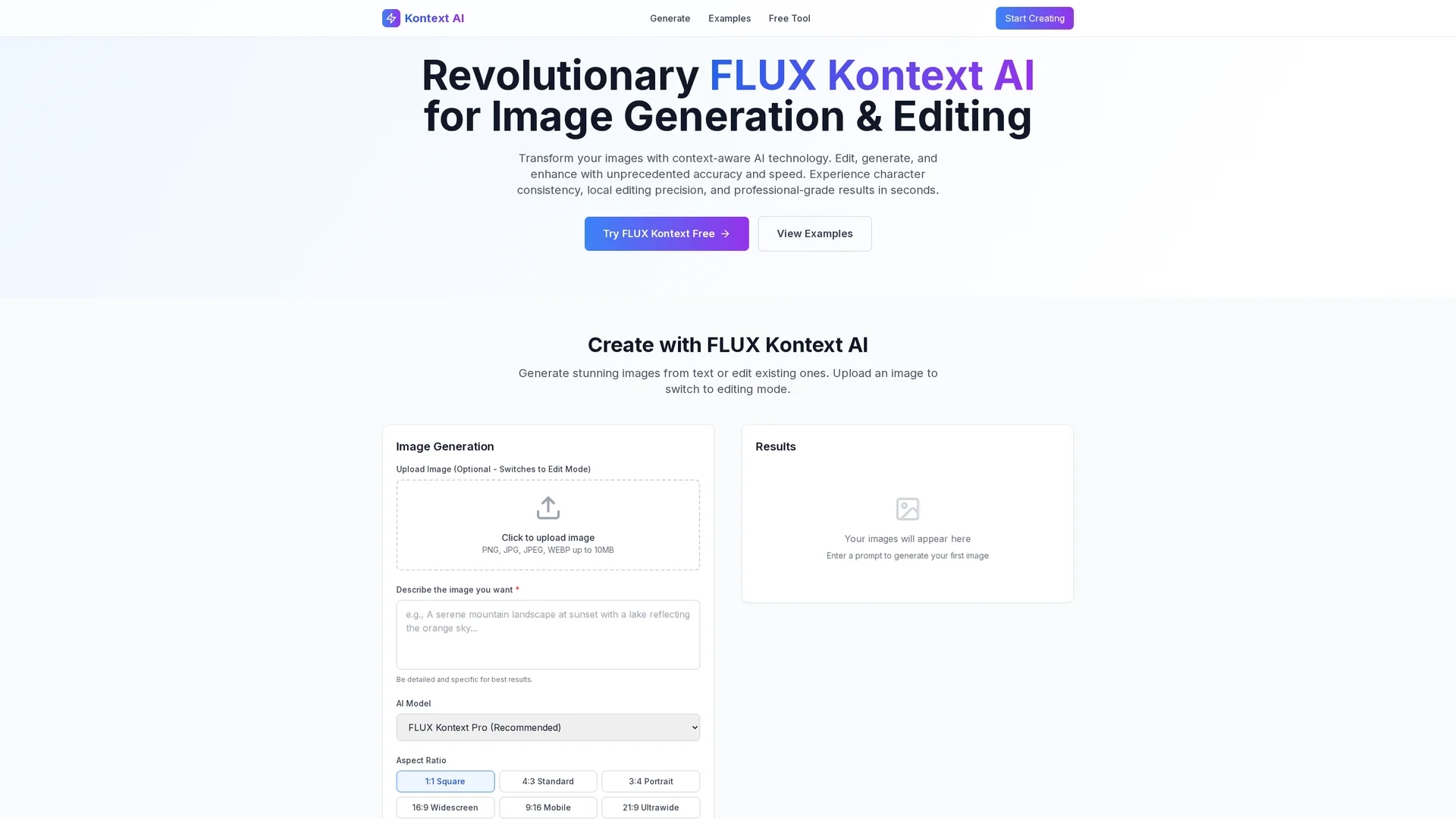
Kontext AI offers advanced image generation and editing using text prompts, delivering photorealistic results with precise local editing and character consistency for designers and marketers.
Disclaimer: Visionary Hub is not affiliated with, endorsed by, or the operator of this tool. All trademarks, logos, and content are the property of their respective owners. Full disclaimer available here
Key Features
Text-to-Image Generation
Create photorealistic images from detailed text prompts.
Local Editing Precision
Make iterative image edits while preserving character consistency.
Advanced FLUX Kontext AI
Uses transformer and flow-based models for accurate image generation.
Iterative Workflow
Supports step-by-step edits with real-time previews.
Get Started
Share & Save
Share on Social Media
Why Choose Kontext AI
In-Context Editing:
Modify images precisely using simple text instructions with character consistency.Rapid Processing:
Generates photorealistic images up to 8x faster than competitors.Multi-Format Support:
Handles PNG, JPG, and WebP formats up to 10MB for versatile workflows.
Pricing
Kontext AI offers a free tool accessible via its website. Details on premium plans such as FLUX Kontext Max are available on the pricing page at https://kontextai.net/pricing.
About Kontext AI
Kontext AI offers advanced image generation and editing using text prompts, delivering photorealistic results with precise local editing and character consistency for designers and marketers.
What Kontext AI Does
Kontext AI generates high-quality images from detailed text descriptions and allows users to edit existing images using simple text instructions. This capability benefits users by simplifying complex design tasks and accelerating content creation.
The tool features in-context image generation, supporting multiple image formats (PNG, JPG, WebP) with a 10MB file size limit. It uses FLUX Kontext technology to ensure photorealistic rendering, superior prompt adherence, and local editing precision, maintaining character consistency across iterative edits.
Ideal for graphic designers, marketers, and content creators, Kontext AI supports marketing visuals, social media content, and product design, enabling rapid development of professional-grade images without complex software.
Pros & Cons
High Accuracy
Maintains 96.7% character preservation across edits.
User-Friendly
Simplifies image editing without complex software requirements.
File Size Limit
Supports images only up to 10MB, limiting very large files.
Limited Pricing Info
Detailed pricing plans beyond the free tool are not fully disclosed.
Frequently Asked Questions
Kontext AI supports PNG, JPG, JPEG, and WebP image formats up to 10MB.
Yes, Kontext AI offers a free tool accessible on its website for image generation and editing.
It processes images up to 8 times faster than leading competitors like GPT-Image.
Yes, you can upload images and edit them using simple text instructions with local precision.
Pricing information is available on the Kontext AI pricing page at https://kontextai.net/pricing.
Similar Tools You Might Like
Discover more AI-powered tools that complement your workflow
List Your AI Tool & Reach Thousands of Users
Join 500+ AI innovators already thriving on our platform. Get visibility, feedback, and boost your conversions.
Expand Your Audience
Connect with over 50,000 AI enthusiasts actively looking for tools like yours.
Boost Your Authority
Get verified reviews and ratings to build credibility in the AI marketplace.
Drive Conversions
Our premium placements and targeted audience deliver quality leads and sign-ups.