
Kombai
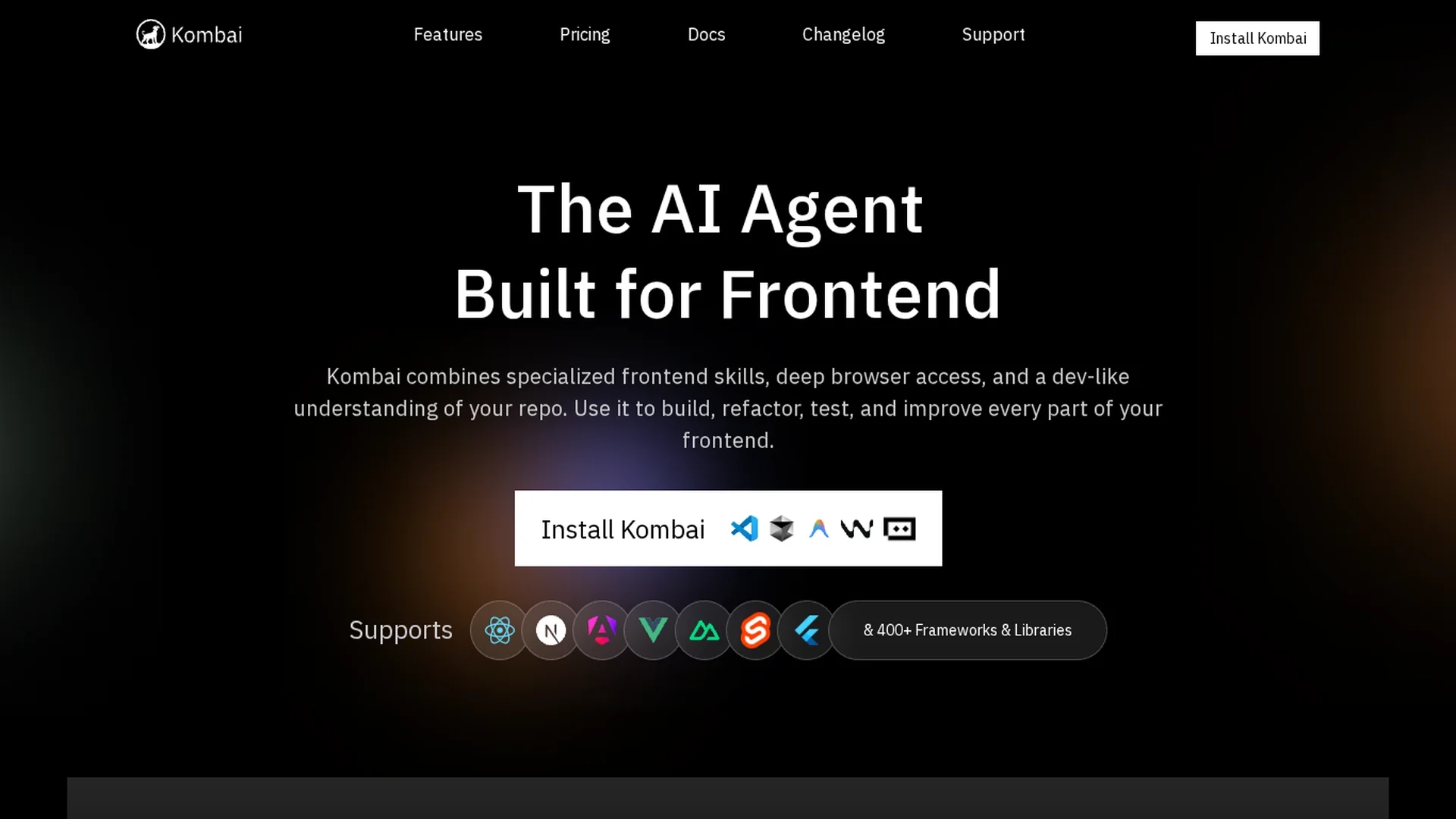
AI-powered frontend development agent that converts Figma designs, images, and text prompts into production-ready React and HTML code, generating framework-native components and assets for faster UI delivery.
Disclaimer: Visionary Hub is not affiliated with, endorsed by, or the operator of this tool. All trademarks, logos, and content are the property of their respective owners. Full disclaimer available here
Key Features
Figma Design Conversion
Native Figma integration extracts assets, handles messy layers, and converts designs into usable code.
Framework-Native Code
Generates idiomatic React, Vue, Svelte, Tailwind, MUI, and Chakra code following library best practices.
Engineered AI Browser
Provides multi-tab DOM access, console logs, CSS rules, and performance metrics for debugging.
Component Reuse
Indexes components with props and behavior to ensure consistent reuse across projects.
Plan Mode
Creates approval-ready task plans before code generation for complex feature implementation.
Autonomous Audits
Runs accessibility, SEO, and performance audits and implements fixes via slash commands.
Stack Memory
Remembers tech stacks and coding patterns to apply consistent conventions automatically.
Email Code Generation
Converts Figma email designs into responsive, compatibility-ready HTML for various email clients.
Get Started
Share & Save
Share on Social Media
Why Choose Kombai
Specialized Frontend Expertise:
Focuses solely on frontend with library-specific context engines and human-reviewed best practices for consistent code quality.Safe for Production Use:
Generates frontend-only code that cannot modify backend logic or databases, reducing production risk.Deep Browser Integration:
Engineered browser exposes DOM, CSS, console logs, and metrics for advanced debugging and autonomous fixes.Learns Your Stack:
Automatically indexes tech stacks and components to apply consistent patterns and reuse across tasks.Proven Performance Advantage:
Independent benchmarks report higher code review and feature implementation success, shortening review cycles.
Pricing
Kombai offers a Free plan ($0/month) with 300 monthly credits (150 on sign-up, 50 daily). Pro plans use credit bundles from $20/month (2,000 credits) to $100/month (11,000 credits). Team seats cost $30/month per seat. Enterprise pricing is custom. One-time credit packs and downgrades are supported.
About Kombai
AI-powered frontend development agent that converts Figma designs, images, and text prompts into production-ready React and HTML code, generating framework-native components and assets for faster UI delivery.
What Kombai Does
Kombai converts UI designs from Figma, images, or text prompts into production-ready frontend code (HTML, CSS, React components) that aligns with library-specific best practices. It benefits developers by automating repetitive conversion work and producing framework-native code ready for integration into projects.
The platform includes an engineered AI browser for multi-tab DOM access, a DOM selector for visual editing, live sandboxes for testing before repository commits, automated TypeScript and runtime fixers, memory of user tech stacks for consistent component reuse, and autonomous accessibility, SEO, and performance audits. It also provides a specialized email HTML generator for compatibility across email clients.
Pros & Cons
Superior Quality
72% code review success and 43% feature implementation rates, outperforming several competitors.
Frontend Safety
Frontend-only operation prevents unintended backend or database changes in production.
Library Support
Purpose-built context for 400+ frontend libraries with version-specific MUI optimizations.
Time Savings
Automates design-to-code conversion so developers focus on state, APIs, and application logic.
Frontend Only
Cannot perform backend or full-stack tasks; additional tools required for server logic.
Credit Pricing
Credit-based model needs monitoring; a Figma conversion typically costs 20–40 credits.
Limited Reviews
Few third-party reviews on major platforms, limiting independent user-satisfaction verification.
Frequently Asked Questions
Loading one Figma design and creating UI typically costs 20–40 credits. Pro plan pricing ranges from $20/month (2,000 credits) to $100/month (11,000 credits), with credit bundles sold at $20, $40, $60, $80, and $100 price points.
Yes. As of March 2026 users can downgrade by selecting a lower credit bundle. One-time credit packs can also be purchased on top of existing plans without full plan renewal.
Free plan users can roll over up to 0.5x their monthly limit. Pro users roll over up to 2x. Team and Enterprise plans offer unlimited credit rollovers.
No. Paid plans (Pro, Team, Enterprise) include explicit 'No AI training on your data' protections, and Kombai is SOC2 certified for enterprise-grade privacy.
Kombai Browser supports importing Chrome profiles with signed-in sessions, a DOM selector for visual element rearrangement, and attaching DOM elements and console outputs to chat for debugging.
Similar Tools You Might Like
Discover more AI-powered tools that complement your workflow
List Your AI Tool & Reach Thousands of Users
Join 500+ AI innovators already thriving on our platform. Get visibility, feedback, and boost your conversions.
Expand Your Audience
Connect with over 50,000 AI enthusiasts actively looking for tools like yours.
Boost Your Authority
Get verified reviews and ratings to build credibility in the AI marketplace.
Drive Conversions
Our premium placements and targeted audience deliver quality leads and sign-ups.