
Kickrender
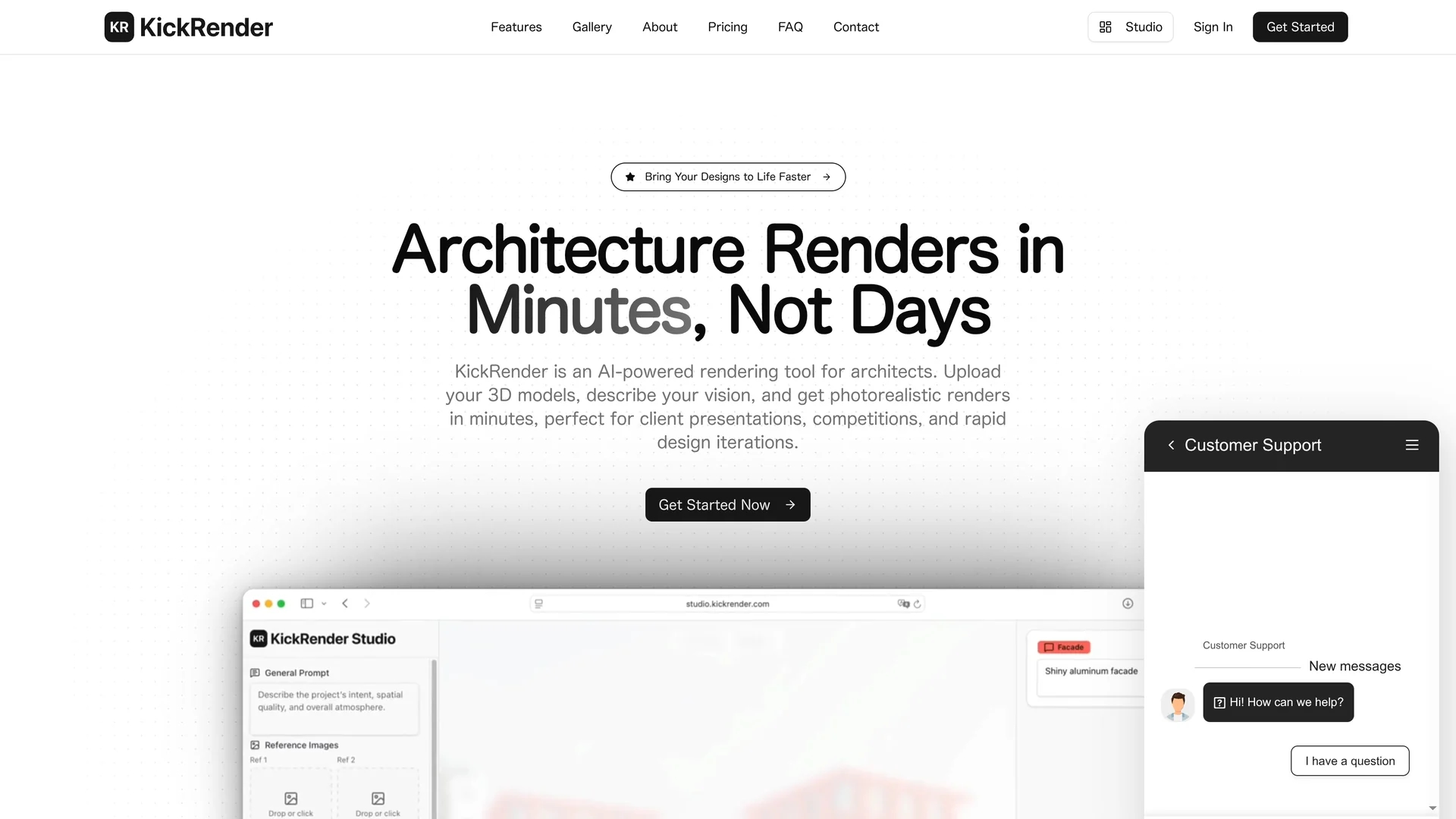
KickRender is an AI-powered 3D rendering tool that transforms models into photorealistic images quickly, featuring drag-and-drop functionality and integration with Rhino, ArchiCAD, and SketchUp.
Disclaimer: Visionary Hub is not affiliated with, endorsed by, or the operator of this tool. All trademarks, logos, and content are the property of their respective owners. Full disclaimer available here
Key Features
AI-Powered Rendering
Uses AI to produce high-quality photorealistic images quickly.
Regional Prompting
Apply different prompts to specific objects or areas for exact results.
Web-Based Platform
No downloads required; accessible from any browser.
Iterative Workflow
Create new render generations to refine designs efficiently.
Get Started
Share & Save
Share on Social Media
Why Choose Kickrender
Fast Rendering:
Generates photorealistic renders in minutes, reducing wait times significantly.Precise Control:
Allows regional prompting for detailed lighting and material adjustments.Software Integration:
Seamlessly works with Rhino, ArchiCAD, SketchUp, and other 3D tools.
Pricing
KickRender offers three monthly subscription plans: Starter at $29 for 1800 credits (100 renders), Professional at $59 for 4000 credits (222 renders), and Studio at $199 for 16,000 credits (888 renders). Annual billing saves 20%. Plans can be upgraded or canceled anytime.
About Kickrender
KickRender is an AI-powered 3D rendering tool that transforms models into photorealistic images quickly, featuring drag-and-drop functionality and integration with Rhino, ArchiCAD, and SketchUp.
What Kickrender Does
KickRender transforms 3D models into photorealistic images rapidly, helping architects and designers visualize concepts and present them effectively. It reduces rendering times from hours to minutes, enhancing productivity.
The platform supports multiple 3D formats and integrates with Rhino, ArchiCAD, and SketchUp. Users can upload models via drag-and-drop, apply global and regional prompts to control lighting, style, and atmosphere, and generate high-resolution renders up to 4K. Iterative workflows allow refining renders by creating new generations based on previous outputs.
KickRender is ideal for architectural presentations, interior design marketing, product prototyping, and client communications, enabling fast feedback and collaborative design decisions.
Pros & Cons
User-Friendly
Intuitive drag-and-drop interface simplifies the rendering process.
Flexible Output
Supports multiple resolutions and output formats for diverse needs.
Credit System
Rendering is limited by credits, which may require careful management.
Web Dependency
Requires a stable internet connection as it is browser-based.
Frequently Asked Questions
KickRender supports 3DM and FBX files exported from major architectural software.
No installation is required; KickRender operates entirely in the web browser.
Rendering typically completes in minutes, significantly faster than traditional methods.
Plans range from $29 to $199 per month with varying credits and render counts; annual billing saves 20%.
Yes, KickRender offers precise control over lighting, atmosphere, and materials via regional prompting.
Similar Tools You Might Like
Discover more AI-powered tools that complement your workflow
List Your AI Tool & Reach Thousands of Users
Join 500+ AI innovators already thriving on our platform. Get visibility, feedback, and boost your conversions.
Expand Your Audience
Connect with over 50,000 AI enthusiasts actively looking for tools like yours.
Boost Your Authority
Get verified reviews and ratings to build credibility in the AI marketplace.
Drive Conversions
Our premium placements and targeted audience deliver quality leads and sign-ups.