
KickBot
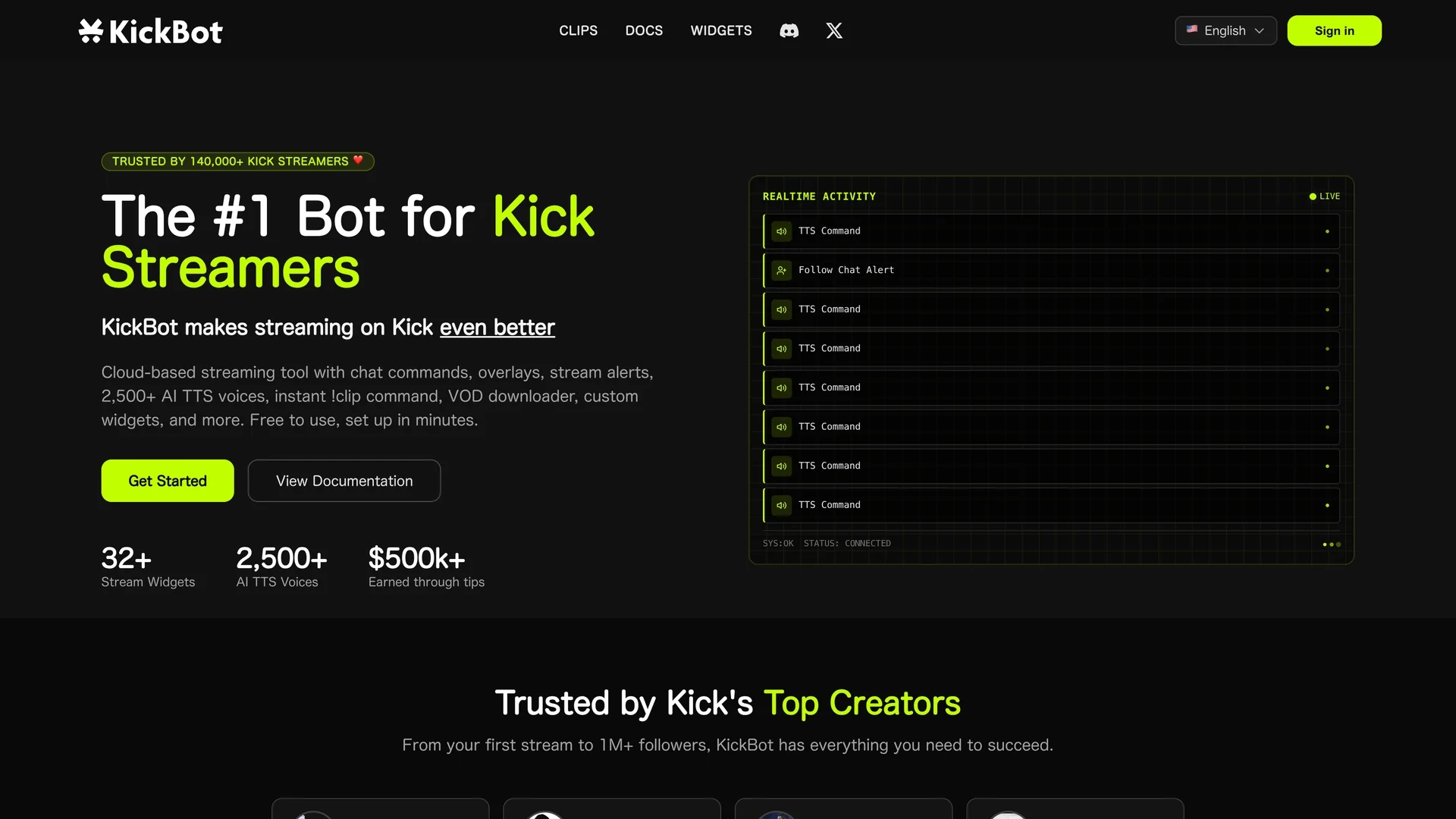
KickBot is a cloud-based chatbot tailored for Kick streamers, featuring custom commands, AI text-to-speech, timed messages, moderation tools, and instant clip creation to boost viewer engagement.
Disclaimer: Visionary Hub is not affiliated with, endorsed by, or the operator of this tool. All trademarks, logos, and content are the property of their respective owners. Full disclaimer available here
Key Features
Custom Commands
Allows streamers to create personalized chat commands for viewer interaction.
Timed Messages
Schedules automated messages to engage viewers during streams.
AI Text-to-Speech
Supports lifelike voice messages with thousands of AI-generated voices.
Built-in Moderation
Includes tools to ban words and limit characters, ensuring a safe chat environment.
Get Started
Share & Save
Share on Social Media
Why Choose KickBot
Cloud-Based:
Operates fully in the cloud, requiring no downloads or impacting stream performance.AI TTS Voices:
Offers 2,500+ ultra-realistic AI voices for engaging viewer text-to-speech interactions.Instant Clipping:
Enables easy creation and sharing of stream highlight clips with a simple command.
Pricing
KickBot is free to use with no downloads required. For detailed pricing or premium features, visit the official KickBot website.
About KickBot
KickBot is a cloud-based chatbot tailored for Kick streamers, featuring custom commands, AI text-to-speech, timed messages, moderation tools, and instant clip creation to boost viewer engagement.
What KickBot Does
KickBot functions as a customizable chatbot that improves live stream interaction on the Kick platform by enabling real-time viewer engagement through chat commands, timed messages, and AI-powered text-to-speech. It helps streamers maintain a controlled chat environment with moderation tools.
Key features include over 2,500 realistic AI voices for text-to-speech, instant clip creation via the !clip command running fully in the cloud, and a custom tipping system supporting 100+ countries. The tool also provides overlays, alerts, and widgets to enhance stream presentation.
KickBot is widely used by streamers ranging from beginners to those with millions of followers, across gaming and entertainment industries, to increase audience participation and monetize streams effectively.
Pros & Cons
Ease of Use
Simple setup with no software installation required.
Comprehensive Features
Combines chat, alerts, tipping, clipping, and moderation in one tool.
Platform Specific
Designed exclusively for Kick streaming platform users.
Limited Pricing Info
Detailed pricing plans are not clearly disclosed on the homepage.
Frequently Asked Questions
No, KickBot is 100% cloud-based and requires no software downloads.
KickBot offers over 2,500 ultra-realistic AI voices for TTS.
No requirements; tipping supports 100+ countries with no minimum payout.
Yes, stream moderators can be invited to help manage KickBot settings.
KickBot is free to use; visit the official site for any premium plans.
Similar Tools You Might Like
Discover more AI-powered tools that complement your workflow

List Your AI Tool & Reach Thousands of Users
Join 500+ AI innovators already thriving on our platform. Get visibility, feedback, and boost your conversions.
Expand Your Audience
Connect with over 50,000 AI enthusiasts actively looking for tools like yours.
Boost Your Authority
Get verified reviews and ratings to build credibility in the AI marketplace.
Drive Conversions
Our premium placements and targeted audience deliver quality leads and sign-ups.