
Kadabra
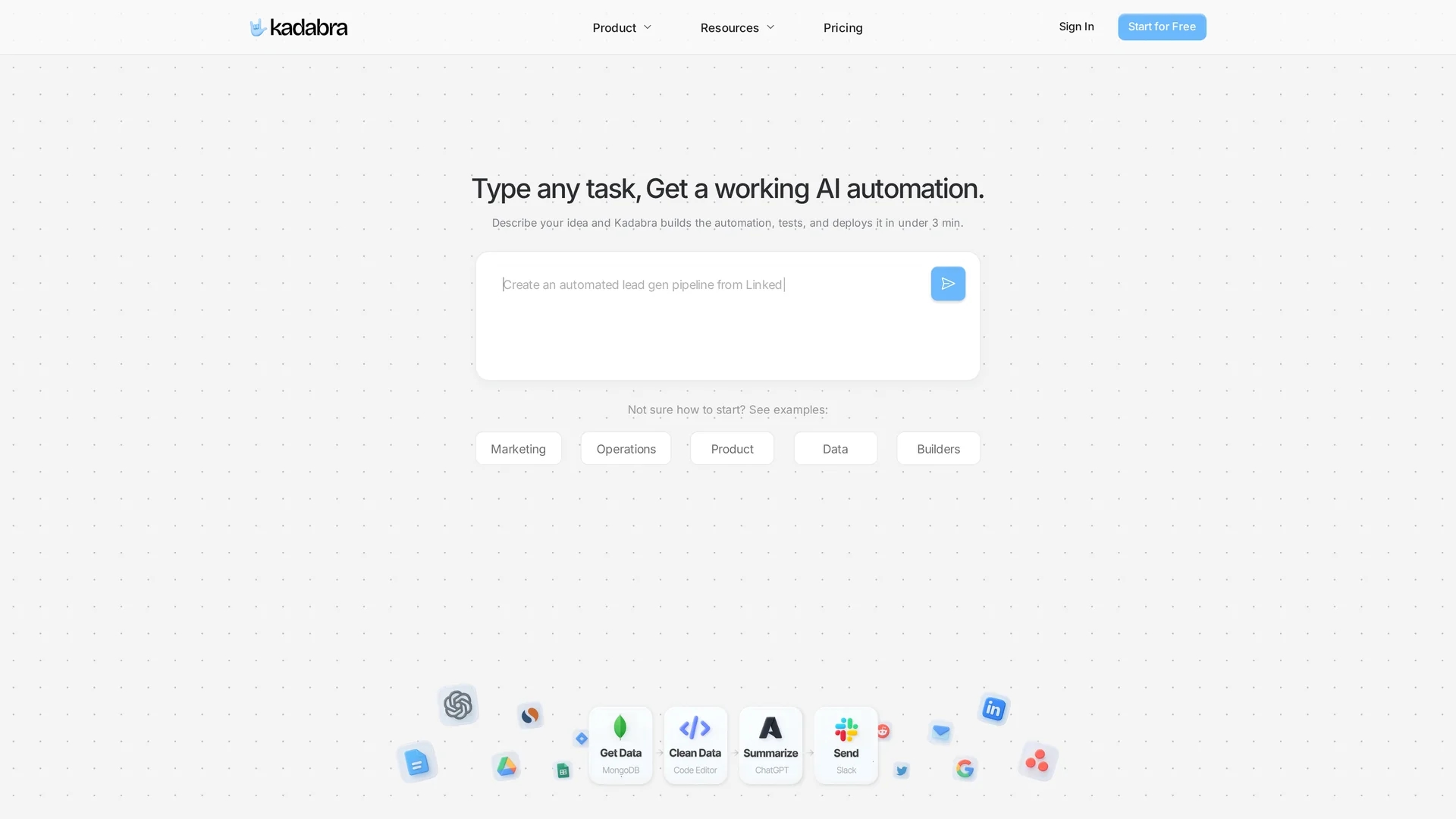
Kadabra transforms plain-English task descriptions into deployable node-based workflow automations with a drag-and-drop canvas, integrated apps, data tables, and low-code Python and API controls.
Disclaimer: Visionary Hub is not affiliated with, endorsed by, or the operator of this tool. All trademarks, logos, and content are the property of their respective owners. Full disclaimer available here
Key Features
Natural Language Parsing
Generates workflows from plain-English task descriptions.
Node-Based Editor
Visual canvas for building, testing, and deploying automations.
App Integrations
Connects with Gmail, Slack, Airtable, Notion, and more.
Data Tables
Filter, sort, and visualize automation outputs and business data.
Get Started
Share & Save
Share on Social Media
Why Choose Kadabra
Plain-English Input:
Creates workflows directly from simple text task descriptions.Visual Canvas:
Drag-and-drop node editor simplifies workflow building and editing.Low-Code Flexibility:
Supports Python, API calls, and databases for custom logic.
Pricing
For current prices, visit the official Kadabra pricing page on their website.
About Kadabra
Kadabra transforms plain-English task descriptions into deployable node-based workflow automations with a drag-and-drop canvas, integrated apps, data tables, and low-code Python and API controls.
What Kadabra Does
Kadabra transforms simple text descriptions into visual, node-based workflows that automate business and data tasks. Users benefit from a drag-and-drop interface to build, test, and deploy automations without extensive coding.
The platform includes built-in integrations with apps like Gmail, Slack, Google Sheets, and Airtable, plus data tables for filtering, sorting, and visual insights. Advanced users can leverage inline Python scripting, API calls, and database connections to extend functionality and customize workflows.
Kadabra is suited for orchestrating marketing campaigns, lead enrichment, routing, and building internal ETL pipelines, serving industries focused on sales, marketing, product, and data operations.
Pros & Cons
User-Friendly
Intuitive drag-and-drop interface reduces coding requirements.
Extensible
Pro controls allow advanced customization with Python and APIs.
Learning Curve
Advanced features require familiarity with Python and APIs.
Limited Pricing Info
Pricing details are not publicly disclosed on the homepage.
Frequently Asked Questions
Kadabra integrates with Gmail, Slack, Google Drive, Airtable, Notion, Asana, WhatsApp, LinkedIn, and Twitter.
Basic workflows require no coding, but pro controls support Python and API calls for customization.
Users can sign up directly on Kadabra's official website homepage.
Pricing details are not listed; visit the official website for current plans.
Yes, Kadabra allows sharing interfaces so teams can use and customize workflows.
Similar Tools You Might Like
Discover more AI-powered tools that complement your workflow
List Your AI Tool & Reach Thousands of Users
Join 500+ AI innovators already thriving on our platform. Get visibility, feedback, and boost your conversions.
Expand Your Audience
Connect with over 50,000 AI enthusiasts actively looking for tools like yours.
Boost Your Authority
Get verified reviews and ratings to build credibility in the AI marketplace.
Drive Conversions
Our premium placements and targeted audience deliver quality leads and sign-ups.