Jumper
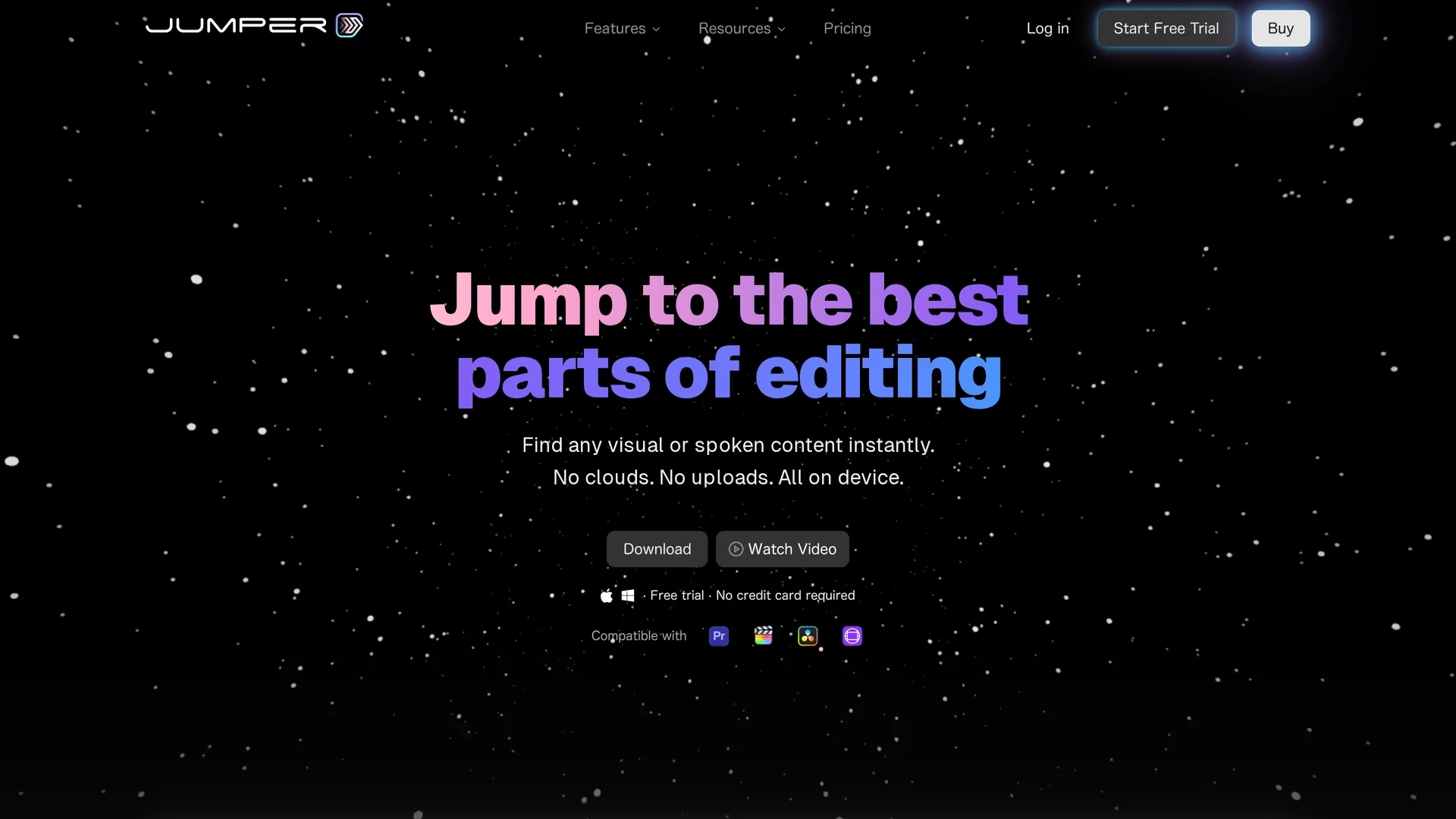
Jumper is an AI-powered video editing tool that enables fast footage searches using keywords or spoken phrases. It supports multicam editing on major platforms and works offline for speed and privacy.
Disclaimer: Visionary Hub is not affiliated with, endorsed by, or the operator of this tool. All trademarks, logos, and content are the property of their respective owners. Full disclaimer available here
Key Features
Visual Search
Search footage visually without needing tags or manual logging.
Speech Search
Locate specific spoken words or phrases across all your media.
Cross-Platform Plugins
Supports Final Cut Pro, Adobe Premiere Pro, DaVinci Resolve, and Avid Media Composer.
Multilingual Support
Search in over 100 languages for accurate results worldwide.
Get Started
Share & Save
Share on Social Media
Why Choose Jumper
Offline Use:
Ensures privacy and speed by running fully on your device without internet.Multicam Support:
Seamlessly synchronizes multicam footage across popular editing platforms.Integrated Search:
Find clips instantly using keywords or spoken dialogue within your editing software.
Pricing
Jumper offers a free trial with no credit card required. Paid plans include a Subscription plan at $15/month, a Lifetime plan at $249, and custom Enterprise pricing. Pricing details are subject to change; visit the official page for updates.
About Jumper
Jumper is an AI-powered video editing tool that enables fast footage searches using keywords or spoken phrases. It supports multicam editing on major platforms and works offline for speed and privacy.
What Jumper Does
Jumper allows video editors to quickly locate specific clips from extensive footage using keywords, tags, or spoken phrases, significantly reducing editing time. It benefits users by streamlining the search and selection process within their editing workflows.
The tool features an integrated machine learning-powered search engine that works locally on the user's device, supporting visual and speech search across multiple languages. It offers plugins for major editing software and supports multicam editing and synchronized clips, enabling seamless timeline integration.
Jumper is ideal for industries such as film production, documentary editing, and content creation, where managing large volumes of footage efficiently is critical.
Pros & Cons
Time-Saving
Reduces hours of manual footage review to minutes.
Privacy-Focused
Processes all data locally without uploading to the cloud.
Platform Limitations
Some features like DaVinci Resolve multicam support are still coming soon.
Pro Plan Cost
Advanced collaboration features require a higher-priced Pro subscription.
Frequently Asked Questions
Jumper supports Final Cut Pro, Adobe Premiere Pro, DaVinci Resolve, and Avid Media Composer.
Yes, Jumper runs fully offline after setup, ensuring privacy and speed.
Free trials require an active internet connection, but full use is offline.
No, all processing is local; Jumper does not store or use your footage data.
Yes, Jumper Pro offers shared analysis and swarm compute for team collaboration.
Similar Tools You Might Like
Discover more AI-powered tools that complement your workflow



List Your AI Tool & Reach Thousands of Users
Join 500+ AI innovators already thriving on our platform. Get visibility, feedback, and boost your conversions.
Expand Your Audience
Connect with over 50,000 AI enthusiasts actively looking for tools like yours.
Boost Your Authority
Get verified reviews and ratings to build credibility in the AI marketplace.
Drive Conversions
Our premium placements and targeted audience deliver quality leads and sign-ups.