
Jots
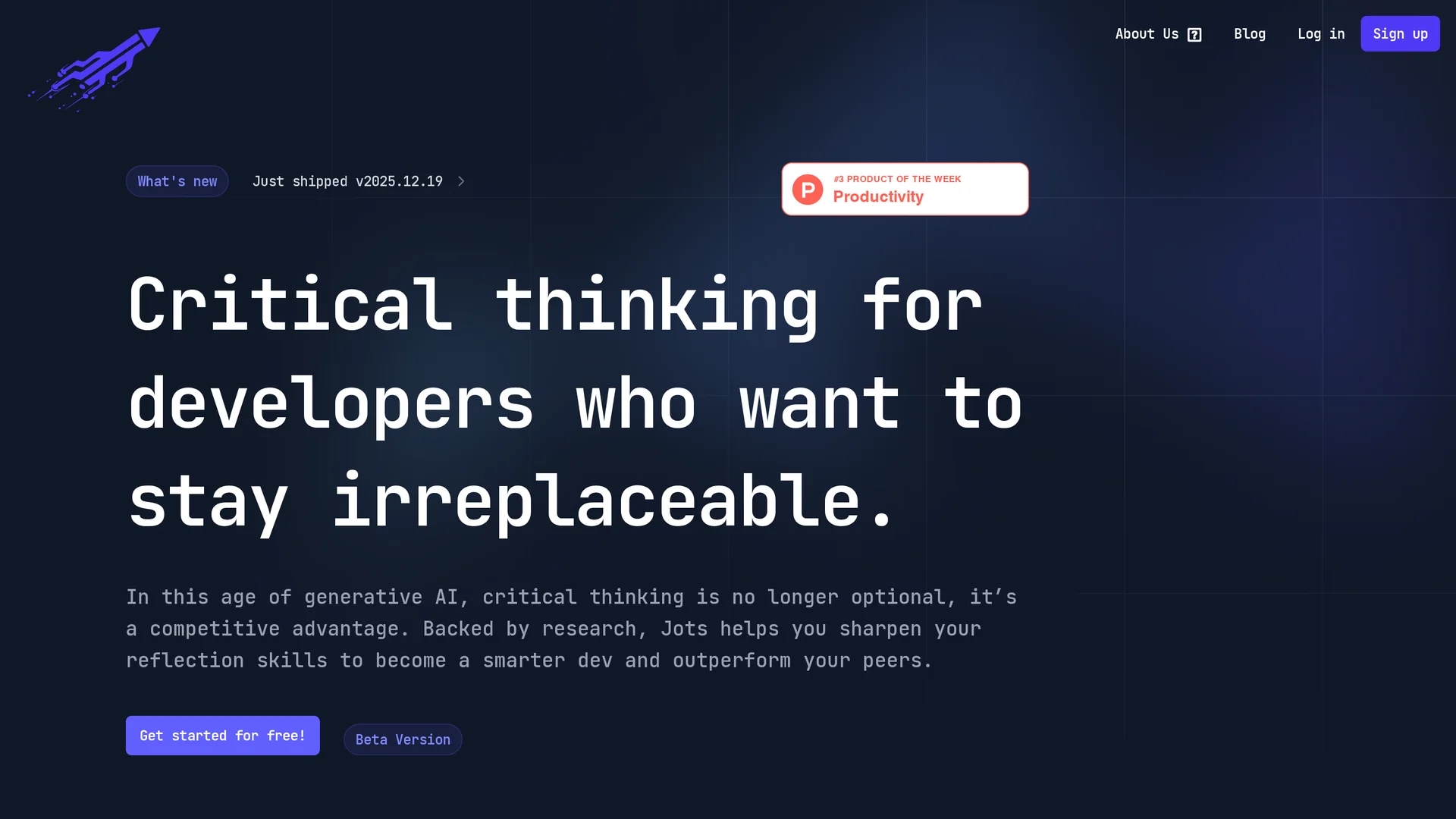
Jots helps developers build Slow Thinking habits with daily reflection prompts, AI summaries, mood tracking, and a VSCode extension to integrate reflective practice into coding workflows.
Disclaimer: Visionary Hub is not affiliated with, endorsed by, or the operator of this tool. All trademarks, logos, and content are the property of their respective owners. Full disclaimer available here
Key Features
Distraction-Free Editor
Enables focused journaling of insights, lessons, and debugging notes.
Mood & Progress Tracking
Visualizes performance patterns and emotional trends over time.
AI-Generated Prompts
Provides personalized reflection prompts to guide daily practice.
VSCode Extension
Integrates journaling and reflection directly into the coding environment.
Get Started
Share & Save
Share on Social Media
Why Choose Jots
Slow Thinking:
Supports cognitive science-based reflection to improve decision-making and problem-solving.AI Assistance:
Offers AI-generated prompts, summaries, and career coaching for focused skill development.VSCode Integration:
Seamlessly logs reflections and notes directly within the developer’s workflow.
Pricing
Jots offers a Free Starter plan with journaling and mood tracking. The Pro plan is free during beta, adding AI prompts, digests, career coaching, and integrations. Monthly and annual billing options are available.
About Jots
Jots helps developers build Slow Thinking habits with daily reflection prompts, AI summaries, mood tracking, and a VSCode extension to integrate reflective practice into coding workflows.
What Jots Does
Jots helps developers establish a daily reflection routine by providing a distraction-free journaling environment and a VSCode extension for logging debugging notes and reflections. It tracks mood, achievements, and progress to visualize performance trends over time.
The tool uses AI to generate personalized reflection prompts, summarize journal entries, and highlight productivity and bug-fix patterns. It also offers a career-coach chat that converts reflections into actionable learning goals and step-by-step tasks within VSCode.
Jots is useful for maintaining clearer project documentation, creating post-mortems, and sharing insights with teammates to accelerate onboarding and continuous improvement in software development teams.
Pros & Cons
Research-Based
Built on cognitive science to enhance developer reflection and growth.
Comprehensive AI Tools
Includes AI summaries, prompts, and career coaching features.
Beta Pricing
Pro plan is currently free during beta, future pricing is unclear.
Limited Developer Info
No explicit developer or company details publicly available.
Frequently Asked Questions
Jots provides distraction-free journaling, AI-generated prompts, mood tracking, VSCode integration, and career-coach chat.
Yes, Jots offers a free Starter plan with journaling, prompts, mood tracking, and reminders.
Yes, Jots integrates with VSCode and GitHub to log reflections and track progress.
AI generates reflection prompts, summarizes entries, highlights trends, and provides career coaching.
You can sign up at https://www.daily-jots.com/signup to start using Jots.
Similar Tools You Might Like
Discover more AI-powered tools that complement your workflow


List Your AI Tool & Reach Thousands of Users
Join 500+ AI innovators already thriving on our platform. Get visibility, feedback, and boost your conversions.
Expand Your Audience
Connect with over 50,000 AI enthusiasts actively looking for tools like yours.
Boost Your Authority
Get verified reviews and ratings to build credibility in the AI marketplace.
Drive Conversions
Our premium placements and targeted audience deliver quality leads and sign-ups.