
Jam
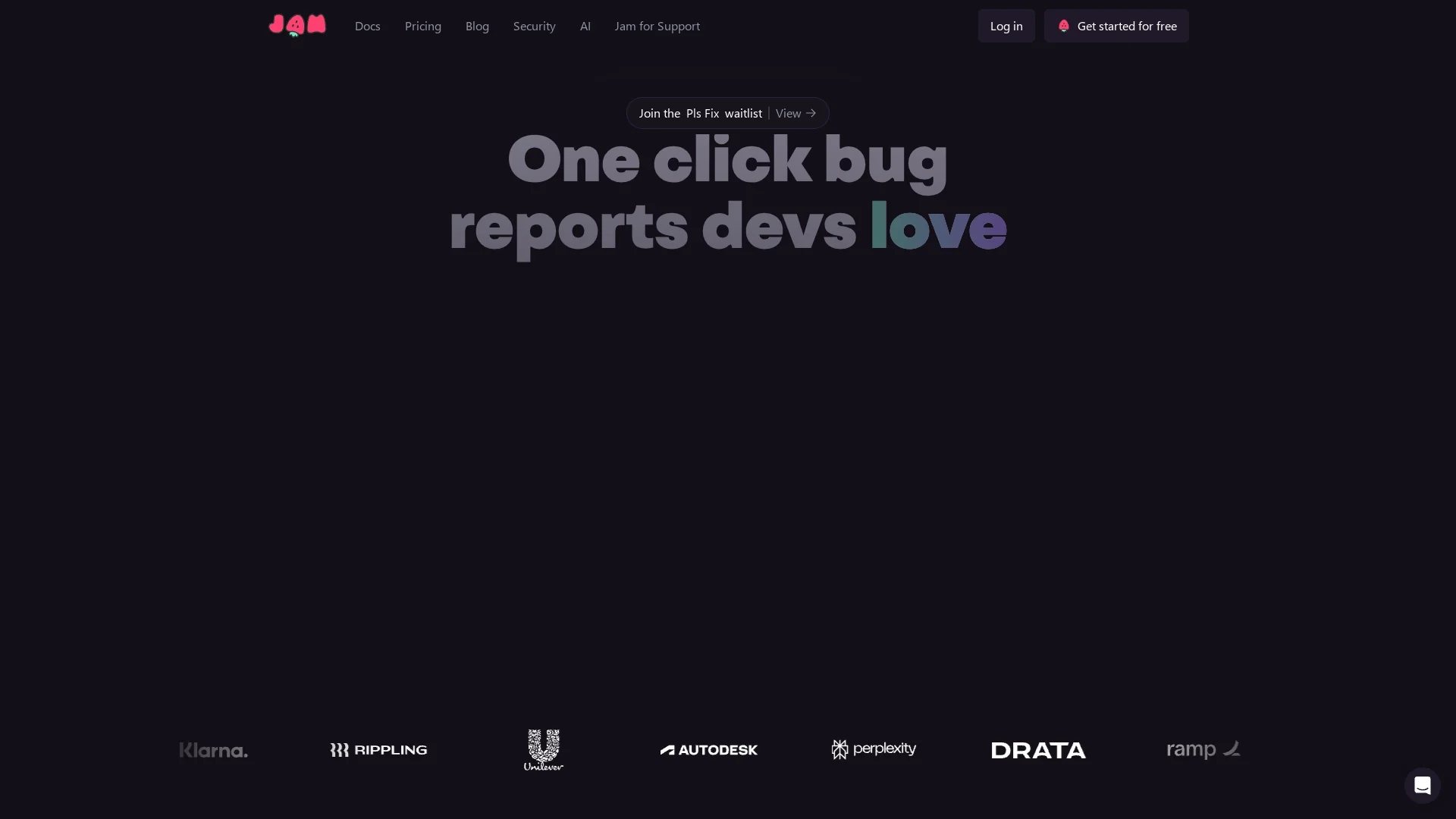
AI-powered bug reporting platform that captures screen recordings, console logs, network requests, and metadata automatically, then generates developer-ready bug reports with auto-filled titles and reproduction steps.
Disclaimer: Visionary Hub is not affiliated with, endorsed by, or the operator of this tool. All trademarks, logos, and content are the property of their respective owners. Full disclaimer available here
Key Features
Automatic log capture
Records console logs, network requests, device metadata, and user actions for complete context.
AI report generation
Generates accurate titles and reproduction steps to reduce manual documentation time.
Instant replay
Replay recorded sessions to observe exact user flows without reproducing bugs.
Video annotation
Annotate and blur videos to highlight issues while protecting sensitive information.
One-click ticketing
Create Jira, Linear, or Notion tickets instantly from a Jam recording.
MCP integration
Expose captured context to AI coding agents for automated debugging assistance.
Shareable recordings
Generate links with optional auto-blur for easy distribution without account requirements.
Workspace security
Includes access controls, SAML/SSO, audit logs, and workspace analytics for teams.
Get Started
Share & Save
Share on Social Media
Why Choose Jam
Time savings at scale:
Automates documentation and provides full technical context so developers start fixing issues immediately.AI that augments teams:
Automates repetitive documentation tasks while engineers focus on diagnosis and fixes.Privacy-first approach:
Opts out of LLM training and de-identifies customer data to reduce privacy risk.Developer-centric design:
Captures logs, network requests, and repro steps so reports are actionable without follow-up questions.
Pricing
Free plan: $0/month with 30 Jams monthly, 5 AI trial uses, and basic annotation. Team: $14 per creator/month with unlimited Jams, 200 Jam AI uses per user monthly, 14-day trial, limited to 15 seats. Enterprise: custom pricing with unlimited AI usage and SAML/SSO.
About Jam
AI-powered bug reporting platform that captures screen recordings, console logs, network requests, and metadata automatically, then generates developer-ready bug reports with auto-filled titles and reproduction steps.
What Jam Does
Jam records screen activity and automatically captures console logs, network requests, device metadata, and user action sequences. Jam's AI analyzes this captured context to generate developer-ready bug reports with auto-filled titles and step-by-step reproduction instructions, removing manual documentation work.
The platform offers video annotation and blurring for sensitive data, instant replay to review incidents without reproducing them, and one-click ticket creation to Jira, Linear, or Notion. Jam also exposes captured context via Model Context Protocol (MCP) so AI coding agents can access logs and transcripts for faster automated fixes.
Typical use cases include QA verification, customer support escalations, developer handoffs, and integrating reproducible bug context into incident playbooks and CI workflows.
Pros & Cons
Comprehensive capture
Automatically collects logs, network data, metadata, and user actions, removing manual steps.
AI efficiency
Auto-generated titles and repro steps dramatically reduce documentation effort.
Strong integrations
Connects with Jira, Linear, Notion, GitHub, Slack and other developer tools.
Instant replay
Replay recordings repeatedly to diagnose issues without reproducing them.
Limited free AI
Free plan includes only 5 trial Jam AI uses, restrictive for evaluations.
External AI model
Uses Google’s Gemini model for AI features, which may concern some privacy teams.
Seat limits
Team plan caps workspaces at 15 seats, requiring enterprise for larger teams.
Frequently Asked Questions
Jam uses Google's Gemini AI model to power Jam AI features; the company also opts out of training LLMs on customer data and de-identifies information.
Jam: Free users get 5 Jam AI trial uses; Team plan includes 200 Jam AI uses per user per month; Enterprise plans offer unlimited AI usage.
Jam integrates with Jira, Linear, Notion, GitHub, GitLab, Slack, ClickUp, Asana, Sentry, Azure, Figma, FullStory, and Datadog, plus more coming soon.
Jam takes data privacy seriously: it de-identifies captured context and explicitly opts out of using customer data to train AI models.
Jam: Personal workspace ($12/month) supports individual use and AI features; Team workspace ($14/user/month) adds backend logging, permissions, access controls, and other team features.
Yes — Jam allows open-source projects to apply for free Team plan access, and eligible projects can receive permanent free access.
Similar Tools You Might Like
Discover more AI-powered tools that complement your workflow

List Your AI Tool & Reach Thousands of Users
Join 500+ AI innovators already thriving on our platform. Get visibility, feedback, and boost your conversions.
Expand Your Audience
Connect with over 50,000 AI enthusiasts actively looking for tools like yours.
Boost Your Authority
Get verified reviews and ratings to build credibility in the AI marketplace.
Drive Conversions
Our premium placements and targeted audience deliver quality leads and sign-ups.