
InvoiceClip
InvoiceClip is an AI-powered invoice and receipt scanner that automates data extraction, categorizes expenses, supports bulk uploads, and enables easy export for efficient financial document management.
Disclaimer: Visionary Hub is not affiliated with, endorsed by, or the operator of this tool. All trademarks, logos, and content are the property of their respective owners. Full disclaimer available here
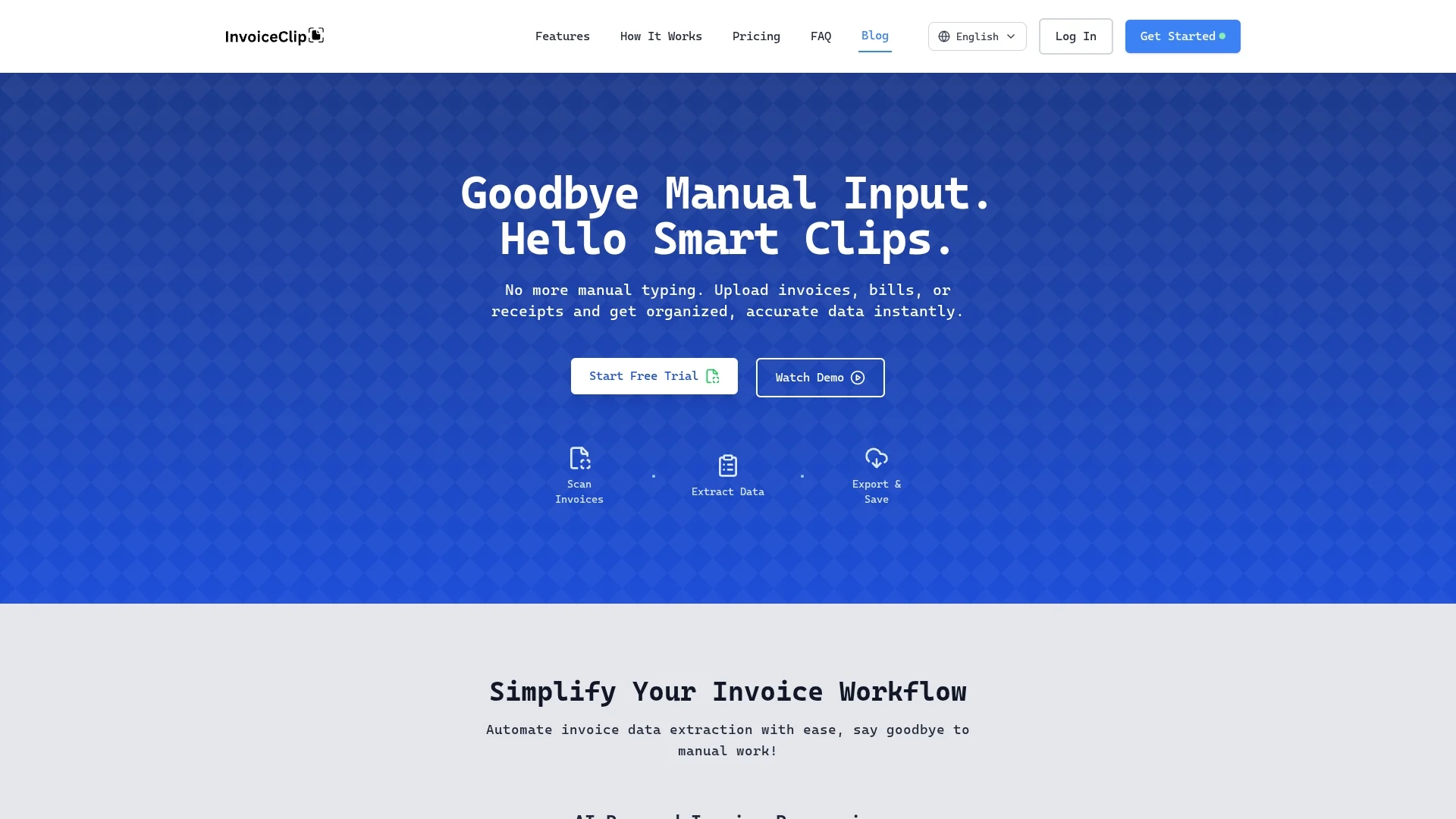
Key Features
Data Extraction
Automatically captures headers, taxes, line items, and metrics.
Expense Categories
Provides 21 categories for detailed expense organization.
Bulk Upload
Enables drag-and-drop upload of multiple documents simultaneously.
Export Options
Exports data with one click to CSV or Excel formats.
Get Started
Share & Save
Share on Social Media
Why Choose InvoiceClip
Automated Extraction:
Eliminates manual data entry by automatically extracting invoice details.Expense Categorization:
Organizes expenses into 21 categories for better financial tracking.Bulk Uploads:
Supports drag-and-drop bulk uploads with real-time progress updates.
Pricing
For current prices, visit the official InvoiceClip website.
About InvoiceClip
InvoiceClip is an AI-powered invoice and receipt scanner that automates data extraction, categorizes expenses, supports bulk uploads, and enables easy export for efficient financial document management.
What InvoiceClip Does
InvoiceClip automates the scanning and management of invoices, bills, and receipts, eliminating manual data entry and saving time for users. It enables accurate extraction of headers, taxes, line items, and utility metrics from financial documents.
The tool features 21 expense categories for smart organization and supports bulk uploads through a drag-and-drop interface with real-time progress monitoring. Users can search by vendor, date, or project and edit data instantly.
InvoiceClip is useful for small businesses, accounting professionals, and financial teams who require efficient expense tracking and seamless data export in CSV or Excel formats.
Pros & Cons
Time-saving
Reduces manual entry by automating invoice data extraction.
Organized Tracking
Facilitates project-based expense categorization and management.
Pricing Info
No detailed pricing information publicly available.
Developer Info
Developer or company details are not disclosed.
Frequently Asked Questions
It scans invoices, bills, and receipts to extract financial data automatically.
Yes, it supports drag-and-drop bulk uploads with real-time progress monitoring.
It uses 21 predefined expense categories for organized financial tracking.
Yes, data can be exported with one click to CSV or Excel formats.
No detailed pricing is shown; users should check the official site for current plans.
Similar Tools You Might Like
Discover more AI-powered tools that complement your workflow
List Your AI Tool & Reach Thousands of Users
Join 500+ AI innovators already thriving on our platform. Get visibility, feedback, and boost your conversions.
Expand Your Audience
Connect with over 50,000 AI enthusiasts actively looking for tools like yours.
Boost Your Authority
Get verified reviews and ratings to build credibility in the AI marketplace.
Drive Conversions
Our premium placements and targeted audience deliver quality leads and sign-ups.