
InShot
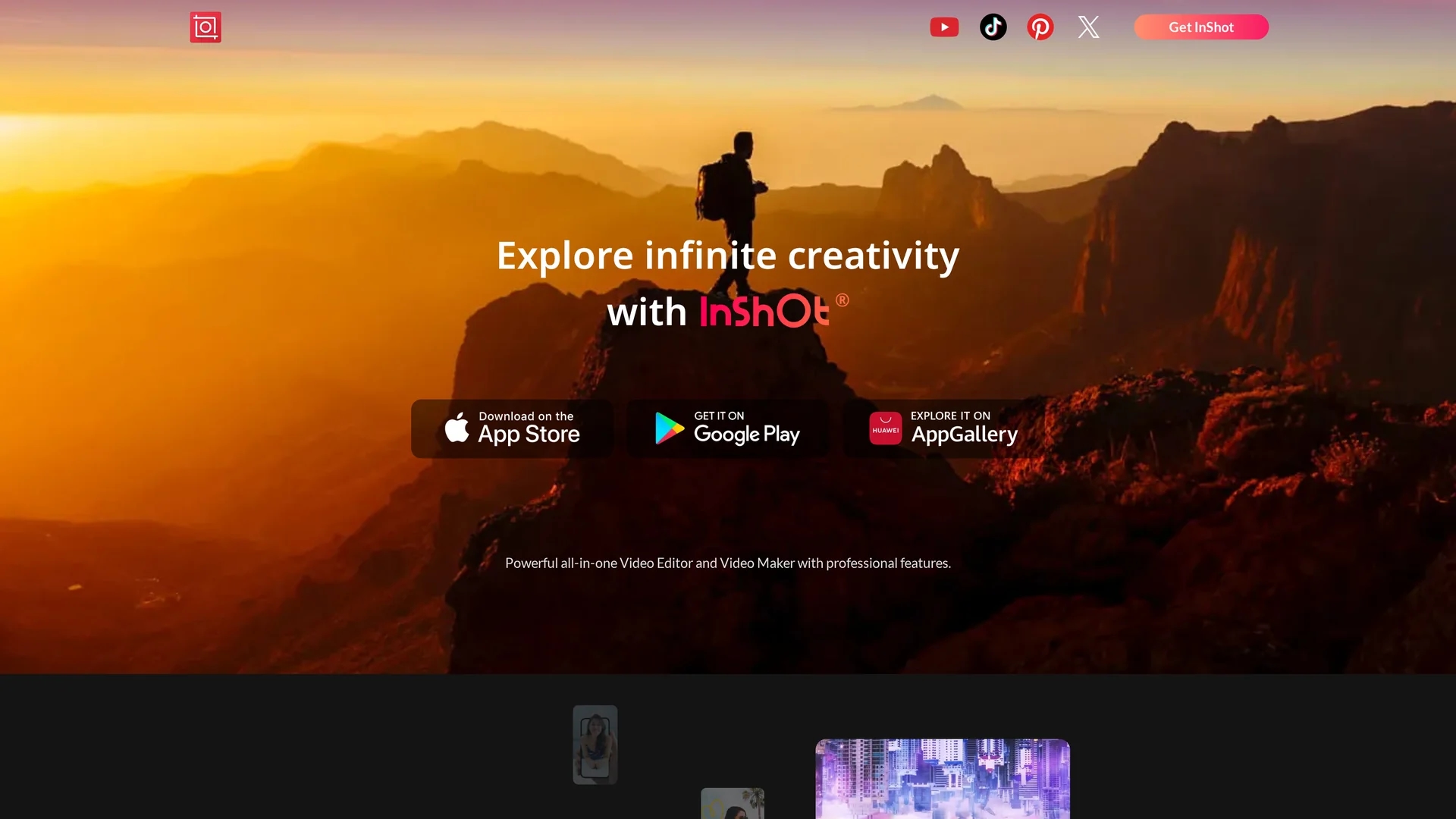
InShot is a versatile video editor offering innovative features like sky replacement, 3D editing, and auto-captions to enhance videos with transitions, effects, and text for creative output.
Disclaimer: Visionary Hub is not affiliated with, endorsed by, or the operator of this tool. All trademarks, logos, and content are the property of their respective owners. Full disclaimer available here
Key Features
Sky Replacement
Replace skies in videos to create dramatic visual effects.
3D Editing
Apply 3D tricks to add depth and creativity to videos.
Auto-Captions
Generate and edit captions automatically in multiple languages.
Transitions
Use AI-powered smooth transitions for cinematic video flow.
Get Started
Share & Save
Share on Social Media
Why Choose InShot
AI Features:
Smooth transitions and auto-captions enhance video quality and accessibility.Creative Effects:
Offers sky replacement, 3D tricks, and giant effects for unique videos.User-Friendly:
Intuitive interface suitable for beginners and professionals alike.
Pricing
InShot offers a free version with basic features and a Pro subscription for advanced tools and effects. For detailed pricing and plans, visit the official InShot website or app stores.
About InShot
InShot is a versatile video editor offering innovative features like sky replacement, 3D editing, and auto-captions to enhance videos with transitions, effects, and text for creative output.
What InShot Does
InShot enables users to edit and create videos using a comprehensive set of professional tools, including sky replacement, giant effects, and 3D editing tricks. It helps users produce visually appealing and engaging content for social media, marketing, and tutorials.
The tool incorporates AI-powered features such as smooth transitions and auto-captions to improve video flow and accessibility. Users can also add stickers, text, music, and exclusive effects to customize their videos creatively.
InShot is widely used by social media content creators, digital marketers, and educators to craft promotional videos, tutorials, and engaging social posts with enhanced visual appeal and professional polish.
Pros & Cons
Comprehensive Tools
Includes a wide range of editing features and effects.
Cross-Platform
Available on major app stores for easy mobile access.
Limited Signup
No direct signup link on the homepage; app download required.
Pricing Details
Specific pricing plans are not clearly detailed on the homepage.
Frequently Asked Questions
InShot is available on iOS, Android, and Huawei AppGallery platforms.
Yes, it provides AI-powered auto-captions in multiple languages.
Yes, InShot offers a free version with basic editing features.
Yes, InShot includes a sky replacement feature for creative editing.
Pricing details are available on the official website and app stores.
Similar Tools You Might Like
Discover more AI-powered tools that complement your workflow

List Your AI Tool & Reach Thousands of Users
Join 500+ AI innovators already thriving on our platform. Get visibility, feedback, and boost your conversions.
Expand Your Audience
Connect with over 50,000 AI enthusiasts actively looking for tools like yours.
Boost Your Authority
Get verified reviews and ratings to build credibility in the AI marketplace.
Drive Conversions
Our premium placements and targeted audience deliver quality leads and sign-ups.