
inBuild
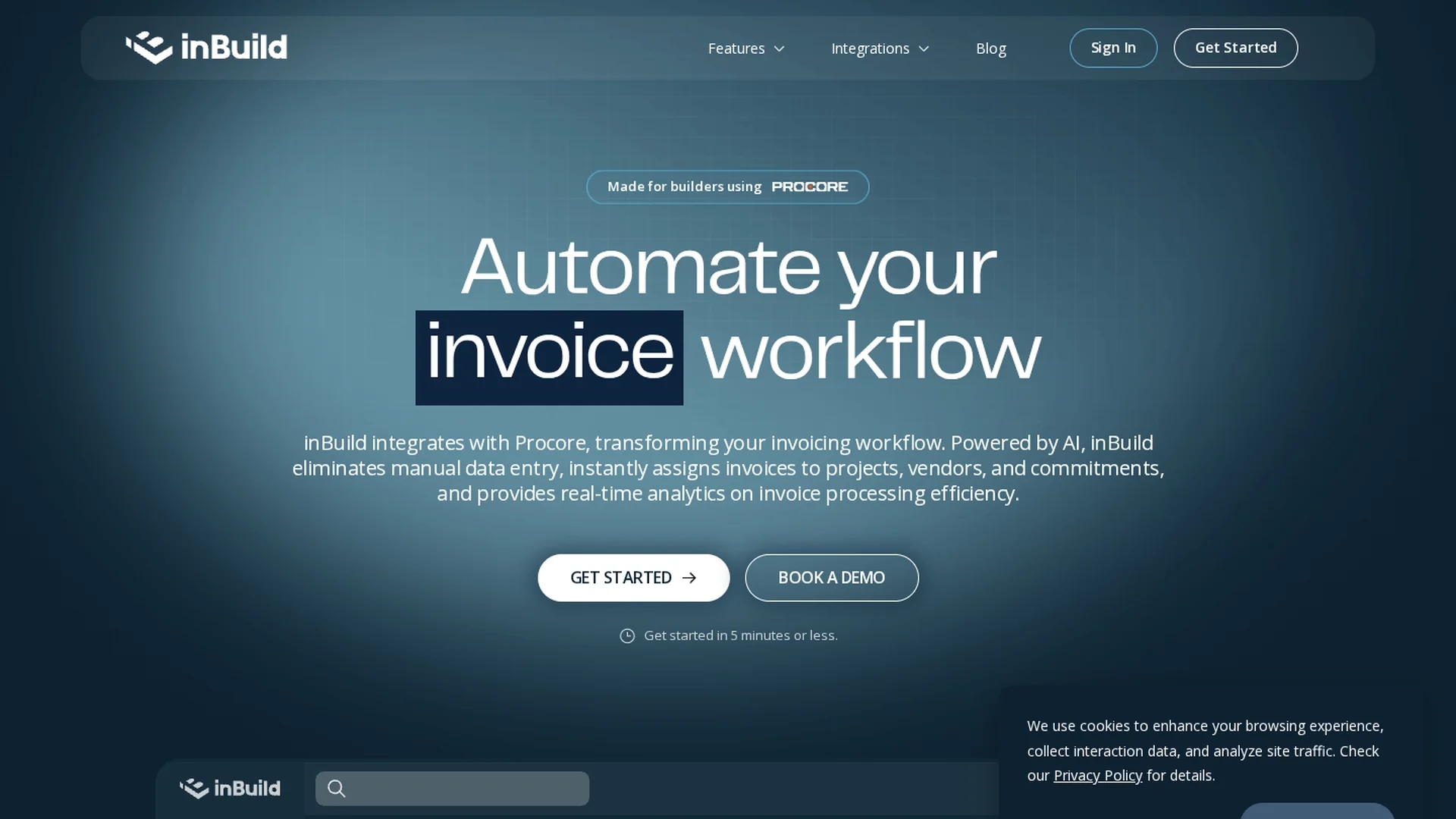
inBuild is AI-powered construction financial software that automates invoice management, payment processing, and budget reconciliation for contractors and accounting teams.
Disclaimer: Visionary Hub is not affiliated with, endorsed by, or the operator of this tool. All trademarks, logos, and content are the property of their respective owners. Full disclaimer available here
Key Features
Document Processing
Automatically extracts key invoice data from emails and uploads.
Job Cost Tracking
Tracks expenses and reconciles costs against project budgets.
Approval Workflows
Routes invoices for review and enforces approval hierarchies.
Financial Integrations
Integrates with Procore, QuickBooks, and Outlook for data syncing.
Get Started
Share & Save
Share on Social Media
Why Choose inBuild
AI Automation:
Reduces manual data entry by automatically processing invoices and payments.Seamless Integrations:
Syncs with Procore and QuickBooks for unified financial management.Mobile Approvals:
Enables invoice approvals and collaboration via a dedicated mobile app.
Pricing
inBuild offers an Essential plan for projects up to $5 million in annual construction volume and an Enterprise plan with custom pricing tailored to business needs. Detailed pricing is available on their pricing page.
About inBuild
inBuild is AI-powered construction financial software that automates invoice management, payment processing, and budget reconciliation for contractors and accounting teams.
What inBuild Does
inBuild automates the entire construction billing process by extracting key data from incoming invoices, routing them for approval, processing payments, and reconciling expenses against project budgets. This reduces administrative overhead and accelerates payment cycles.
The platform features automatic document processing, job cost tracking, pay application creation, and review workflows. It securely syncs with Procore and QuickBooks, enabling seamless data integration and real-time financial updates. A mobile app supports on-the-go invoice approvals and vendor communication.
inBuild is widely used by general contractors, subcontractors, and financial controllers in the construction industry to centralize financial workflows, improve accuracy, and maintain compliance with audit-ready documentation.
Pros & Cons
Efficiency
Significantly reduces invoice processing time and manual errors.
Real-time Insights
Provides project-level cost visibility and audit-ready financial reports.
Pricing Transparency
Specific pricing requires contacting sales; no public detailed pricing.
Learning Curve
Initial setup and onboarding may require multiple sessions.
Frequently Asked Questions
inBuild provides a 60-day money-back guarantee if not satisfied.
Billing is available monthly or yearly; custom schedules possible.
Onboarding typically involves 30-minute sessions over three weeks.
Unlimited users are allowed on any account at no extra cost.
Yes, it integrates with QuickBooks Online and Procore for syncing.
Similar Tools You Might Like
Discover more AI-powered tools that complement your workflow
List Your AI Tool & Reach Thousands of Users
Join 500+ AI innovators already thriving on our platform. Get visibility, feedback, and boost your conversions.
Expand Your Audience
Connect with over 50,000 AI enthusiasts actively looking for tools like yours.
Boost Your Authority
Get verified reviews and ratings to build credibility in the AI marketplace.
Drive Conversions
Our premium placements and targeted audience deliver quality leads and sign-ups.