
Inbox AI
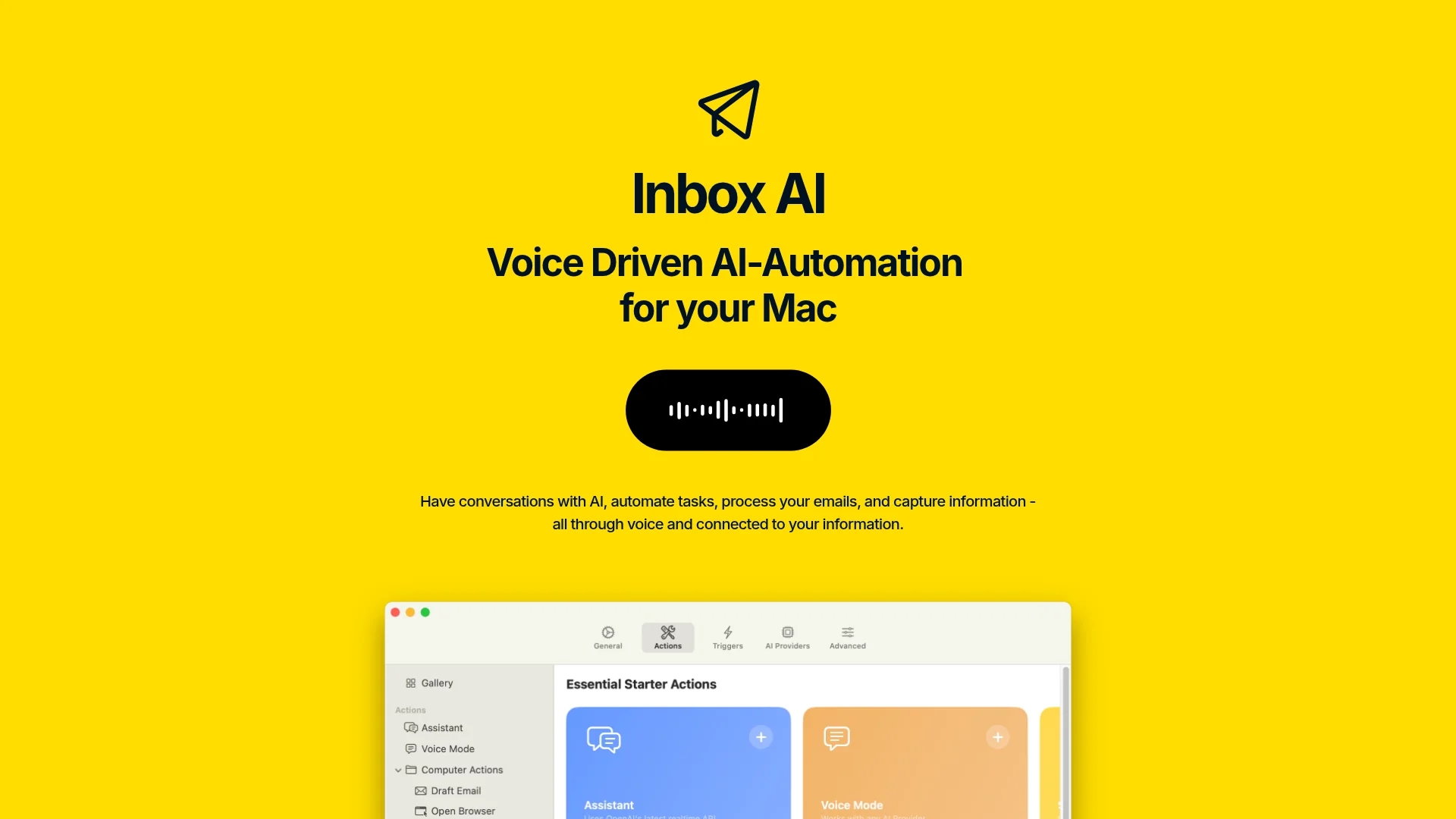
Inbox AI is a macOS voice-driven automation tool that streamlines email management by integrating with Apple Mail and enabling custom voice assistants for task processing and smart actions.
Disclaimer: Visionary Hub is not affiliated with, endorsed by, or the operator of this tool. All trademarks, logos, and content are the property of their respective owners. Full disclaimer available here
Key Features
Apple Mail Integration
Directly manage emails with flagging, archiving, and filtering actions.
Task Synchronization
Automatically extract tasks and sync them with Apple Reminders.
On-Device AI
Run AI processes locally without requiring cloud login or data sharing.
API & Terminal Support
Execute API requests and terminal commands within workflows.
Get Started
Share & Save
Share on Social Media
Why Choose Inbox AI
Voice Control:
Automate emails and tasks using intuitive voice commands on macOS.Privacy Focus:
Processes data locally on device, ensuring user privacy and security.Custom Assistants:
Build AI-powered voice assistants tailored to specific workflows.
Pricing
Inbox AI offers a one-time purchase model with no recurring fees. Users can bring their own API keys or use free local on-device AI via Ollama. For detailed pricing, visit the official website.
About Inbox AI
Inbox AI is a macOS voice-driven automation tool that streamlines email management by integrating with Apple Mail and enabling custom voice assistants for task processing and smart actions.
What Inbox AI Does
Inbox AI automates email management on macOS by using voice commands to filter junk emails, highlight important messages, and draft emails hands-free, improving user productivity and time management.
The tool integrates directly with Apple Mail and Apple Reminders, allowing smart actions such as flagging, archiving, and task synchronization. It supports building custom voice assistants that can answer questions, search the web, and execute commands using APIs or terminal commands, all while processing data locally to ensure privacy.
Inbox AI is suitable for industries and users focused on efficient email handling, task automation, and voice-driven workflows, including tech enthusiasts and professionals managing high email volumes.
Pros & Cons
No Recurring Fees
One-time purchase model eliminates subscription costs.
Deep macOS Integration
Seamlessly works with Apple Mail, Reminders, and macOS apps.
Mac Only
Available exclusively for macOS, limiting cross-platform use.
No Signup Link
No direct registration link found on homepage; purchase via website.
Frequently Asked Questions
Inbox AI is designed exclusively for macOS devices.
It uses a one-time purchase model with no recurring subscription fees.
Yes, users can create AI-powered voice assistants tailored to their needs.
It integrates with Apple Mail, Apple Reminders, and supports APIs and terminal commands.
Inbox AI processes data on-device to ensure privacy and security.
Similar Tools You Might Like
Discover more AI-powered tools that complement your workflow

List Your AI Tool & Reach Thousands of Users
Join 500+ AI innovators already thriving on our platform. Get visibility, feedback, and boost your conversions.
Expand Your Audience
Connect with over 50,000 AI enthusiasts actively looking for tools like yours.
Boost Your Authority
Get verified reviews and ratings to build credibility in the AI marketplace.
Drive Conversions
Our premium placements and targeted audience deliver quality leads and sign-ups.