
ImgToVideoAI
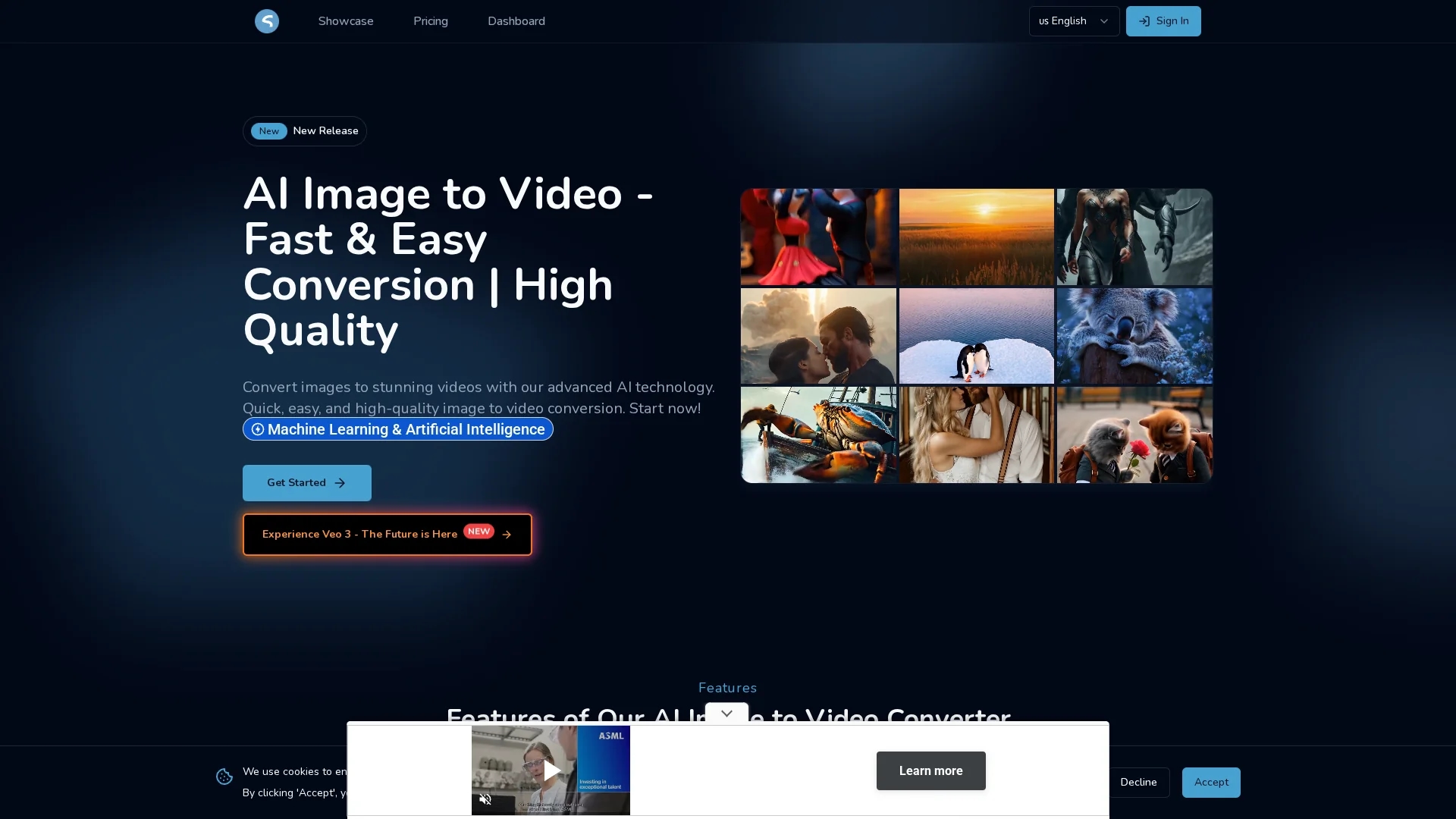
AI Image Video converts static images into high-quality videos using advanced AI technology, offering customizable effects, lifelike motion, and support for landscape and portrait formats.
Disclaimer: Visionary Hub is not affiliated with, endorsed by, or the operator of this tool. All trademarks, logos, and content are the property of their respective owners. Full disclaimer available here
Key Features
Automated Creation
AI handles video generation from images with minimal user input.
Format Support
Accepts both landscape (16:9) and portrait image uploads.
Lifelike Motion
Adds realistic movement effects to static images.
Custom Transitions
Enables users to personalize videos with various effects.
Get Started
Share & Save
Share on Social Media
Why Choose ImgToVideoAI
Fast Conversion:
Generates videos in 30-120 seconds, saving valuable time.User-Friendly:
Intuitive interface accessible to beginners and professionals.Customizable Effects:
Offers transitions and motion effects to enhance videos.
Pricing
ImgToVideoAI offers a free trial. Paid plans include Starter at $9.9/month, Standard at $14.9/month, and Premium at $29.9/month. Pricing is subject to change; check the official pricing page for updates.
About ImgToVideoAI
AI Image Video converts static images into high-quality videos using advanced AI technology, offering customizable effects, lifelike motion, and support for landscape and portrait formats.
What ImgToVideoAI Does
AI Image Video transforms static images into dynamic video content, enabling users to create engaging videos quickly without advanced editing skills. It benefits marketers, educators, and content creators by enhancing visual storytelling.
The tool features automated video creation, customizable transitions and effects, and supports both landscape and portrait image uploads. Its AI analyzes images to add lifelike motion and smooth frame generation, producing high-quality videos in under two minutes.
Use cases include social media content enhancement, promotional video creation for businesses, and converting educational materials like slides into engaging video presentations.
Pros & Cons
Time-Saving
Speeds up video creation compared to manual editing.
Cost-Effective
Reduces need for expensive equipment or specialized skills.
Limited Formats
Optimized mainly for landscape images; portrait support is secondary.
Pricing Transparency
Pricing details are subject to change and require verification.
Frequently Asked Questions
Videos are generated within 30 to 120 seconds depending on complexity.
Yes, ImgToVideoAI offers a free trial before upgrading to paid plans.
Yes, creating an account is required to access the dashboard and features.
Yes, the tool supports both landscape and portrait image uploads.
Users can add transitions, effects, and control video visibility settings.
Similar Tools You Might Like
Discover more AI-powered tools that complement your workflow


List Your AI Tool & Reach Thousands of Users
Join 500+ AI innovators already thriving on our platform. Get visibility, feedback, and boost your conversions.
Expand Your Audience
Connect with over 50,000 AI enthusiasts actively looking for tools like yours.
Boost Your Authority
Get verified reviews and ratings to build credibility in the AI marketplace.
Drive Conversions
Our premium placements and targeted audience deliver quality leads and sign-ups.