
ImgTools
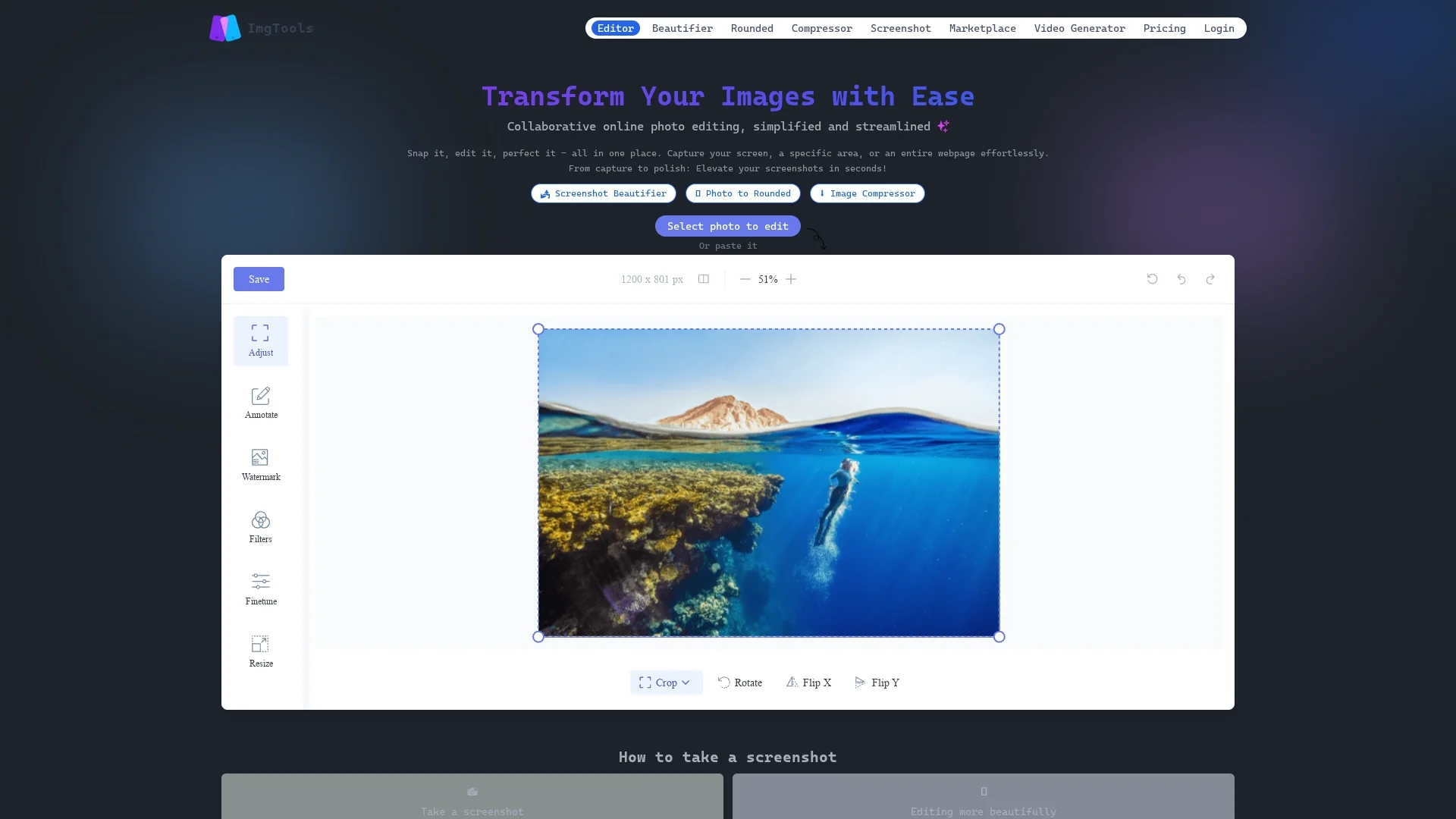
ImgTools is a versatile screenshot tool that simplifies capturing, editing, and enhancing images with features like beautifier, advanced editing, and collaborative online photo editing.
Disclaimer: Visionary Hub is not affiliated with, endorsed by, or the operator of this tool. All trademarks, logos, and content are the property of their respective owners. Full disclaimer available here
Key Features
Screen Capture
Capture full screen, selected areas, or entire webpages with ease.
Screenshot Beautifier
Enhance images with custom backgrounds, frames, shadows, and watermarks.
Advanced Editing
Annotate, crop, resize, and apply filters directly in the browser.
Online Collaboration
Edit images collaboratively in real time while maintaining privacy.
Get Started
Share & Save
Share on Social Media
Why Choose ImgTools
Privacy Focus:
All image editing occurs locally in the browser without uploading files.Collaborative Editing:
Supports real-time online collaboration on image editing projects.Comprehensive Tools:
Includes capture, beautifier, annotation, watermarking, and resizing features.
Pricing
Pricing details are available on the official pricing page. Plans and costs vary; visit the site for current information.
About ImgTools
ImgTools is a versatile screenshot tool that simplifies capturing, editing, and enhancing images with features like beautifier, advanced editing, and collaborative online photo editing.
What ImgTools Does
ImgTools enables users to capture their entire screen, specific areas, or full webpages quickly and easily. It enhances screenshots with beautifier features, custom backgrounds, frames, shadows, and watermarks to create polished visuals.
The tool offers advanced editing options including cropping, resizing, annotating, and watermarking, all performed directly in the browser to ensure user privacy. Collaborative online editing allows multiple users to work on images simultaneously without uploading files to external servers.
ImgTools is suitable for creating tutorials, bug reports, presentations, and social media content, serving industries like design, marketing, and remote teamwork.
Pros & Cons
User Privacy
Image editing is done locally, ensuring no data is uploaded.
Ease of Use
Intuitive interface simplifies capturing and editing screenshots.
Limited Offline Use
Collaborative features require internet connection for real-time editing.
No Desktop App
Functionality is browser-based; no standalone desktop application available.
Frequently Asked Questions
Yes, ImgTools allows capturing entire webpages, specific areas, or the full screen.
Pricing details are on the official page; trial availability is not specified.
No, all editing happens locally in your browser to protect your privacy.
Yes, ImgTools supports collaborative online photo editing in real time.
It offers annotation, watermarking, cropping, resizing, filters, and beautification.
Similar Tools You Might Like
Discover more AI-powered tools that complement your workflow


List Your AI Tool & Reach Thousands of Users
Join 500+ AI innovators already thriving on our platform. Get visibility, feedback, and boost your conversions.
Expand Your Audience
Connect with over 50,000 AI enthusiasts actively looking for tools like yours.
Boost Your Authority
Get verified reviews and ratings to build credibility in the AI marketplace.
Drive Conversions
Our premium placements and targeted audience deliver quality leads and sign-ups.