
Imgezy
Imgezy is an AI photo editor that removes objects, replaces backgrounds, and enhances images automatically, supporting JPG, PNG, HEIC, and WebP with high-resolution downloads and batch processing.
Disclaimer: Visionary Hub is not affiliated with, endorsed by, or the operator of this tool. All trademarks, logos, and content are the property of their respective owners. Full disclaimer available here
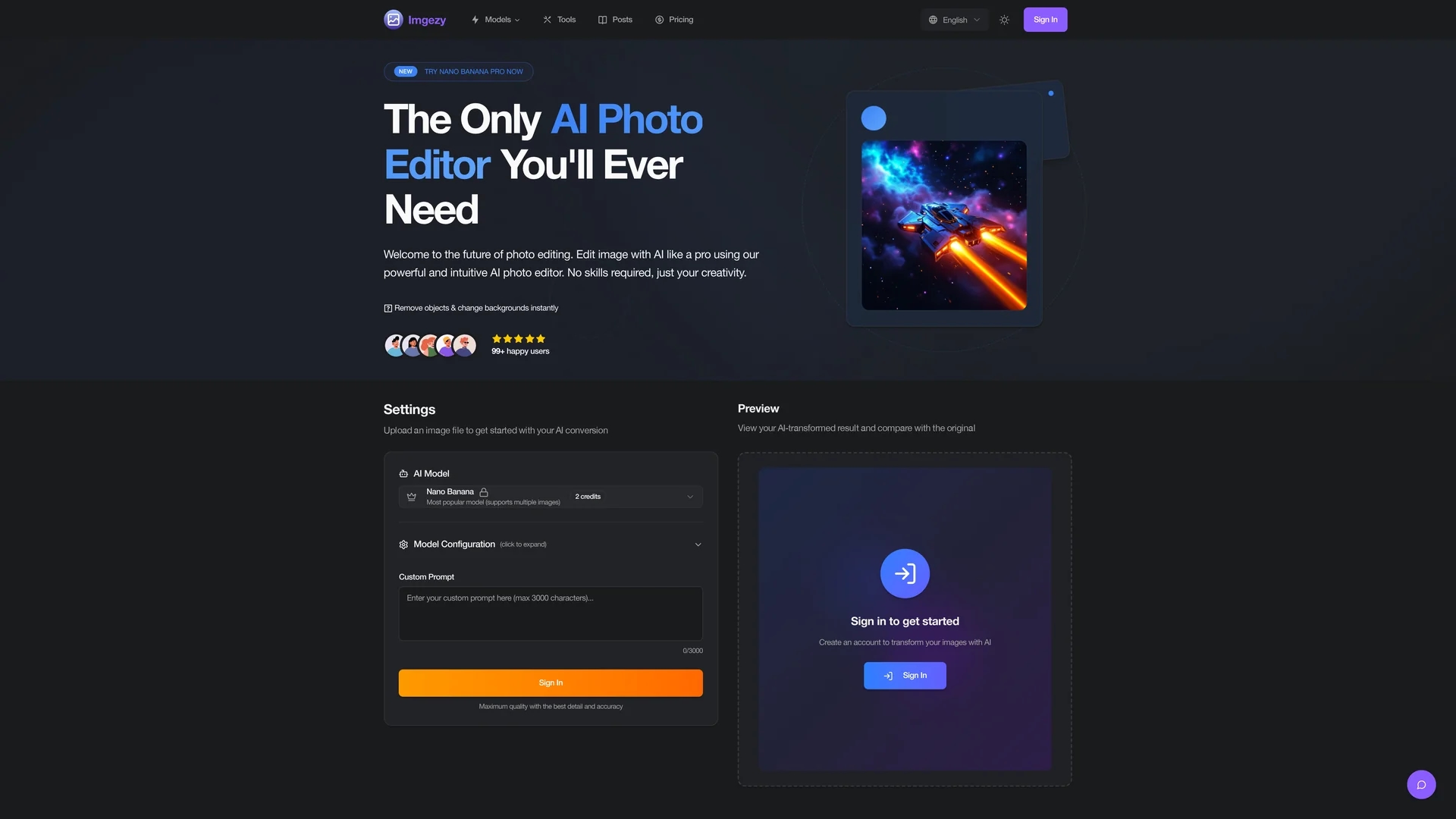
Key Features
Object Removal
Eliminates unwanted subjects or distractions from photos seamlessly.
Background Replacement
Instantly changes photo backgrounds to solid colors or lifestyle scenes.
Photo Enhancement
Automatically adjusts color, lighting, and sharpness for improved quality.
Smart Repair
Restores damaged or blurry areas to enhance photo clarity.
Get Started
Share & Save
Share on Social Media
Why Choose Imgezy
AI Precision:
Accurately removes objects and replaces backgrounds with pixel-perfect results.Batch Processing:
Edits multiple photos simultaneously to save time on large projects.High Resolution:
Provides full-resolution downloads suitable for professional use.
Pricing
Imgezy offers a freemium pricing model with a free plan that has limitations. Paid plans include Basic at $9.99/month and Pro at $19.99/month, with discounts available for annual billing.
About Imgezy
Imgezy is an AI photo editor that removes objects, replaces backgrounds, and enhances images automatically, supporting JPG, PNG, HEIC, and WebP with high-resolution downloads and batch processing.
What Imgezy Does
Imgezy enables users to edit photos by removing objects, changing backgrounds, and enhancing color, lighting, and sharpness automatically. It benefits users by streamlining photo editing workflows and improving image quality without manual effort.
The tool uses advanced AI algorithms to identify and remove unwanted elements, replace backgrounds with solid colors or scenes, and apply automatic enhancements. Batch processing allows editing multiple images simultaneously, while smart repair restores damaged or blurry areas for archival and product photos.
Imgezy is ideal for e-commerce product photography, marketing content creation, social media posts, and photo restoration, serving industries like retail, advertising, and creative media.
Pros & Cons
User-Friendly
No design skills required; simple text prompts control edits.
Versatile Format Support
Works with JPG, PNG, HEIC, and WebP image formats.
Limited Free Plan
Free usage has restrictions on the number of edits and features.
Dependent on Internet
Requires online access for AI processing and editing.
Frequently Asked Questions
Imgezy supports JPG, PNG, HEIC, and WebP image formats for editing.
Yes, Imgezy offers a free plan with limited edits and features.
Most edits complete within 5-10 seconds; complex edits may take up to 30 seconds.
Yes, paid plans include commercial licenses suitable for business use.
Uploaded images are processed securely and deleted from servers after 24 hours.
Similar Tools You Might Like
Discover more AI-powered tools that complement your workflow



List Your AI Tool & Reach Thousands of Users
Join 500+ AI innovators already thriving on our platform. Get visibility, feedback, and boost your conversions.
Expand Your Audience
Connect with over 50,000 AI enthusiasts actively looking for tools like yours.
Boost Your Authority
Get verified reviews and ratings to build credibility in the AI marketplace.
Drive Conversions
Our premium placements and targeted audience deliver quality leads and sign-ups.