imgtovid.ai
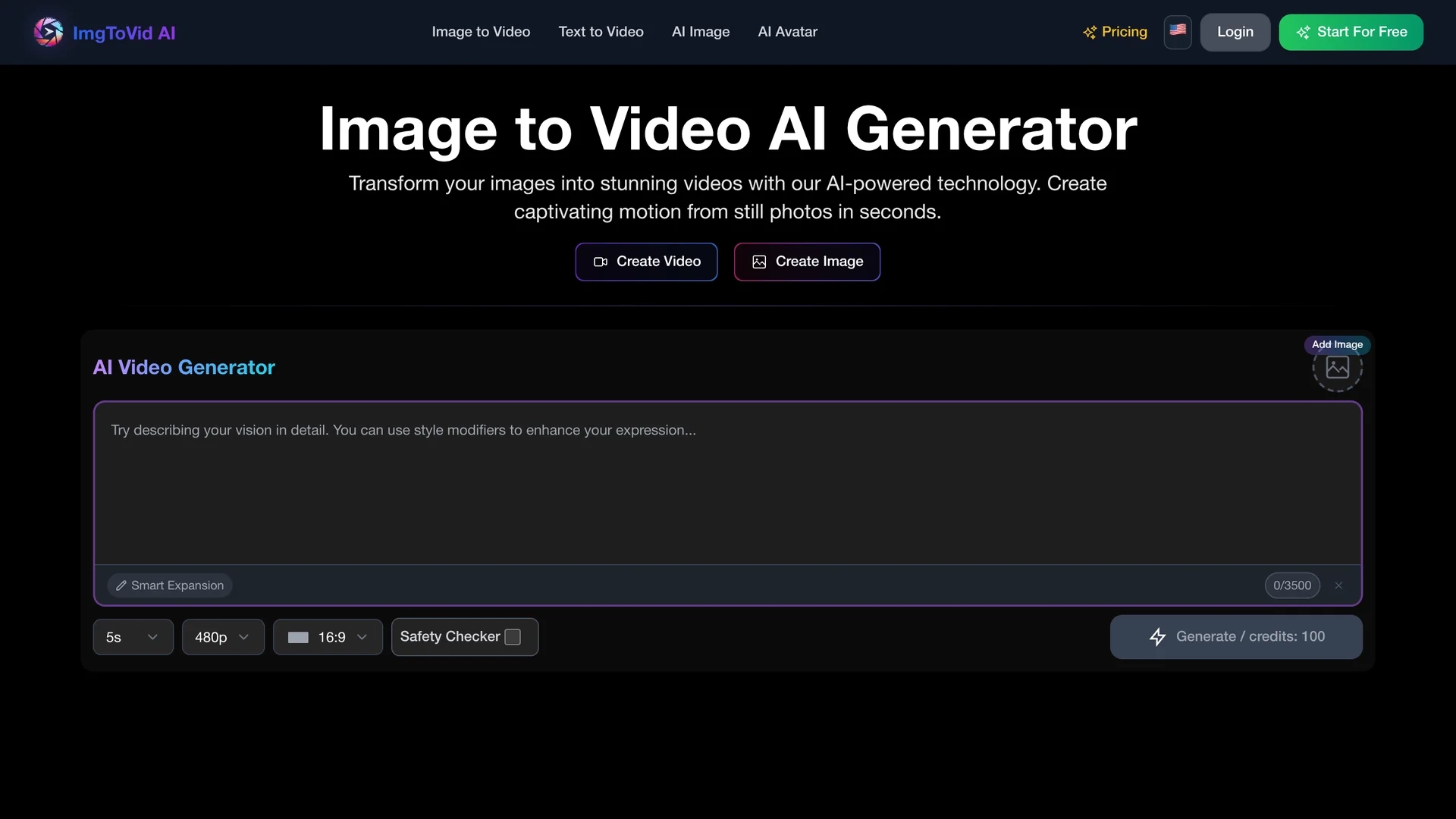
Image Video AI transforms static photos into animated videos using selectable models and customizable motion, camera moves, duration, resolution, and style for social media, marketing, and product visualization.
Disclaimer: Visionary Hub is not affiliated with, endorsed by, or the operator of this tool. All trademarks, logos, and content are the property of their respective owners. Full disclaimer available here
Key Features
Photo-to-Video AI
Converts static images into animated videos using machine learning models.
Four-Step Workflow
Upload, add prompt, generate video, and download with ease.
Format Support
Accepts JPG, PNG, and WEBP image formats for input.
Customizable Output
Adjust motion intensity, camera movement, resolution, lighting, and style.
Get Started
Share & Save
Share on Social Media
Why Choose imgtovid.ai
Multiple Models:
Choose from Kling, Runway, Luma, and Veo3 for varied animation styles.Full Customization:
Control motion, camera moves, lighting, duration, and style via text prompts.Commercial Rights:
Retain ownership and use generated videos for commercial purposes.
Pricing
imgtovid.ai offers a freemium pricing model with free usage under restrictions. Paid plans include Lite ($11.1/mo), Starter ($19.9/mo), Premium ($34.9/mo), Advanced ($62.9/mo), and credit packages ($50 for 5000 credits, $100 for 14000 credits). Prices are subject to change; verify on the official pricing page.
About imgtovid.ai
Image Video AI transforms static photos into animated videos using selectable models and customizable motion, camera moves, duration, resolution, and style for social media, marketing, and product visualization.
What imgtovid.ai Does
Image Video AI transforms still images into dynamic videos by applying AI-driven animation models. Users can animate photos with customizable motion, camera angles, lighting, and artistic styles, enhancing visual storytelling and marketing content.
The tool supports common image formats like JPG, PNG, and WEBP and offers selectable AI models including Kling, Runway, Luma, and Veo3 to produce either realistic or stylized video outputs. Its four-step process—upload, prompt customization, generation, and download—enables efficient video creation within 5-10 minutes.
Typical applications include creating social media reels, product visualizations for e-commerce, and promotional clips, making it valuable for content creators, marketers, and designers across various industries.
Pros & Cons
User-Friendly
Simple four-step process suitable for users without video skills.
Secure Data
Bank-level encryption ensures user content privacy and security.
Processing Time
Video generation can take 5–10 minutes depending on image complexity.
Limited Free Use
Free plan has restrictions; full features require paid subscription.
Frequently Asked Questions
It supports JPG, JPEG, PNG, WEBP, and other common image formats.
Typically 5 to 10 minutes depending on photo complexity and settings.
Yes, you can adjust motion, camera moves, duration, resolution, and style.
Yes, users retain ownership and can use videos commercially.
Plans range from free with limits to paid tiers starting at $11.1 per month.
Similar Tools You Might Like
Discover more AI-powered tools that complement your workflow
List Your AI Tool & Reach Thousands of Users
Join 500+ AI innovators already thriving on our platform. Get visibility, feedback, and boost your conversions.
Expand Your Audience
Connect with over 50,000 AI enthusiasts actively looking for tools like yours.
Boost Your Authority
Get verified reviews and ratings to build credibility in the AI marketplace.
Drive Conversions
Our premium placements and targeted audience deliver quality leads and sign-ups.