
ImageToVideo AI
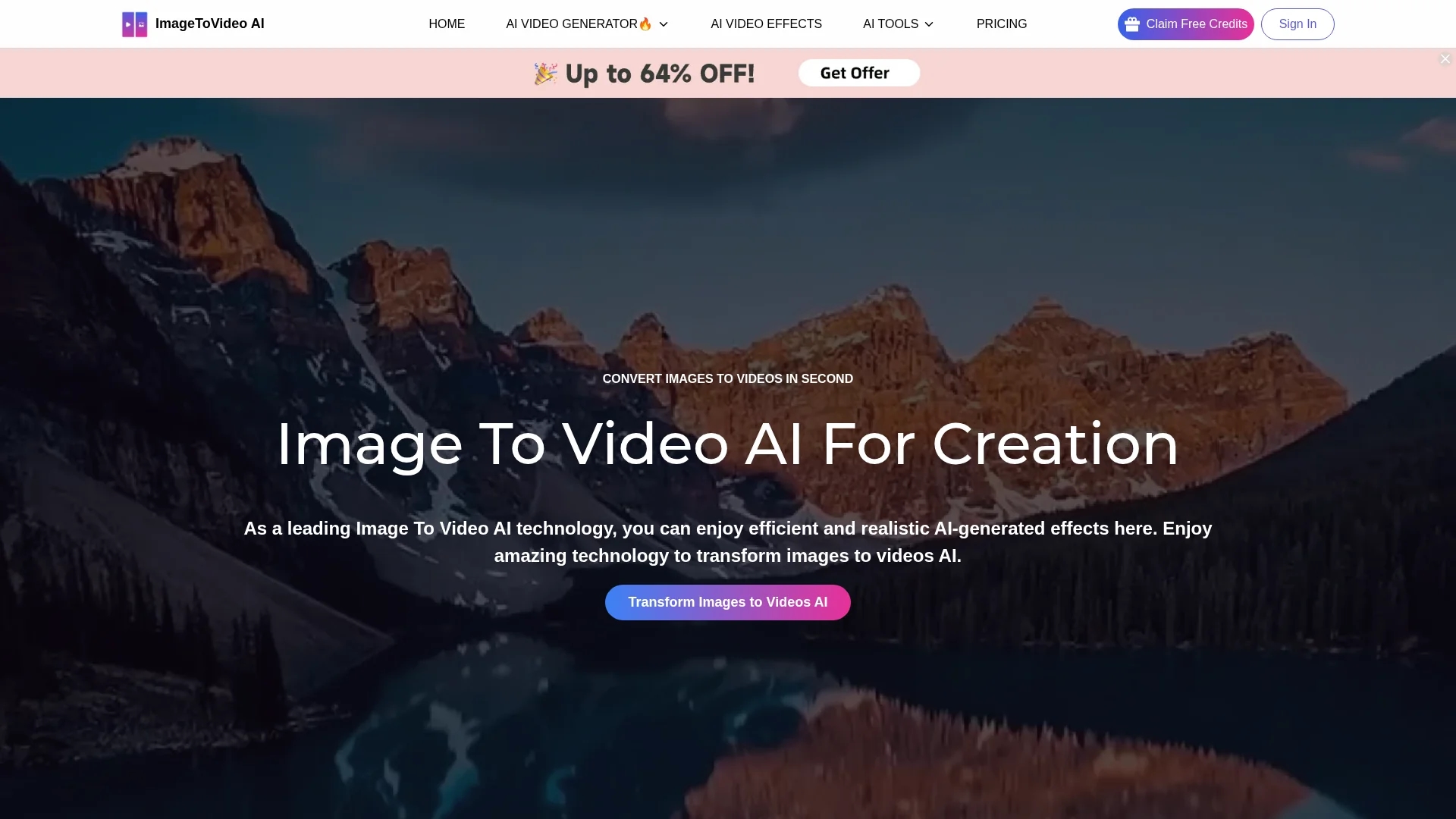
Image Video AI converts static images into dynamic MP4 videos using advanced AI technology, enabling users to create engaging videos with various effects easily and without editing skills.
Disclaimer: Visionary Hub is not affiliated with, endorsed by, or the operator of this tool. All trademarks, logos, and content are the property of their respective owners. Full disclaimer available here
Key Features
Image to Video
Transforms static images into engaging MP4 videos effortlessly.
Multiple Formats
Supports JPG, PNG, and WebP image uploads for flexible input.
Custom Effects
Applies various video effects tailored to user creative prompts.
No Watermark
Allows downloading videos without watermarks for professional quality.
Get Started
Share & Save
Share on Social Media
Why Choose ImageToVideo AI
User-Friendly:
Simple interface allows easy image upload and video generation without editing skills.AI-Powered:
Advanced AI technology creates dynamic videos with customizable effects.Watermark-Free:
Exports high-quality videos without watermarks for professional use.
Pricing
Pricing details are available on the official pricing page at https://imagetovideoai.io/pricing/. The platform offers free usage options with no watermark and additional paid plans for extended features.
About ImageToVideo AI
Image Video AI converts static images into dynamic MP4 videos using advanced AI technology, enabling users to create engaging videos with various effects easily and without editing skills.
What ImageToVideo AI Does
Image Video AI converts static images into dynamic videos, allowing users to create engaging visual content quickly. It benefits marketers, educators, and creators by simplifying video production without complex software.
The tool supports uploading images in JPG, PNG, and WebP formats and converts them into MP4 videos. Users can input creative prompts and customize AI model levels, video resolution, duration, and effects. The AI automatically animates images and adds enhancements like background music and subtitles.
Typical use cases include generating social media ads, educational presentations, and personalized video montages. It is suitable for startups, small businesses, educators, and online content creators seeking cost-effective video solutions.
Pros & Cons
Ease of Use
Intuitive design enables quick video creation without technical skills.
Flexible Customization
Users can adjust AI model, resolution, duration, and effects.
Limited Pricing Info
Detailed pricing requires visiting the official pricing page.
Internet Required
Online tool requires stable internet connection for video generation.
Frequently Asked Questions
It supports JPG, PNG, and WebP formats for image uploads.
Yes, the tool exports high-quality videos without watermarks.
Yes, Image Video AI offers free usage options with watermark-free videos.
You can sign up or start using the tool at https://imagetovideoai.io/.
Yes, users can adjust video duration and resolution before generation.
Similar Tools You Might Like
Discover more AI-powered tools that complement your workflow


List Your AI Tool & Reach Thousands of Users
Join 500+ AI innovators already thriving on our platform. Get visibility, feedback, and boost your conversions.
Expand Your Audience
Connect with over 50,000 AI enthusiasts actively looking for tools like yours.
Boost Your Authority
Get verified reviews and ratings to build credibility in the AI marketplace.
Drive Conversions
Our premium placements and targeted audience deliver quality leads and sign-ups.