Image to Image AI
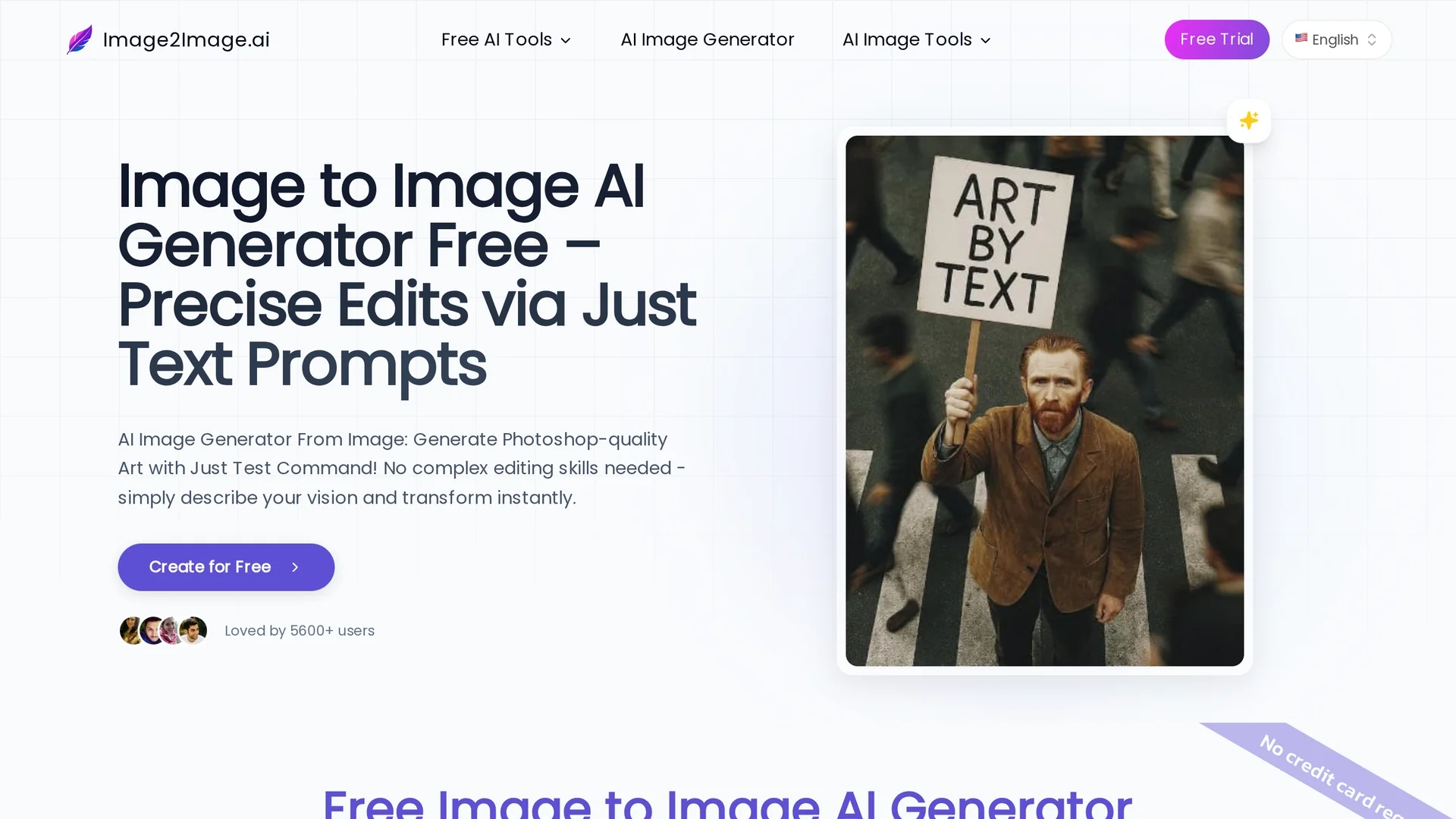
Image to Image AI transforms photos using text prompts, enabling style changes, object removal, and realistic edits while preserving original image consistency.
Disclaimer: Visionary Hub is not affiliated with, endorsed by, or the operator of this tool. All trademarks, logos, and content are the property of their respective owners. Full disclaimer available here
Key Features
Text-Based Editing
Transforms images using intuitive text commands.
Object Swapping
Removes or replaces objects seamlessly within photos.
Outpainting
Expands images naturally by generating matching content.
Style Consistency
Preserves original style and lighting across edits.
Get Started
Share & Save
Share on Social Media
Why Choose Image to Image AI
Perfect Consistency:
Maintains original image composition and lighting for natural edits.Fast Workflow:
Completes complex edits in seconds, accelerating creative processes.No Skills Needed:
Enables professional-quality edits using simple text prompts.
Pricing
Image to Image AI offers a free trial with no sign-up required. Paid plans include Starter at $7/month and Advanced at $13/month, billed annually. Visit the official pricing page for details.
About Image to Image AI
Image to Image AI transforms photos using text prompts, enabling style changes, object removal, and realistic edits while preserving original image consistency.
What Image to Image AI Does
Image to Image AI transforms existing photos by applying text-based commands to edit styles, swap objects, and enhance details. It benefits users by simplifying complex image editing into intuitive text prompts.
The tool uses advanced AI models to analyze the uploaded image's composition, lighting, and structure, ensuring edits maintain visual consistency. Features include object removal, outpainting, sketch-to-photorealistic conversion, and style preservation.
Industries such as concept art, real estate, e-commerce, and social media benefit from its ability to create professional visuals quickly and cost-effectively.
Pros & Cons
User-Friendly
No complex software skills required for high-quality edits.
Versatile Applications
Supports diverse use cases from art to e-commerce.
Processing Time
Some edits may take up to 90 seconds depending on complexity.
Subscription Required
Advanced features require paid plans after free trial.
Frequently Asked Questions
Common formats like JPG, PNG, and WEBP are supported, with high-resolution files recommended.
Yes, multiple photos can be uploaded for merging styles using the Image GPT Generator.
Processing typically takes 20-30 seconds for Image to Image AI, longer for more complex models.
Yes, a free trial with no sign-up or credit card required is offered.
Commercial use depends on your subscription plan; paid plans usually include commercial licenses.
Similar Tools You Might Like
Discover more AI-powered tools that complement your workflow

List Your AI Tool & Reach Thousands of Users
Join 500+ AI innovators already thriving on our platform. Get visibility, feedback, and boost your conversions.
Expand Your Audience
Connect with over 50,000 AI enthusiasts actively looking for tools like yours.
Boost Your Authority
Get verified reviews and ratings to build credibility in the AI marketplace.
Drive Conversions
Our premium placements and targeted audience deliver quality leads and sign-ups.