
HitPaw Video Enhancer
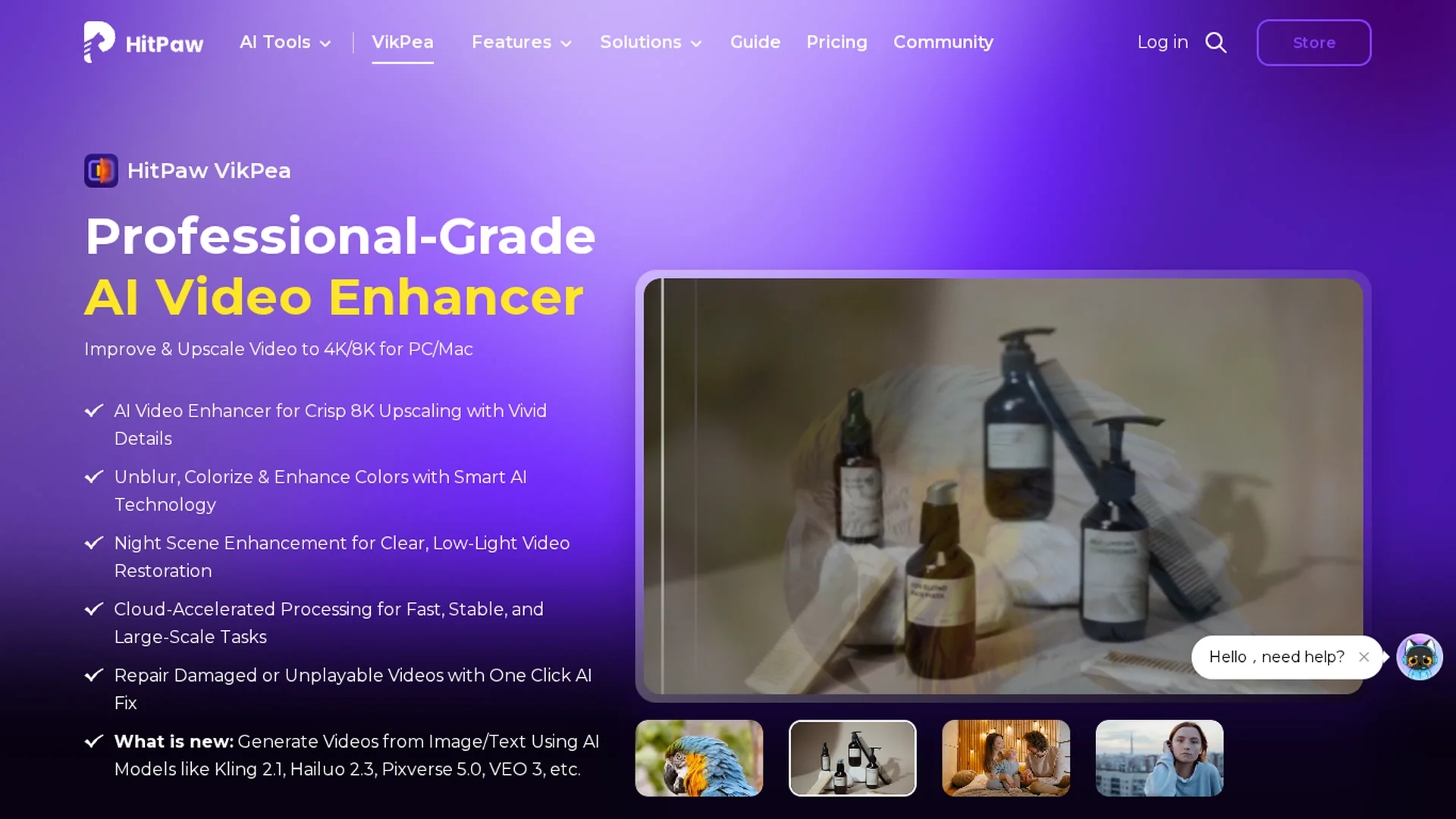
HitPaw Video Enhancer is an AI-powered tool that upscales low-resolution videos to 4K or 8K, enhances colors, removes noise, and sharpens footage for improved video quality without loss.
Disclaimer: Visionary Hub is not affiliated with, endorsed by, or the operator of this tool. All trademarks, logos, and content are the property of their respective owners. Full disclaimer available here
Key Features
Resolution Enhancement
Upscales videos from SD to HD, 4K, and 8K with AI-powered clarity improvements.
Colorization
Adds natural and realistic colors to black and white or faded videos.
Noise Reduction
Removes noise and compression artifacts for cleaner video output.
Video Stabilization
Smooths shaky footage using AI frame interpolation and stabilization models.
Get Started
Share & Save
Share on Social Media
Why Choose HitPaw Video Enhancer
AI Upscaling:
Upscales videos up to 8K with advanced AI for enhanced resolution and detail.Batch Processing:
Processes multiple videos simultaneously to save time and improve workflow.Cloud Rendering:
Uses cloud acceleration to speed up video enhancement and reduce local resource use.
Pricing
HitPaw VikPea offers a free trial with preview-only features and paid licenses available for Windows and Mac. Pricing details and purchase options are available on the official HitPaw website.
About HitPaw Video Enhancer
HitPaw Video Enhancer is an AI-powered tool that upscales low-resolution videos to 4K or 8K, enhances colors, removes noise, and sharpens footage for improved video quality without loss.
What HitPaw Video Enhancer Does
HitPaw Video Enhancer upscales low-resolution and compressed videos to higher resolutions such as 4K and 8K, improving overall video quality. It enhances colors, sharpens details, and removes noise to restore clarity and vibrancy.
The tool employs advanced AI models including frame interpolation, color enhancement, and noise reduction. It supports batch processing and cloud acceleration to speed up rendering while maintaining quality. Users can also repair damaged videos and stabilize shaky footage with specialized AI algorithms.
Ideal for film producers, video editors, and online content creators, it enhances various video types including vintage footage, low-light recordings, and compressed clips, making them suitable for professional and personal use.
Pros & Cons
User-Friendly
Intuitive interface allows easy video enhancement without complex settings.
Wide Format Support
Supports multiple video formats including MP4, MOV, MKV, AVI, and more.
Export Limitations
Free trial only allows preview; export requires paid license.
Hardware Requirements
Recommended specs include high RAM and GPU for optimal performance.
Frequently Asked Questions
Yes, HitPaw VikPea uses AI to improve resolution, reduce noise, and sharpen video details.
It can upscale videos up to 8K resolution, including SD to HD and HD to 4K.
Yes, a free trial allows previewing features but does not support exporting videos.
HitPaw VikPea supports Windows 10/11 and macOS 13 or higher with recommended hardware specs.
Yes, the tool supports batch processing to enhance multiple videos efficiently.
Similar Tools You Might Like
Discover more AI-powered tools that complement your workflow
List Your AI Tool & Reach Thousands of Users
Join 500+ AI innovators already thriving on our platform. Get visibility, feedback, and boost your conversions.
Expand Your Audience
Connect with over 50,000 AI enthusiasts actively looking for tools like yours.
Boost Your Authority
Get verified reviews and ratings to build credibility in the AI marketplace.
Drive Conversions
Our premium placements and targeted audience deliver quality leads and sign-ups.