
HitPaw Edimakor
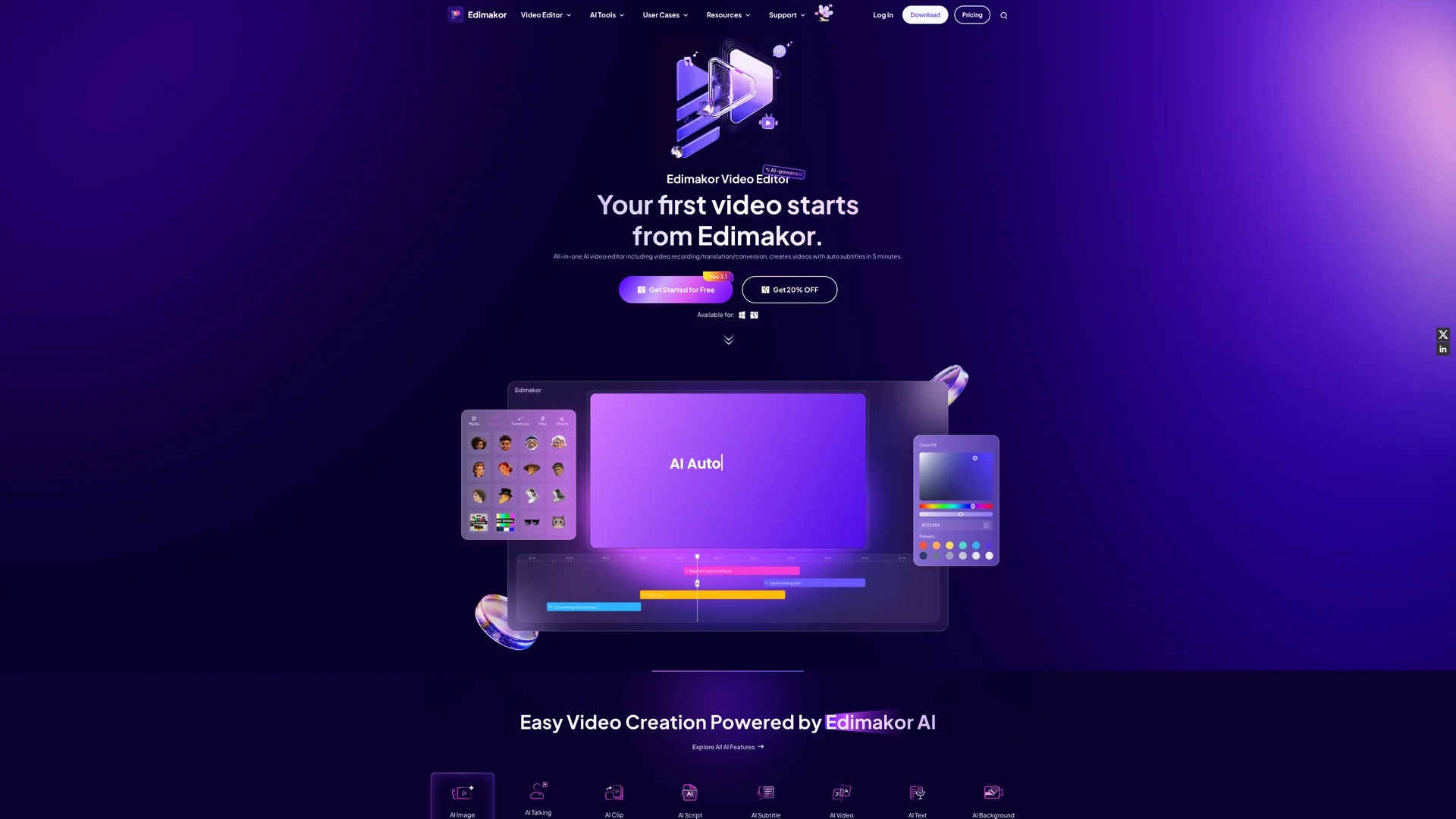
Hitpaw Edimakor is an AI-powered video editor offering easy editing, text overlays, speed adjustments, and AI noise removal for professional-quality videos across platforms.
Disclaimer: Visionary Hub is not affiliated with, endorsed by, or the operator of this tool. All trademarks, logos, and content are the property of their respective owners. Full disclaimer available here
Key Features
AI Video Editing
Automates editing tasks for faster video production.
Speed Adjustment
Allows precise control over video playback speed.
Text Overlays
Enables adding customizable text to videos.
Creative Resources
Includes stickers, filters, and effects to enhance visuals.
Get Started
Share & Save
Share on Social Media
Why Choose HitPaw Edimakor
AI Noise Removal:
Enhances audio by reducing background noise for clearer sound.User-Friendly:
Simplifies editing with an intuitive interface for all skill levels.Extensive Assets:
Offers stickers, filters, effects, and overlays to enrich videos.
Pricing
Pricing details are available on the official Hitpaw Edimakor pricing pages for Windows and Mac. Discounts of 20% off are offered. Visit the pricing page for current plans and payment options.
About HitPaw Edimakor
Hitpaw Edimakor is an AI-powered video editor offering easy editing, text overlays, speed adjustments, and AI noise removal for professional-quality videos across platforms.
What HitPaw Edimakor Does
Hitpaw Edimakor functions as an all-in-one AI video editor that enables users to easily edit videos by cutting, merging, adding text, adjusting speed, and applying video coloring. It enhances audio quality by removing background noise through AI-powered noise removal.
The software includes a variety of creative resources such as stickers, filters, effects, and text overlays to enrich videos. It also supports AI features like video translation, subtitle generation, and AI avatars to streamline content creation.
It is suitable for industries including marketing, social media content creation, education, and business communications, helping users produce professional and engaging videos efficiently.
Pros & Cons
Versatile
Supports a wide range of video editing and AI features.
Cross-Platform
Available for both Windows and Mac operating systems.
Pricing Details
Specific pricing plans require visiting the official pricing page.
Learning Curve
Advanced AI features may require some user familiarization.
Frequently Asked Questions
Hitpaw Edimakor is available for Windows and Mac operating systems.
Users can get started for free by downloading the software from the official site.
Yes, the AI noise remover enhances audio by reducing unwanted background noise.
Yes, the tool provides a variety of stickers, filters, effects, and text overlays.
Pricing details are available on the official Hitpaw Edimakor pricing pages online.
Similar Tools You Might Like
Discover more AI-powered tools that complement your workflow

List Your AI Tool & Reach Thousands of Users
Join 500+ AI innovators already thriving on our platform. Get visibility, feedback, and boost your conversions.
Expand Your Audience
Connect with over 50,000 AI enthusiasts actively looking for tools like yours.
Boost Your Authority
Get verified reviews and ratings to build credibility in the AI marketplace.
Drive Conversions
Our premium placements and targeted audience deliver quality leads and sign-ups.