Helper Systems: kOS
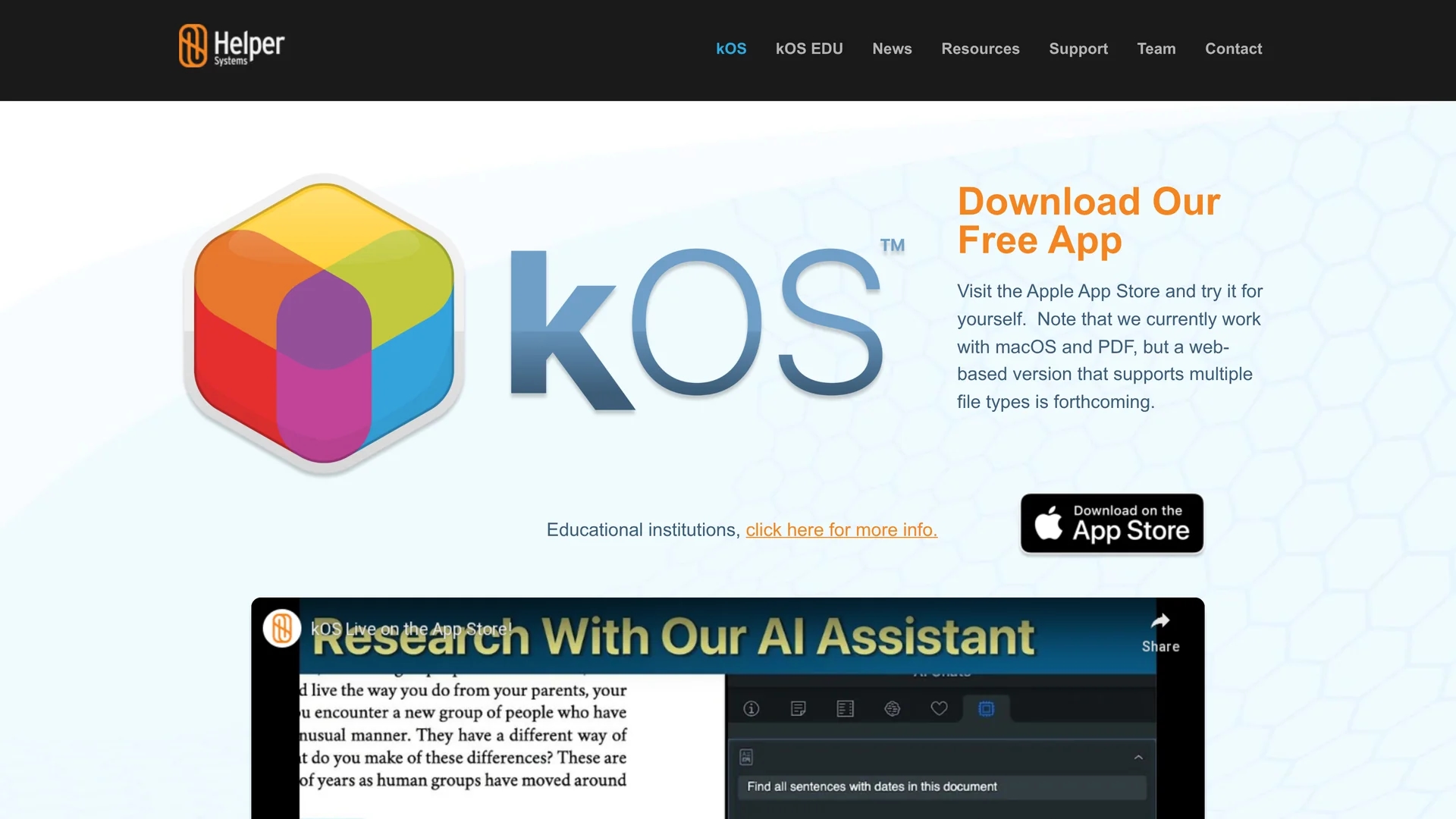
kOS by Helper Systems is an AI research tool that streamlines PDF organization, annotation, and citation sharing for students and faculty, emphasizing privacy and academic integrity.
Disclaimer: Visionary Hub is not affiliated with, endorsed by, or the operator of this tool. All trademarks, logos, and content are the property of their respective owners. Full disclaimer available here
Key Features
PDF Integration
Add PDFs from desktop, shared drives, or web sources.
Annotation Tools
Annotate documents with tags and comments.
Folder System
Organize research using reimagined folder structures.
Citation Sharing
Copy and share citations seamlessly across devices.
Get Started
Share & Save
Share on Social Media
Why Choose Helper Systems: kOS
Privacy Focus:
Operates offline without using servers to ensure data security.Academic Integrity:
Provides trustworthy proof of work for students and faculty.Innovative Organization:
Uses unique folder concepts and word cloud indexes for research.
Pricing
kOS offers a free version with core features and a premium subscription at $9.99 monthly after a 6-month free trial. Pricing details are available on the official site.
About Helper Systems: kOS
kOS by Helper Systems is an AI research tool that streamlines PDF organization, annotation, and citation sharing for students and faculty, emphasizing privacy and academic integrity.
What Helper Systems: kOS Does
kOS enables users to add PDF files from desktops, shared drives, or the web, annotate them, and organize research materials effectively. It benefits users by streamlining the research process and supporting academic integrity.
The tool features innovative folder structures, word cloud indexes to analyze word occurrences, and seamless citation copying and sharing. It also allows building presentations that showcase research progress, all while operating without requiring internet access to protect user privacy.
Ideal for academic environments, kOS supports educators, students, and researchers in managing complex research projects and ensuring reliable documentation of their work.
Pros & Cons
Offline Use
Does not require internet access, enhancing privacy.
Comprehensive Features
Combines annotation, organization, and presentation tools.
Platform Limitation
Currently supports macOS; web version is forthcoming.
Pricing Model
Premium features require subscription after a free trial.
Frequently Asked Questions
Currently, kOS supports macOS with a web version planned.
Yes, a free version with core features is available.
By providing proof of work and distinguishing AI-generated content.
No, it operates offline to protect user privacy.
Yes, it allows seamless copying and sharing of citations.
Similar Tools You Might Like
Discover more AI-powered tools that complement your workflow
List Your AI Tool & Reach Thousands of Users
Join 500+ AI innovators already thriving on our platform. Get visibility, feedback, and boost your conversions.
Expand Your Audience
Connect with over 50,000 AI enthusiasts actively looking for tools like yours.
Boost Your Authority
Get verified reviews and ratings to build credibility in the AI marketplace.
Drive Conversions
Our premium placements and targeted audience deliver quality leads and sign-ups.