
Handwriting Remover
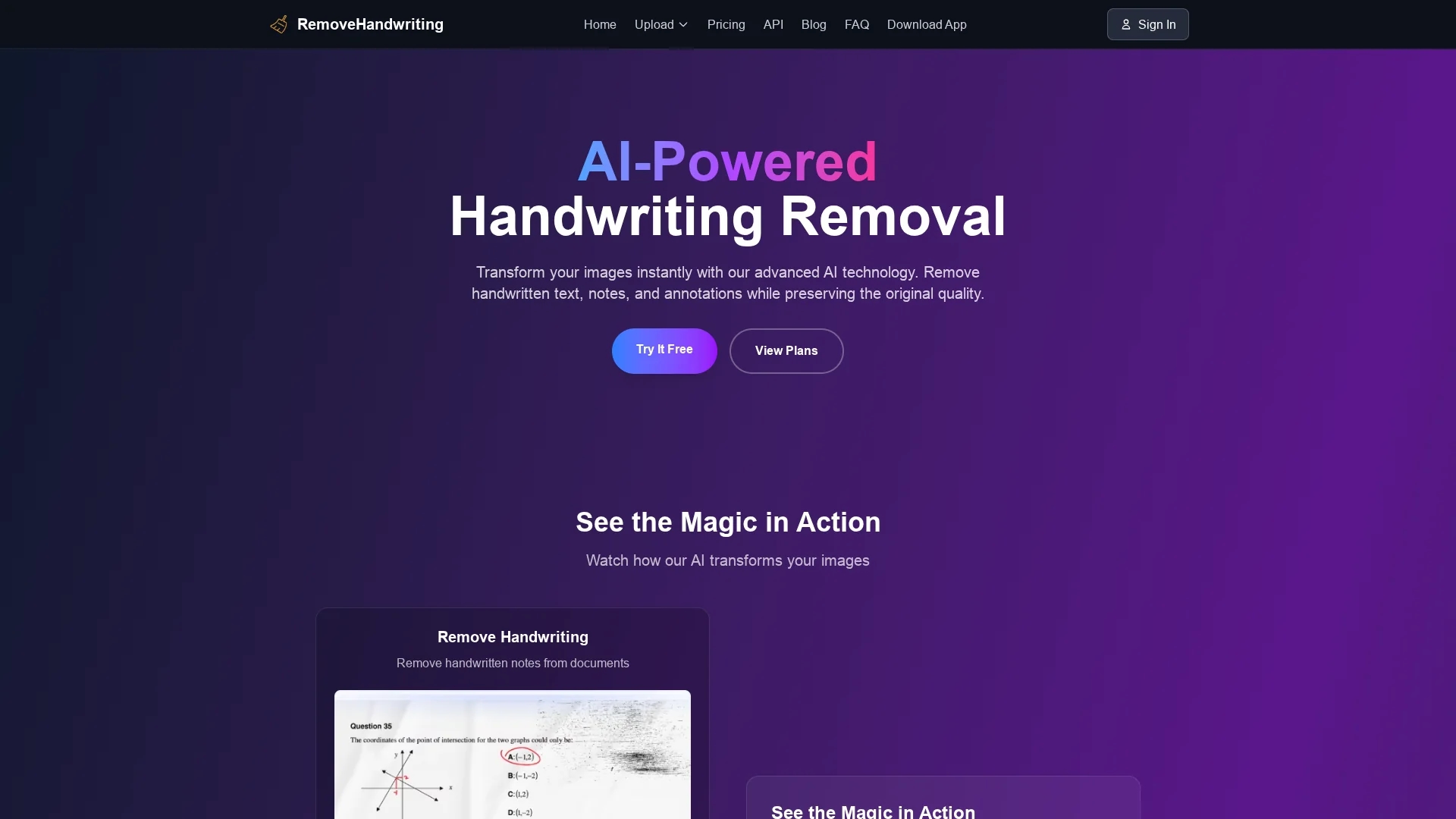
Remove Handwriting AI Tool efficiently eliminates handwritten content from images and PDFs, correcting distortions like curling and shadows for pristine documents in education and business.
Disclaimer: Visionary Hub is not affiliated with, endorsed by, or the operator of this tool. All trademarks, logos, and content are the property of their respective owners. Full disclaimer available here
Key Features
Handwriting Removal
Erases handwritten notes and annotations from images and PDFs.
Document Restoration
Fixes curls, wrinkles, shadows, stains, and geometric distortions.
Auto Boundary Detection
Detects document edges and layout for precise processing.
Multi-format Support
Supports JPG, PNG, JPEG images and PDF documents.
Get Started
Share & Save
Share on Social Media
Why Choose Handwriting Remover
Advanced AI:
Uses AI to remove handwriting while preserving printed content accurately.Distortion Correction:
Automatically corrects curling, skew, shadows, and stains on documents.Fast Processing:
Delivers clean documents within seconds for efficient workflows.
Pricing
Remove Handwriting offers a freemium pricing model with free usage limits and paid plans. Monthly subscriptions start at $2 and $5.99, with a lifetime plan at $21.99. Pricing details and plans are available on the pricing page.
About Handwriting Remover
Remove Handwriting AI Tool efficiently eliminates handwritten content from images and PDFs, correcting distortions like curling and shadows for pristine documents in education and business.
What Handwriting Remover Does
Remove Handwriting AI Tool automatically detects and removes handwritten notes, annotations, and marks from images and PDF documents, delivering clean, professional-quality outputs. This improves readability and presentation for educational materials, business documents, and archival content.
The tool features advanced image processing that corrects distortions such as curling, skew, shadows, stains, and wrinkles. It auto-detects document boundaries, flattens curled edges, removes cluttered backgrounds, and preserves printed text and diagrams. Processing is fast, typically taking 5 to 10 seconds per image.
Common use cases include cleaning scanned lecture slides, restoring old or damaged documents, and preparing business files for sharing. It supports JPG, PNG, JPEG, and PDF formats, with API access available for bulk processing.
Pros & Cons
High Accuracy
Removes handwriting with over 95% accuracy preserving print quality.
Privacy Focused
Automatically deletes uploaded files after processing for security.
Limited Free Use
Free tier has usage restrictions requiring paid plans for unlimited access.
Downgrade Restrictions
Subscription downgrades are currently not supported.
Frequently Asked Questions
Supports JPG, PNG, JPEG images and PDF documents with dedicated PDF processing.
Yes, free usage includes 3 credits for image processing before subscribing.
Processing typically takes 5 to 10 seconds depending on image size and server load.
Yes, it removes handwriting while maintaining printed content and document structure.
Uploaded images are deleted automatically after processing and not used for training.
Similar Tools You Might Like
Discover more AI-powered tools that complement your workflow
List Your AI Tool & Reach Thousands of Users
Join 500+ AI innovators already thriving on our platform. Get visibility, feedback, and boost your conversions.
Expand Your Audience
Connect with over 50,000 AI enthusiasts actively looking for tools like yours.
Boost Your Authority
Get verified reviews and ratings to build credibility in the AI marketplace.
Drive Conversions
Our premium placements and targeted audience deliver quality leads and sign-ups.