Grok Button
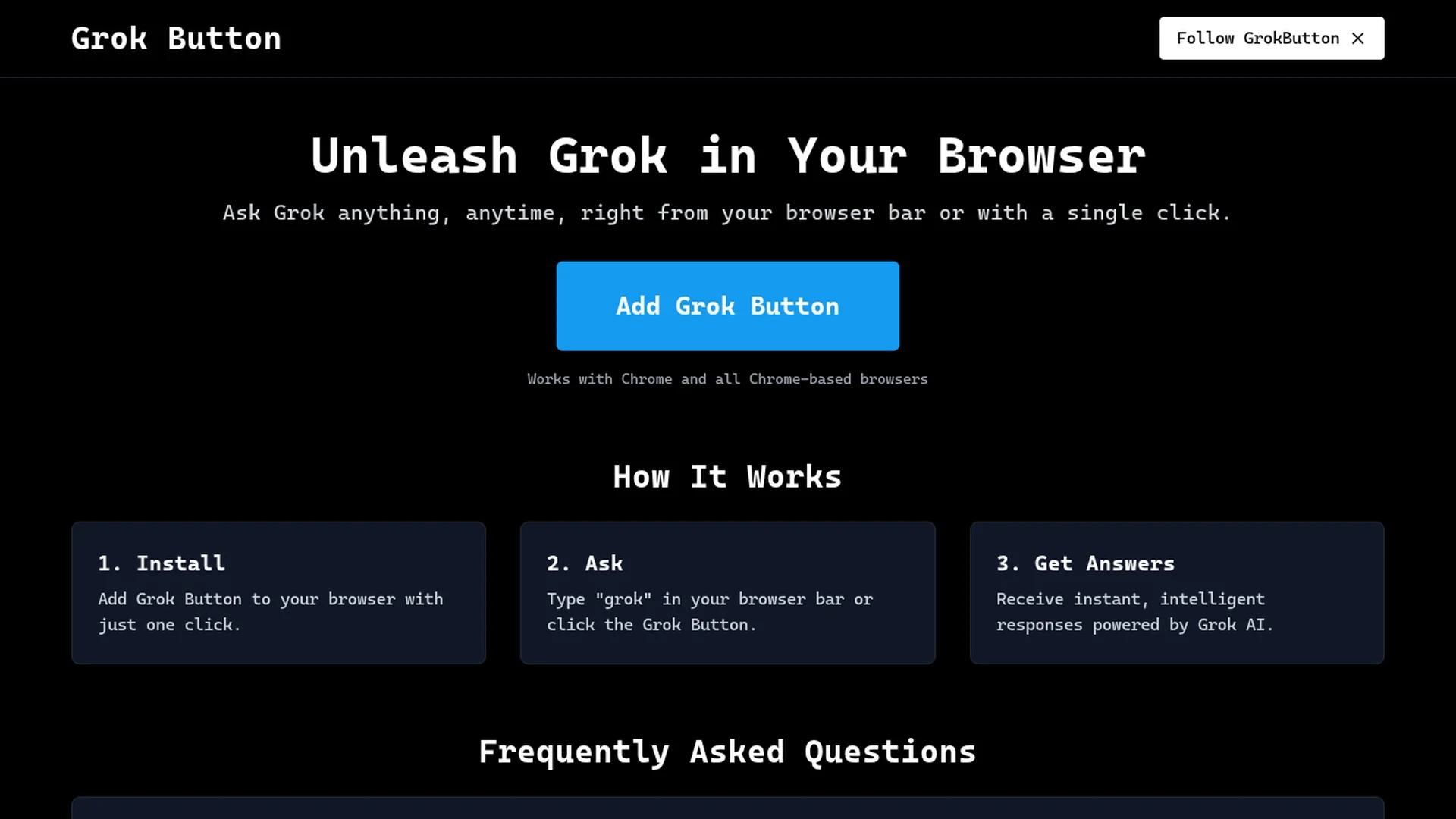
Grok Button is a Chrome-compatible browser extension providing instant AI-powered answers directly from the browser bar, enabling quick and convenient information access without extensive setup.
Disclaimer: Visionary Hub is not affiliated with, endorsed by, or the operator of this tool. All trademarks, logos, and content are the property of their respective owners. Full disclaimer available here
Key Features
Browser Extension
Integrates seamlessly into Chrome and similar browsers.
Instant Responses
Delivers AI-powered answers in real time.
Simple Activation
Activate by typing 'grok' followed by a query.
No Login Needed
Works without requiring user authentication.
Get Started
Share & Save
Share on Social Media
Why Choose Grok Button
Instant Access:
Provides immediate answers directly from the browser bar.Easy Installation:
Single-click setup compatible with Chrome-based browsers.Minimal Setup:
No extensive configuration or login required to use.
Pricing
For current prices, visit the official page.
About Grok Button
Grok Button is a Chrome-compatible browser extension providing instant AI-powered answers directly from the browser bar, enabling quick and convenient information access without extensive setup.
What Grok Button Does
Grok Button functions as a browser extension that enables users to ask questions and receive instant AI-powered answers directly from the browser's address bar. This streamlines information access without interrupting the browsing experience.
The extension works by integrating Grok AI responses into Chrome and Chrome-based browsers, activated by typing "grok" followed by a query or clicking the button. It requires no extensive setup or user login, ensuring quick and easy use.
Typical use cases include looking up definitions while reading, getting product or service answers during online shopping, and receiving coding assistance within web-based IDEs, benefiting professionals and curious individuals alike.
Pros & Cons
Convenience
Quick information retrieval without leaving the browser.
Compatibility
Supports Chrome and all Chrome-based browsers.
Login Requirement
Requires user to be logged into X for functionality.
Browser Limitation
Only compatible with Chrome-derived browsers.
Frequently Asked Questions
Grok Button supports Chrome and all Chrome-based browsers.
Yes, you must be logged into X for the extension to function.
Type 'grok' followed by your question in the browser bar and press Enter.
No extensive setup is needed; installation is a single click.
Yes, it provides instant answers to coding queries within web-based IDEs.
Similar Tools You Might Like
Discover more AI-powered tools that complement your workflow
List Your AI Tool & Reach Thousands of Users
Join 500+ AI innovators already thriving on our platform. Get visibility, feedback, and boost your conversions.
Expand Your Audience
Connect with over 50,000 AI enthusiasts actively looking for tools like yours.
Boost Your Authority
Get verified reviews and ratings to build credibility in the AI marketplace.
Drive Conversions
Our premium placements and targeted audience deliver quality leads and sign-ups.