
GPTExcel
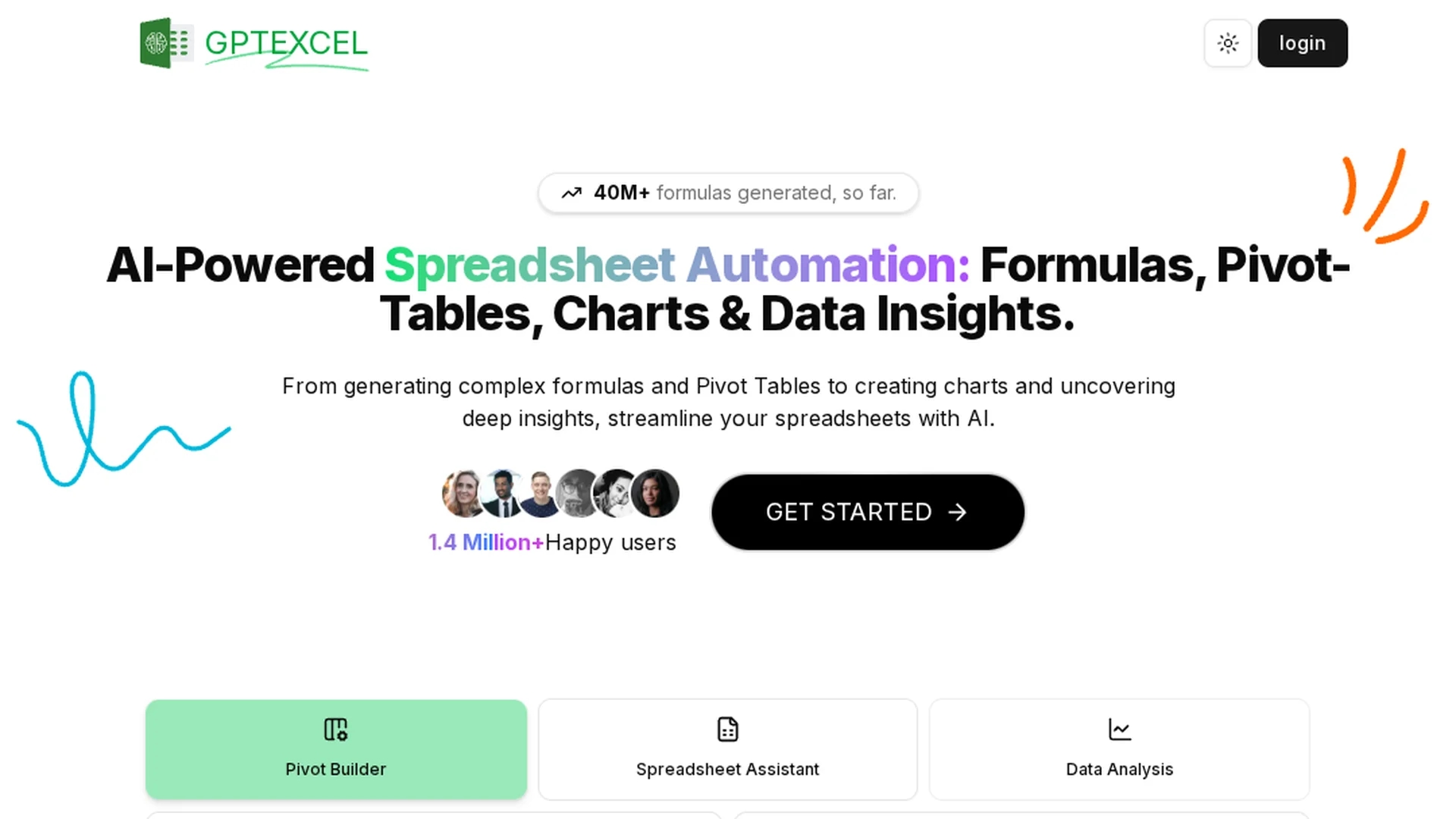
AI-powered Excel assistant that generates formulas, VBA/Apps scripts, SQL queries, regex and table templates; converts images to tables, creates charts and pivots, and delivers data analysis, insights and reports.
Disclaimer: Visionary Hub is not affiliated with, endorsed by, or the operator of this tool. All trademarks, logos, and content are the property of their respective owners. Full disclaimer available here
Key Features
Formula Generator
Creates and explains complex formulas for Excel, Sheets, Airtable and LibreOffice.
Script Generator
Builds VBA, Google Apps Script and Airtable scripts for automation and macros.
SQL Query Builder
Generates and refines SQL queries for database extraction and troubleshooting.
Regex & Templates
Produces regex patterns and ready-to-use Excel table templates for parsing.
Pivots & Charts
Creates and modifies pivot tables and charts from spreadsheet data.
File Chat
Conversationally query Excel/CSV files to get explanations and insights.
Image-to-Table
Uses OCR to convert table images into editable spreadsheet data.
Data Insights
Analyzes data to identify trends, summarize metrics and generate brief reports.
Get Started
Share & Save
Share on Social Media
Why Choose GPTExcel
All-in-One Spreadsheet AI:
Combines formulas, scripts, SQL, charts and analysis in one platform for faster workflows.Cost-Effective Scaling:
Free tier plus Pro/Pro Plus limits and annual discounts for higher usage needs.Recent Innovations:
Adds file chat, image-to-table OCR, pivots and insights to streamline modern tasks.Wide Platform Support:
Works with Excel, Google Sheets, Airtable and LibreOffice for cross-platform compatibility.
Pricing
GPTExcel offers Free, Pro and Pro Plus plans: Free includes 4 tool uses per 12h and 10 AI chat messages per 30 days. Pro: $9/mo (or $6.30/mo annual) with 3,000 uses/30 days. Pro Plus: $18/mo (or $12.60/mo annual) with 10,000 uses/30 days.
About GPTExcel
AI-powered Excel assistant that generates formulas, VBA/Apps scripts, SQL queries, regex and table templates; converts images to tables, creates charts and pivots, and delivers data analysis, insights and reports.
What GPTExcel Does
GPTExcel automates spreadsheet workflows so users can generate and explain formulas, build VBA/Apps Scripts and Airtable scripts, craft SQL queries, create regex patterns, and produce table templates. It reduces manual debugging and speeds routine tasks.
The platform supports conversational file chat with Excel/CSV files, image-to-table OCR conversion, pivot table and chart generation, and data analysis that surfaces trends and concise reports. Underlying features combine natural language AI, pattern generation, and OCR for image extraction.
Use cases include financial modeling, classroom assignments, small-business bookkeeping, data-cleaning for analysts, and rapid prototyping of spreadsheet automations.
Pros & Cons
Versatile
Combines formulas, scripts, SQL, regex, chat and analysis in one tool.
Broad Compatibility
Supports Excel, Google Sheets, Airtable and LibreOffice file types.
Free Tier
No-card free plan with limited tool uses and chat messages for casual users.
Recent Features
Adds file chat, image conversion, pivots and reporting within recent updates.
Aggregator Errors
Many review sites list outdated pricing and limits that differ from official plans.
Limited Free Tier
Free plan caps uses and chat messages, insufficient for high-volume users.
No Major Ratings
No verified G2 or Capterra ratings available to aggregate user reviews.
Frequently Asked Questions
GPTExcel supports Microsoft Excel, Google Sheets, LibreOffice Calc and Airtable. It works with Excel and CSV files for analysis, and can ingest spreadsheets for formula generation, scripts and data insights.
GPTExcel's free plan provides essential access without a credit card: up to 4 tool requests every 12 hours and 10 AI chat messages every 30 days, plus core tools like formula and script generation.
GPTExcel Pro grants 3,000 chat/tool uses per 30 days; Pro Plus includes 10,000 uses per 30 days. Older aggregator pages show different, outdated limits.
GPTExcel analyzes Excel/CSV data to detect trends, summarize metrics, and produce brief reports and visualizations like pivot tables and charts for actionable insights.
Similar Tools You Might Like
Discover more AI-powered tools that complement your workflow
List Your AI Tool & Reach Thousands of Users
Join 500+ AI innovators already thriving on our platform. Get visibility, feedback, and boost your conversions.
Expand Your Audience
Connect with over 50,000 AI enthusiasts actively looking for tools like yours.
Boost Your Authority
Get verified reviews and ratings to build credibility in the AI marketplace.
Drive Conversions
Our premium placements and targeted audience deliver quality leads and sign-ups.