
GPT CLI
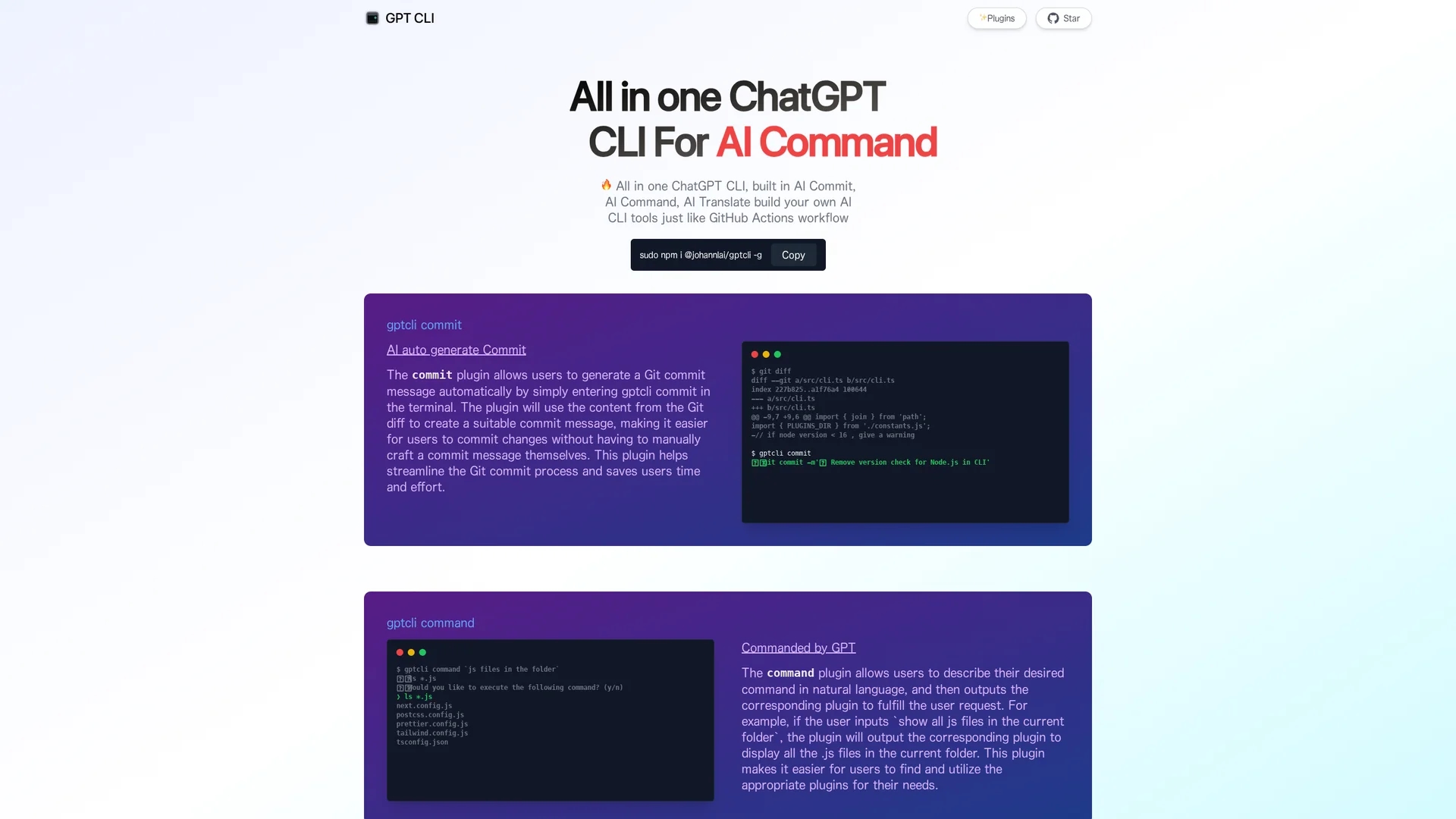
GPT CLI is an AI-powered command-line tool that enables creation of custom ChatGPT CLI tools with plugins for AI commit, command execution, translation, and more.
Disclaimer: Visionary Hub is not affiliated with, endorsed by, or the operator of this tool. All trademarks, logos, and content are the property of their respective owners. Full disclaimer available here
Key Features
Custom CLI Tools
Create personalized ChatGPT CLI tools to fit specific workflows.
AI Commit Plugin
Automatically generates git commit messages from git diffs.
Command Plugin
Transforms natural language descriptions into executable commands.
Multiple AI Plugins
Includes plugins for translation, weather, gitmoji, Notion, and Whisper.
Get Started
Share & Save
Share on Social Media
Why Choose GPT CLI
AI Automation:
Automates git commits and command generation using AI to save time.Custom Plugins:
Supports multiple AI plugins tailored to diverse CLI tasks.Natural Language:
Converts natural language inputs into structured CLI commands.
Pricing
GPT CLI is available for free. Install it globally via npm without any subscription fees.
About GPT CLI
GPT CLI is an AI-powered command-line tool that enables creation of custom ChatGPT CLI tools with plugins for AI commit, command execution, translation, and more.
What GPT CLI Does
GPT CLI provides a command-line interface that leverages AI to automate common developer tasks. It generates git commit messages automatically by analyzing git diffs and converts natural language descriptions into executable commands, improving efficiency.
The tool includes plugins like AI Commit for commit message automation and AI Command for translating natural language into terminal commands. It uses natural language processing to interpret user input and generate appropriate CLI commands or commit messages.
GPT CLI is useful for software development, DevOps, and automation workflows, enabling users to streamline version control and command execution tasks in various programming and operational environments.
Pros & Cons
Open Source
Available on GitHub for transparency and community contributions.
Free to Use
No cost for installation and usage via npm.
Command Line Only
Requires familiarity with CLI environments to use effectively.
Limited GUI
No graphical interface; purely terminal-based tool.
Frequently Asked Questions
Install globally using npm with: sudo npm i @johannlai/gptcli -g.
It automatically generates a git commit message based on your git diff.
It converts natural language descriptions into corresponding terminal commands.
Yes, including AI Commit, AI Command, AI Translate, AI Weather, and more.
Yes, GPT CLI is available for free via npm installation.
Similar Tools You Might Like
Discover more AI-powered tools that complement your workflow

List Your AI Tool & Reach Thousands of Users
Join 500+ AI innovators already thriving on our platform. Get visibility, feedback, and boost your conversions.
Expand Your Audience
Connect with over 50,000 AI enthusiasts actively looking for tools like yours.
Boost Your Authority
Get verified reviews and ratings to build credibility in the AI marketplace.
Drive Conversions
Our premium placements and targeted audience deliver quality leads and sign-ups.