
GPTBox
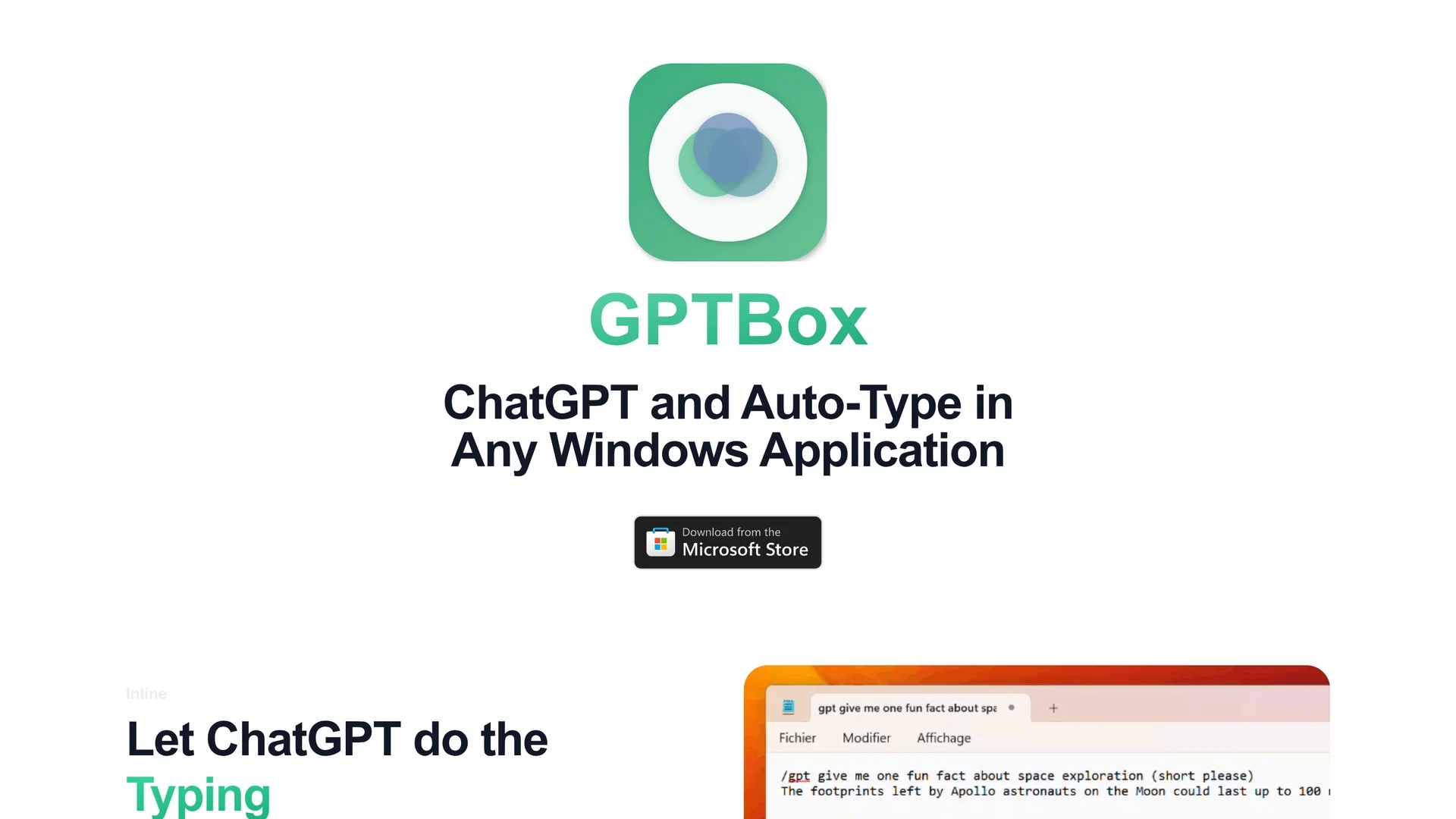
GPTBox is a Windows app integrating ChatGPT into the taskbar, providing AI-powered assistance for emails, documents, and code snippets to boost productivity.
Disclaimer: Visionary Hub is not affiliated with, endorsed by, or the operator of this tool. All trademarks, logos, and content are the property of their respective owners. Full disclaimer available here
Key Features
Taskbar Integration
Provides direct AI access from the Windows taskbar.
AI Typing Assistance
Automates composing emails, documents, and code snippets.
Keyboard Shortcut
Activates instant AI dialog anywhere on the PC.
Multi-Model Compatibility
Works with ChatGPT and DeepSeek AI models.
Get Started
Share & Save
Share on Social Media
Why Choose GPTBox
Native Integration:
Seamlessly integrates ChatGPT into Windows taskbar for instant AI access.Multi-Model Support:
Supports ChatGPT and DeepSeek AI models for versatile assistance.Workflow Efficiency:
Enables AI typing in any text field without disrupting user workflow.
Pricing
GPTBox offers a free 7-day trial with full feature access. Afterward, a license purchase is required. For detailed pricing, visit the official website or Microsoft Store page.
About GPTBox
GPTBox is a Windows app integrating ChatGPT into the taskbar, providing AI-powered assistance for emails, documents, and code snippets to boost productivity.
What GPTBox Does
GPTBox embeds ChatGPT into the Windows taskbar, allowing users to access AI assistance anywhere on their PC. It helps compose emails, draft documents, and generate code snippets without switching applications, saving time and maintaining focus.
Key features include inline AI typing in any text field, instant dialog activation via keyboard shortcut, and compatibility with multiple AI models like ChatGPT and DeepSeek. This integration enables quick content generation and problem-solving directly within Windows applications.
GPTBox is ideal for software developers, technical writers, business analysts, and other professionals who require efficient AI assistance embedded in their daily Windows workflows.
Pros & Cons
Convenience
Instant AI assistance accessible without switching apps.
Versatility
Supports multiple AI models for diverse tasks.
API Key Required
Users must obtain OpenAI or DeepSeek API keys to use AI features.
Windows Only
Available exclusively for Windows 10 and 11 platforms.
Frequently Asked Questions
GPTBox offers a free 7-day trial; a license purchase is required afterward.
GPTBox supports ChatGPT and DeepSeek AI models for content generation.
GPTBox works on Windows 10 version 1903 or newer and Windows 11.
Create an account at OpenAI's platform and generate an API key in the dashboard.
Contact support via email at [email protected] for technical assistance.
Similar Tools You Might Like
Discover more AI-powered tools that complement your workflow
List Your AI Tool & Reach Thousands of Users
Join 500+ AI innovators already thriving on our platform. Get visibility, feedback, and boost your conversions.
Expand Your Audience
Connect with over 50,000 AI enthusiasts actively looking for tools like yours.
Boost Your Authority
Get verified reviews and ratings to build credibility in the AI marketplace.
Drive Conversions
Our premium placements and targeted audience deliver quality leads and sign-ups.