
Glitter AI
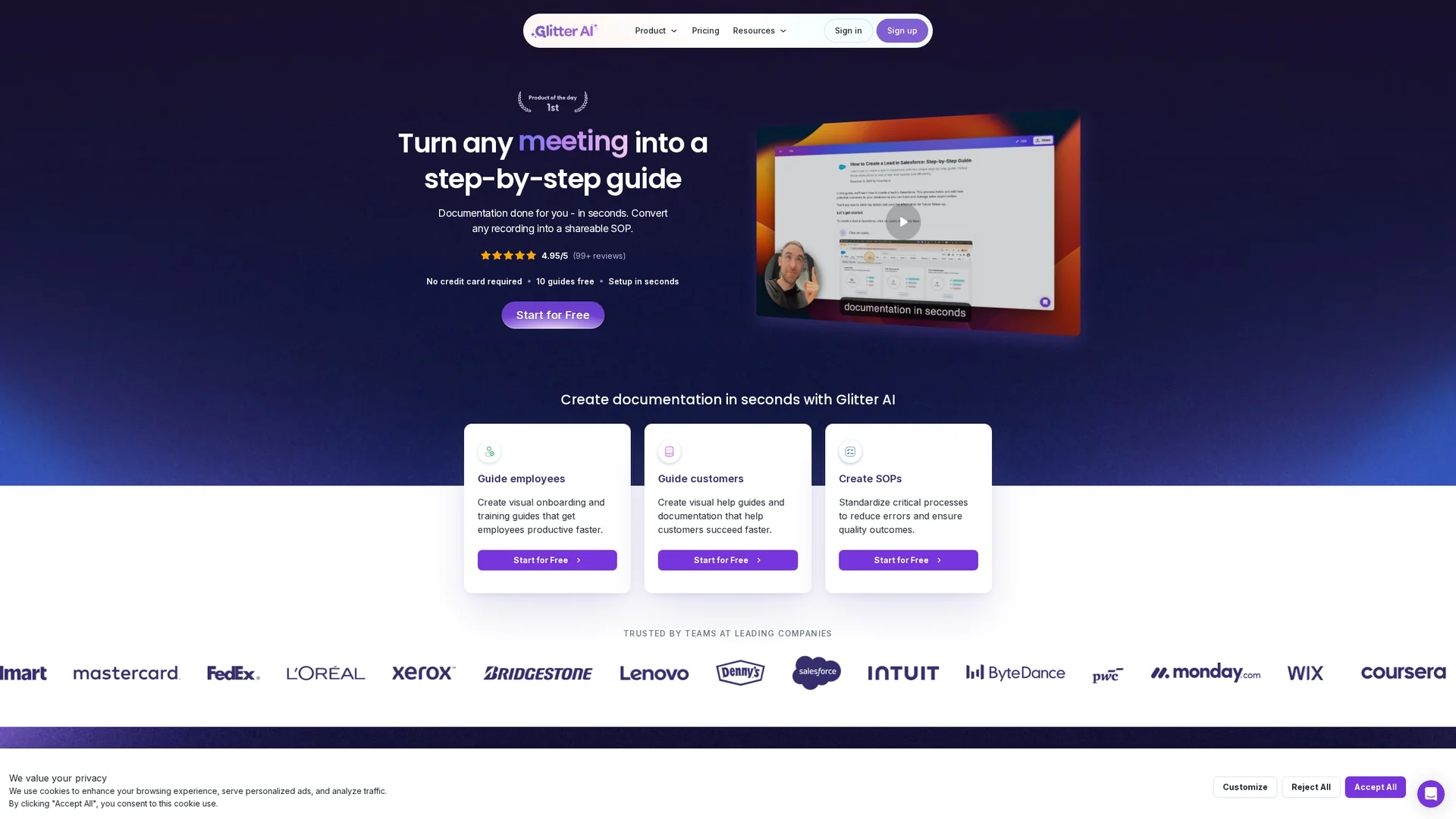
Glitter AI converts your mouse clicks and voice into detailed, editable step-by-step guides with screenshots, streamlining documentation without lengthy meetings.
Disclaimer: Visionary Hub is not affiliated with, endorsed by, or the operator of this tool. All trademarks, logos, and content are the property of their respective owners. Full disclaimer available here
Key Features
Auto-generated Guides
Creates step-by-step guides automatically from recordings.
Voice Transcription
Converts speech to clean, editable text in real time.
Chrome Extension
Captures web-based processes with screenshots and voice.
Desktop App
Records any desktop application including non-web software.
Get Started
Share & Save
Share on Social Media
Why Choose Glitter AI
Multi-platform Capture:
Supports desktop app and browser extension for versatile process recording.AI Transcription:
Automatically converts spoken explanations into professional text.Video-to-Guide:
Transforms existing videos into editable step-by-step documentation.
Pricing
Glitter AI offers a freemium pricing model with a free plan including 10 guides and basic features. Paid plans start at $16 per member per month for Pro and $60 per month for Team. Pricing details are subject to change; visit the official pricing page for updates.
About Glitter AI
Glitter AI converts your mouse clicks and voice into detailed, editable step-by-step guides with screenshots, streamlining documentation without lengthy meetings.
What Glitter AI Does
Glitter AI converts your recorded workflows into detailed, shareable step-by-step guides with screenshots and transcribed voice explanations. This helps users create professional documentation efficiently without manual writing.
It features a desktop app and Chrome extension to capture both desktop and web processes, automatically transcribing speech and capturing screenshots. Users can also upload existing videos, including meeting recordings or live footage, for AI-driven guide generation.
Industries such as IT, operations, customer success, HR, education, and consulting benefit from Glitter AI by standardizing processes, creating onboarding materials, and simplifying knowledge sharing.
Pros & Cons
Ease of Use
Simple recording and editing streamline documentation creation.
Language Support
Supports 99 languages with auto-translation capabilities.
Limited Free Plan
Free tier restricts number of guides and advanced features.
Subscription Cost
Paid plans may be costly for small teams or individual users.
Frequently Asked Questions
Glitter AI records your process and voice, then uses AI to create step-by-step guides with screenshots and text automatically.
Yes, you can upload any video including Zoom recordings and screen captures to generate documentation.
Yes, both are available and included in the free plan for capturing desktop and web processes.
Glitter AI supports 99 languages with options for auto-translation and multilingual output.
Guides can be shared via public or private links, exported as PDF, HTML, Markdown, or embedded in websites.
Similar Tools You Might Like
Discover more AI-powered tools that complement your workflow
List Your AI Tool & Reach Thousands of Users
Join 500+ AI innovators already thriving on our platform. Get visibility, feedback, and boost your conversions.
Expand Your Audience
Connect with over 50,000 AI enthusiasts actively looking for tools like yours.
Boost Your Authority
Get verified reviews and ratings to build credibility in the AI marketplace.
Drive Conversions
Our premium placements and targeted audience deliver quality leads and sign-ups.