Glitch Image Generator
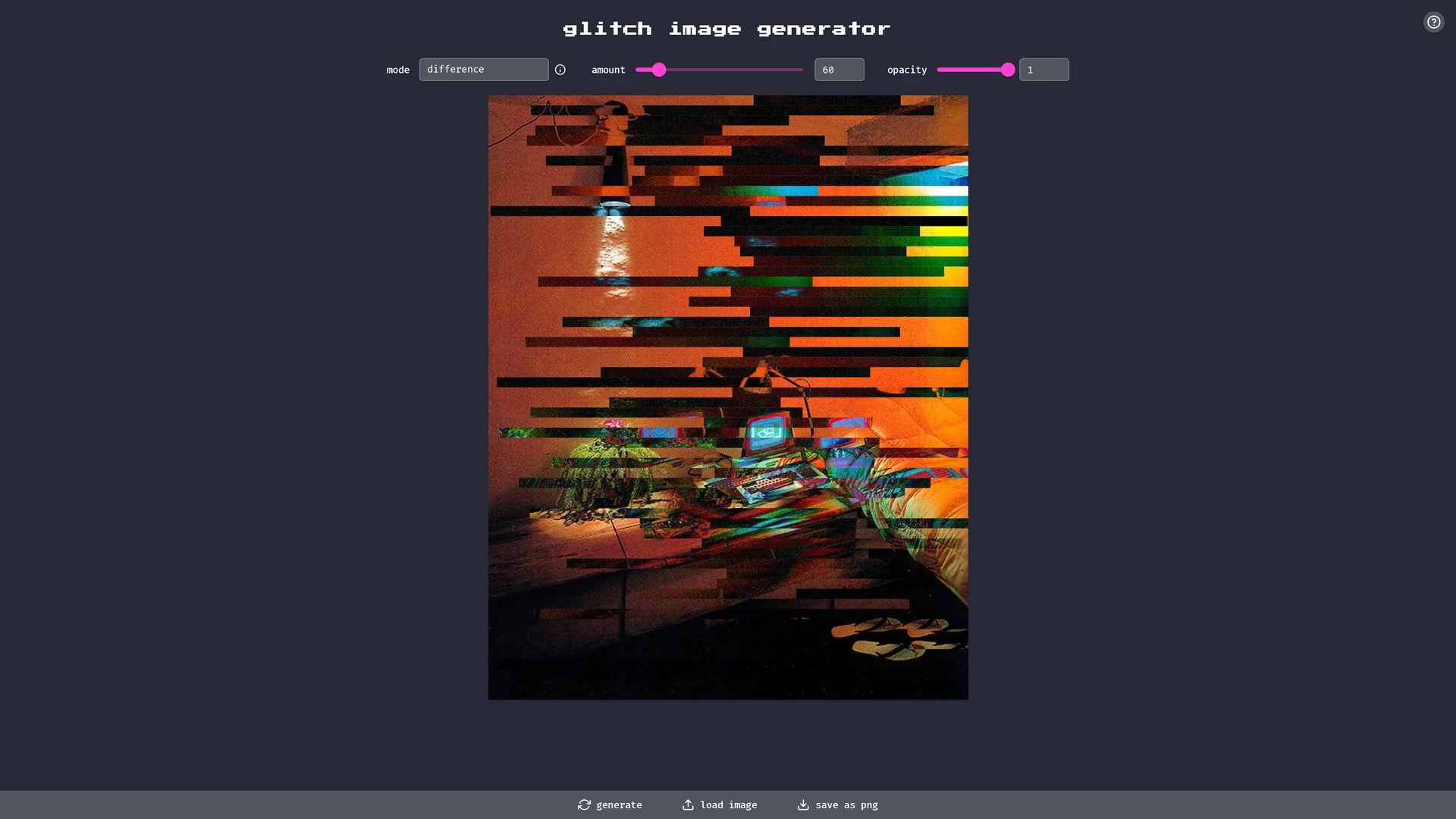
The Glitch Image Generator is an AI-powered tool that creates customizable glitch-style images using various blend modes and adjustable parameters like amount, opacity, and hue.
Disclaimer: Visionary Hub is not affiliated with, endorsed by, or the operator of this tool. All trademarks, logos, and content are the property of their respective owners. Full disclaimer available here
Key Features
Glitch Effects
Applies glitch-style visual distortions to images.
Blend Modes
Includes modes like source-atop, multiply, and screen for effect variety.
Adjustable Parameters
Modify amount, opacity, and hue to customize glitches.
Image Export
Allows saving images in PNG format for digital use.
Get Started
Share & Save
Share on Social Media
Why Choose Glitch Image Generator
Customizable Effects:
Adjust amount, opacity, and hue for personalized glitch styles.Multiple Blend Modes:
Choose from various blend modes to create diverse glitch effects.PNG Export:
Save generated images in high-quality PNG format.
Pricing
For current prices, visit the official page.
About Glitch Image Generator
The Glitch Image Generator is an AI-powered tool that creates customizable glitch-style images using various blend modes and adjustable parameters like amount, opacity, and hue.
What Glitch Image Generator Does
The Glitch Image Generator produces glitch-style images by applying AI-driven effects and customizable parameters. It benefits users by simplifying the creation of unique glitch art for various digital projects.
Key features include multiple blend modes such as source-atop, destination-out, and multiply, along with adjustable settings for amount, opacity, and hue to tailor the glitch effect. The tool supports image loading and saving in PNG format.
This tool is suitable for digital artists, graphic designers, and VFX professionals who want to incorporate glitch aesthetics into social media posts, digital art, or visual effects projects.
Pros & Cons
Ease of Use
Simple interface for generating glitch images quickly.
Customization
Offers multiple parameters and blend modes for creative control.
Limited Formats
Supports only PNG format for saving images.
No Signup
No user registration or account features available.
Frequently Asked Questions
Images can be saved only in PNG format.
No, there is no registration or signup required to use the tool.
Blend modes include source-atop, destination-out, multiply, screen, and more.
Yes, you can adjust amount, opacity, and hue to control glitch effects.
Yes, it is designed for digital artists, graphic designers, and VFX professionals.
Similar Tools You Might Like
Discover more AI-powered tools that complement your workflow
List Your AI Tool & Reach Thousands of Users
Join 500+ AI innovators already thriving on our platform. Get visibility, feedback, and boost your conversions.
Expand Your Audience
Connect with over 50,000 AI enthusiasts actively looking for tools like yours.
Boost Your Authority
Get verified reviews and ratings to build credibility in the AI marketplace.
Drive Conversions
Our premium placements and targeted audience deliver quality leads and sign-ups.