
Gling
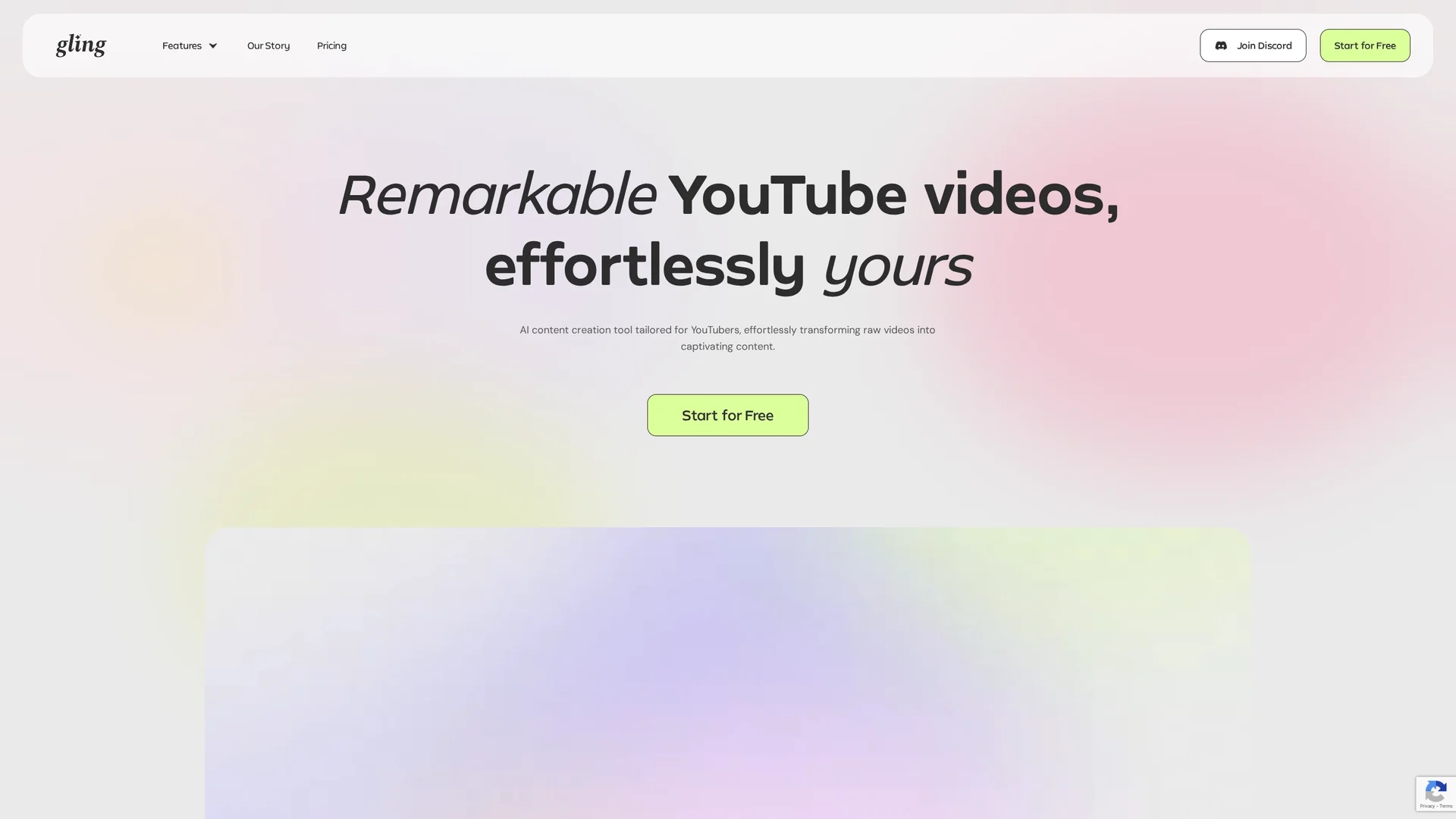
AI video editing assistant for YouTubers that automates removal of silences, filler words, and bad takes, generates captions, auto-frames shots, and exports editable timelines to Premiere, Final Cut Pro, and DaVinci Resolve.
Disclaimer: Visionary Hub is not affiliated with, endorsed by, or the operator of this tool. All trademarks, logos, and content are the property of their respective owners. Full disclaimer available here
Key Features
Cut bad takes
AI detects and removes repeated or unsuccessful takes automatically.
Remove silences & fillers
Eliminates pauses, ums, and ahs to tighten pacing and flow.
Text-based trimmer
Edit via transcript with simple accept/reject controls for fast review.
Auto captions & subtitles
Generates and formats captions for accessibility and SEO.
Auto framing
Adjusts zoom and framing to keep subject centered and focused.
YouTube title generator
Suggests optimized titles to improve discoverability and CTR.
Automated chapters
Marks chapters automatically to boost retention and navigation.
Get Started
Share & Save
Share on Social Media
Why Choose Gling
YouTube workflow:
Targets talking-head creator pain points with tailored automation.Non-destructive editing:
Preserves originals and exports XML for seamless NLE integration.Cost-effective scaling:
Annual discounts and a free tier let creators scale affordably.High creator satisfaction:
Documented time savings reported by vloggers and educators.
Pricing
Gling offers a Free plan (1 hour AI-edited media/month with watermark). Paid tiers include Plus ($20/mo or $10/mo billed annually), Pro ($40/mo or $20/mo annually) and Elite ($100/mo or $50/mo annually). Higher tiers add hours, word-based limits, and premium support.
About Gling
AI video editing assistant for YouTubers that automates removal of silences, filler words, and bad takes, generates captions, auto-frames shots, and exports editable timelines to Premiere, Final Cut Pro, and DaVinci Resolve.
What Gling Does
Gling automates tedious editing tasks for talking-head videos, saving creators time by detecting and cutting silences, filler words, bad takes, and repetitive phrases. It presents a transcript-based accept/reject review interface so users retain final control while accelerating cuts.
The platform generates captions and subtitles, performs auto-framing and basic noise removal, and offers YouTube optimizations such as title suggestions and automated chapters. Processed timelines export as XML for Premiere, Final Cut Pro, and DaVinci Resolve or directly as MP4/MP3 for immediate publishing.
Use cases include weekly vloggers, tutorial creators, podcasters, course producers, and freelance editors who need fast pre-processing before finishing in a professional NLE.
Pros & Cons
Time saved
Automates silence and bad-take removal, reducing manual edit hours.
NLE integration
Exports XML to Premiere, Final Cut, and DaVinci without quality loss.
Easy review
Transcript-based interface balances automation with manual control.
YouTube tools
Built-in title, chapter, and caption features tuned for creators.
Talking-head focused
Best for monologue-style videos; less effective for multi-speaker productions.
Support limits
Free and Plus plans do not include premium support.
Watermarked free exports
Free tier exports include watermarks, limiting professional use.
Frequently Asked Questions
Gling exports finished video as MP4/MP3 and exports editable timelines as XML compatible with Adobe Premiere, Final Cut Pro, and DaVinci Resolve for further NLE work.
Yes. Gling integrates into existing workflows by exporting XML project files that import into Premiere, Final Cut Pro, and DaVinci Resolve for finishing and color/grading.
Yes. The Free plan includes 1 hour of AI-edited media per month and allows exports, but those exports include a watermark and lack premium support.
Gling specializes in talking-head automation—removing silences, filler words, and bad takes—and provides YouTube-specific features like title suggestions and automated chapters to speed publishing.
Similar Tools You Might Like
Discover more AI-powered tools that complement your workflow



List Your AI Tool & Reach Thousands of Users
Join 500+ AI innovators already thriving on our platform. Get visibility, feedback, and boost your conversions.
Expand Your Audience
Connect with over 50,000 AI enthusiasts actively looking for tools like yours.
Boost Your Authority
Get verified reviews and ratings to build credibility in the AI marketplace.
Drive Conversions
Our premium placements and targeted audience deliver quality leads and sign-ups.