
GitBrain
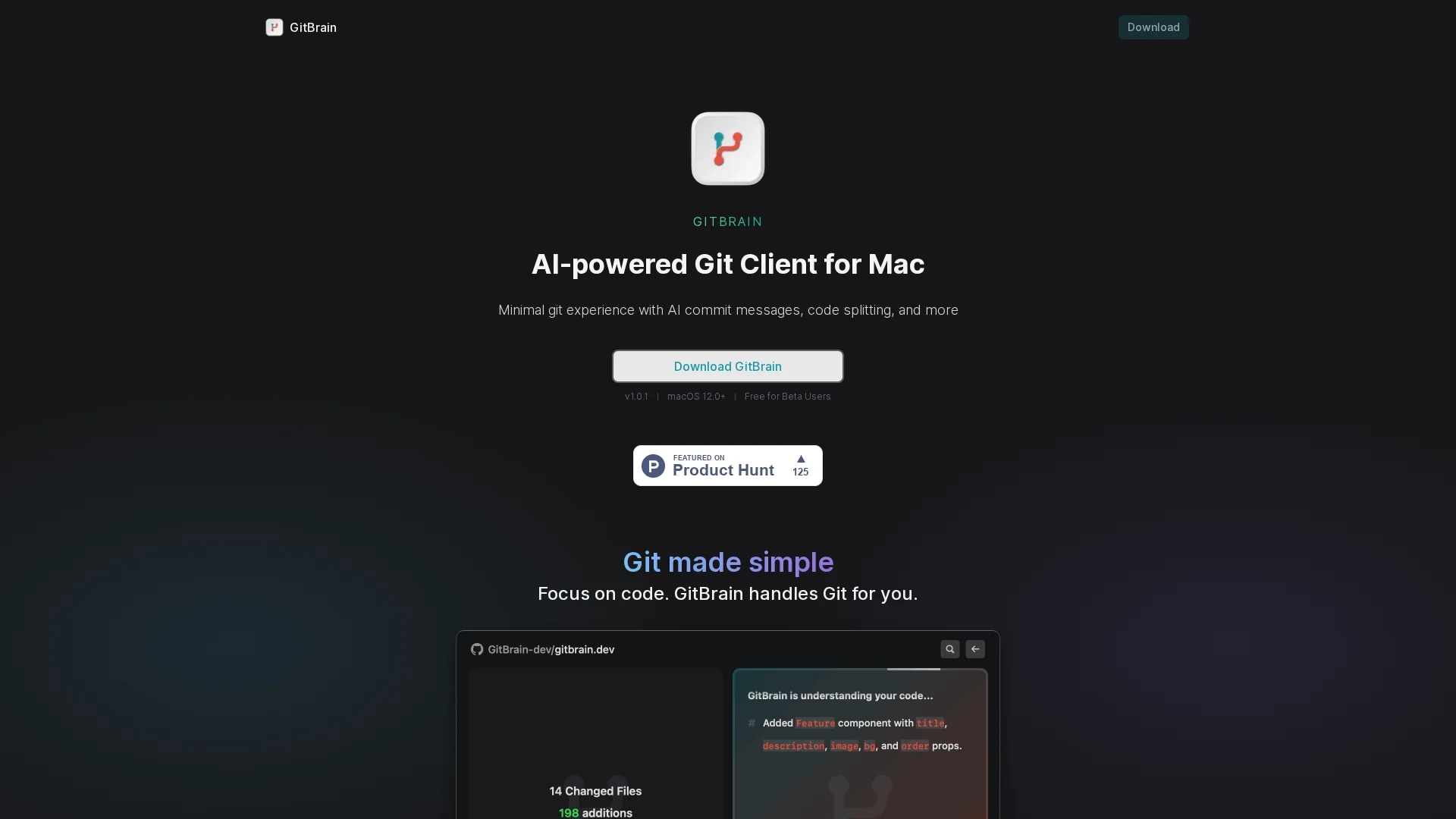
GitBrain is an AI-powered Git client for Mac that simplifies git operations by automatically splitting code changes into editable commits and providing self-code review summaries.
Disclaimer: Visionary Hub is not affiliated with, endorsed by, or the operator of this tool. All trademarks, logos, and content are the property of their respective owners. Full disclaimer available here
Key Features
AI-generated commits
Splits code changes into multiple customizable commits.
Self-code review
Automatically creates summaries of code changes.
Project auto-detection
Identifies projects from IDEs for easy git management.
Keyboard-friendly
Supports keyboard shortcuts for efficient git operations.
Get Started
Share & Save
Share on Social Media
Why Choose GitBrain
AI Commits:
Automatically splits code changes into editable AI-generated commits.Code Review:
Generates summaries for easy self-review before committing.IDE Integration:
Auto-detects projects from favorite IDEs for seamless workflow.
Pricing
GitBrain is currently free for beta users on macOS 12.0 and above. For updated pricing details, visit the official GitBrain website.
About GitBrain
GitBrain is an AI-powered Git client for Mac that simplifies git operations by automatically splitting code changes into editable commits and providing self-code review summaries.
What GitBrain Does
GitBrain automates git operations by intelligently splitting code changes into multiple AI-generated commits, allowing users to customize and edit each commit. This streamlines the git workflow, especially for developers with limited git expertise.
The tool generates self-code review summaries that help users review changes before committing, reducing errors and improving code clarity. It also auto-detects projects from popular IDEs, ensuring seamless git management within the developer’s preferred environment.
GitBrain is optimized for Mac, featuring a keyboard-friendly design and native UI elements, making it suitable for software development teams, technical designers, and system administrators working on Mac platforms.
Pros & Cons
User-friendly
Simplifies git for users with minimal git experience.
Mac optimized
Native UI with light and dark mode themes.
Platform limited
Available only for macOS 12.0 and above.
Beta status
Currently free for beta users; pricing may change.
Frequently Asked Questions
GitBrain supports macOS 12.0 and later versions only.
No, it is designed for users with minimal git experience.
Yes, GitBrain is free for beta users currently.
Yes, it auto-detects projects from popular IDEs for seamless use.
It splits code changes into multiple AI-generated, editable commits.
Similar Tools You Might Like
Discover more AI-powered tools that complement your workflow



List Your AI Tool & Reach Thousands of Users
Join 500+ AI innovators already thriving on our platform. Get visibility, feedback, and boost your conversions.
Expand Your Audience
Connect with over 50,000 AI enthusiasts actively looking for tools like yours.
Boost Your Authority
Get verified reviews and ratings to build credibility in the AI marketplace.
Drive Conversions
Our premium placements and targeted audience deliver quality leads and sign-ups.