
GhostWrite
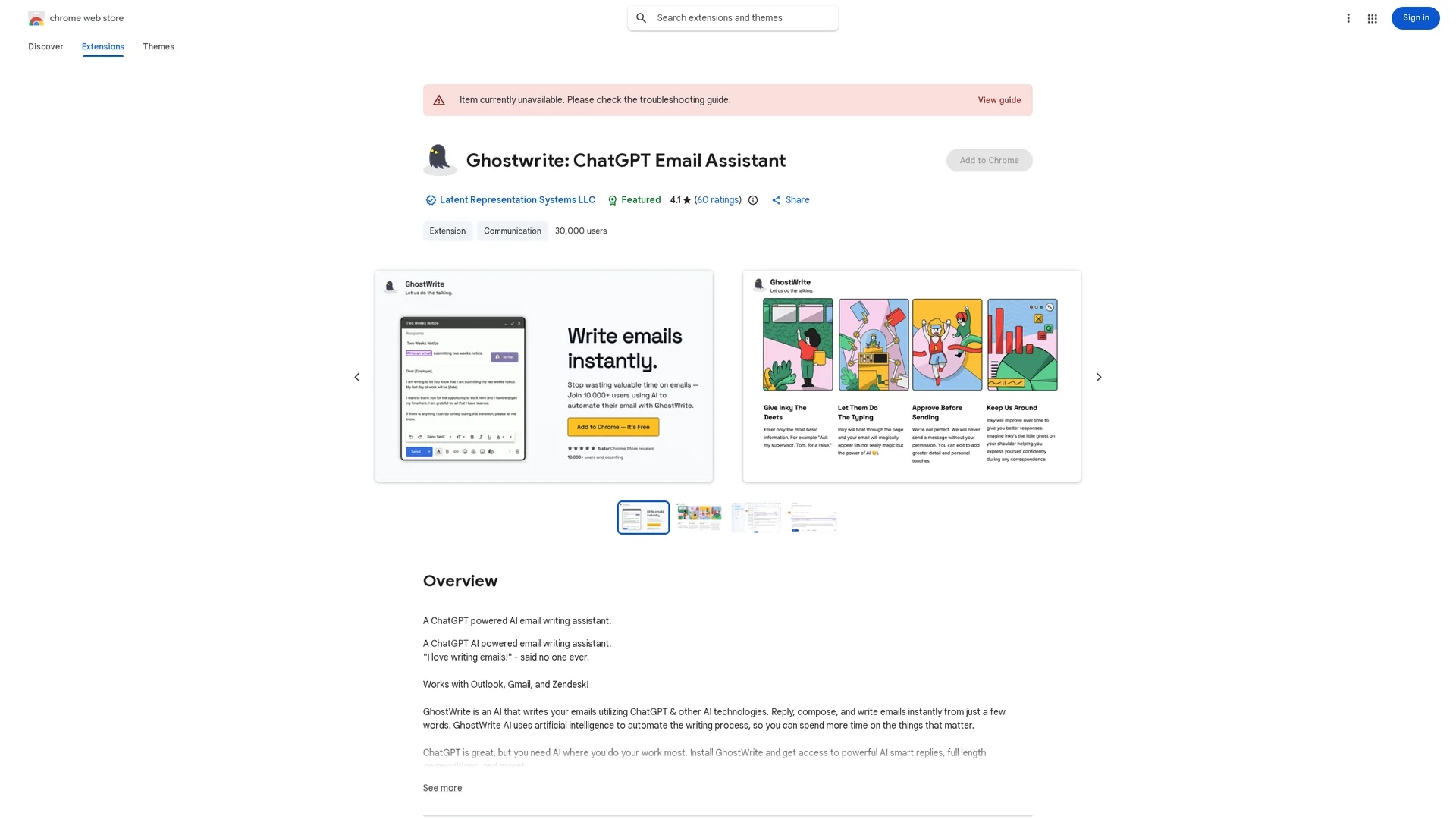
GhostWrite is an AI-powered email assistant using ChatGPT that automates composing, replying, and correcting emails instantly within Gmail, Outlook, and Zendesk.
Disclaimer: Visionary Hub is not affiliated with, endorsed by, or the operator of this tool. All trademarks, logos, and content are the property of their respective owners. Full disclaimer available here
Key Features
Smart Replies
Automatically drafts context-aware email responses with one click.
Grammar Correction
Checks and corrects spelling and grammar for polished emails.
Tone Customization
Adjusts email tone to formal, friendly, persuasive, or concise styles.
Multi-Platform Support
Compatible with Gmail, Outlook, and Zendesk email clients.
Get Started
Share & Save
Share on Social Media
Why Choose GhostWrite
Seamless Integration:
Works directly within Gmail, Outlook, and Zendesk for smooth workflow.AI-Powered Writing:
Generates professional emails instantly from minimal input.Template Automation:
Saves and reuses AI-generated email templates to automate repetitive emails.
Pricing
GhostWrite is a paid Chrome extension. Specific pricing details are not provided; visit the official Chrome Web Store page for current pricing and plans.
About GhostWrite
GhostWrite is an AI-powered email assistant using ChatGPT that automates composing, replying, and correcting emails instantly within Gmail, Outlook, and Zendesk.
What GhostWrite Does
GhostWrite automates email composition and replies by transforming short phrases or bullet points into full-length, professional emails. It helps users save time and improve email quality by generating content instantly within their existing email platforms.
The tool features AI-powered smart replies, grammar and spelling correction, and customizable tone adjustments. It supports multiple email clients including Gmail, Outlook, and Zendesk, and allows saving and reusing email templates for repetitive tasks.
GhostWrite is useful for sales, marketing, customer support, and business communication, enabling faster responses, consistent messaging, and enhanced productivity across industries.
Pros & Cons
Time Saving
Reduces email writing time by generating full emails from brief inputs.
Improved Quality
Enhances email professionalism with AI-driven grammar and style checks.
Limited Pricing Info
Specific pricing details are not publicly disclosed.
Platform Restriction
Supports only Gmail, Outlook, and Zendesk email clients.
Frequently Asked Questions
GhostWrite supports Microsoft Outlook, Gmail, and Zendesk email clients.
It generates full emails from short inputs, corrects grammar, saves templates, and drafts replies automatically.
Yes, it integrates directly into existing email workflows for seamless use.
Yes, users can adjust email tone to formal, friendly, persuasive, or concise styles.
Pricing details are on the official Chrome Web Store page for the extension.
Similar Tools You Might Like
Discover more AI-powered tools that complement your workflow


List Your AI Tool & Reach Thousands of Users
Join 500+ AI innovators already thriving on our platform. Get visibility, feedback, and boost your conversions.
Expand Your Audience
Connect with over 50,000 AI enthusiasts actively looking for tools like yours.
Boost Your Authority
Get verified reviews and ratings to build credibility in the AI marketplace.
Drive Conversions
Our premium placements and targeted audience deliver quality leads and sign-ups.