
Gantt Chart AI
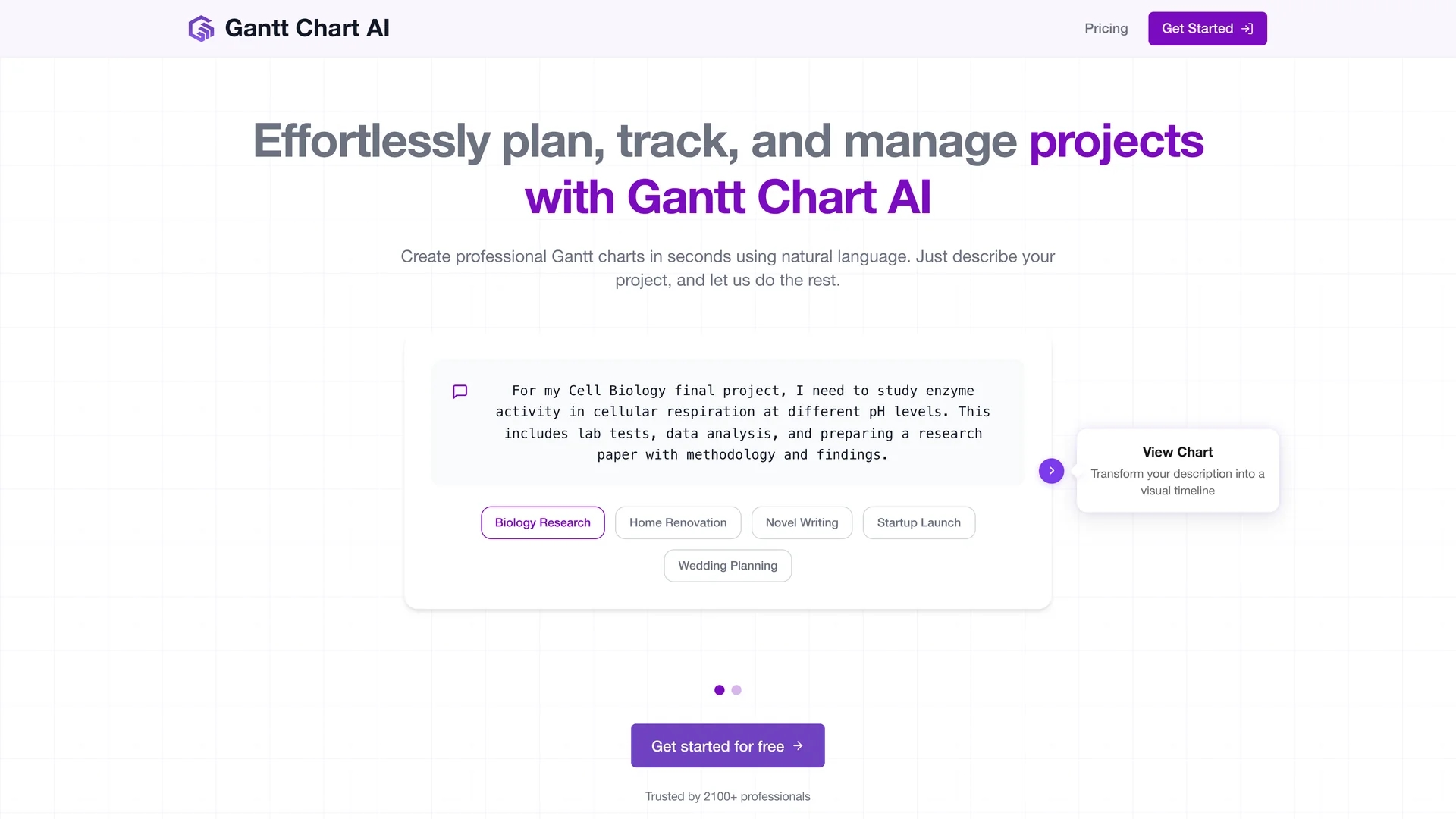
Gantt Chart AI enables instant creation of customizable Gantt charts in Google Sheets from project summaries, with seamless Google Workspace integration and Excel export options.
Disclaimer: Visionary Hub is not affiliated with, endorsed by, or the operator of this tool. All trademarks, logos, and content are the property of their respective owners. Full disclaimer available here
Key Features
Natural Language Input
Create charts by simply describing your project in plain language.
Jira Import
Import epics and tasks from Jira to auto-populate project details.
Access Management
Ensure data security with strict access control practices.
Credit-Based Pricing
Use credits per chart with options for free and paid credit packs.
Get Started
Share & Save
Share on Social Media
Why Choose Gantt Chart AI
Instant Creation:
Generate Gantt charts quickly using natural language project summaries.Google Integration:
Seamlessly edit and share plans within Google Sheets and Workspace.Flexible Export:
Download project timelines in Excel format for diverse user needs.
Pricing
Gantt Chart AI offers a free plan with 2 credits for creating Gantt charts. Paid credit packs include 30 credits for $3 and 100 credits for $6, with discounts for larger packs. Credits are used per chart, and premium features and export options are included.
About Gantt Chart AI
Gantt Chart AI enables instant creation of customizable Gantt charts in Google Sheets from project summaries, with seamless Google Workspace integration and Excel export options.
What Gantt Chart AI Does
Gantt Chart AI allows users to create professional Gantt charts instantly by typing a project summary in natural language. This accelerates project planning and provides clear timeline visualizations to improve task tracking.
The tool integrates with Google Sheets and Google Workspace, enabling users to edit, share, and collaborate on project plans seamlessly. It also supports importing issues from Jira to auto-fill project details and offers export options to Microsoft Excel format.
It is suitable for various industries including construction, software development, event planning, and product launches, helping teams manage tasks, dependencies, and deadlines efficiently.
Pros & Cons
Ease of Use
Intuitive interface requires no complex software knowledge.
Collaboration
Supports real-time editing and sharing within Google Workspace.
Credit System
Requires purchasing credits which may limit usage flexibility.
Platform Dependency
Primarily designed for Google Sheets users, limiting standalone use.
Frequently Asked Questions
A tool that creates customizable Gantt charts in Google Sheets using natural language.
Yes, you can download your Gantt charts in Microsoft Excel format.
Yes, a free plan offers 2 credits for creating Gantt charts.
It integrates with Google Workspace and can import issues from Jira.
The tool uses strict access management to protect sensitive project data.
Similar Tools You Might Like
Discover more AI-powered tools that complement your workflow
List Your AI Tool & Reach Thousands of Users
Join 500+ AI innovators already thriving on our platform. Get visibility, feedback, and boost your conversions.
Expand Your Audience
Connect with over 50,000 AI enthusiasts actively looking for tools like yours.
Boost Your Authority
Get verified reviews and ratings to build credibility in the AI marketplace.
Drive Conversions
Our premium placements and targeted audience deliver quality leads and sign-ups.