
Frontitude's UX Writing Assistant
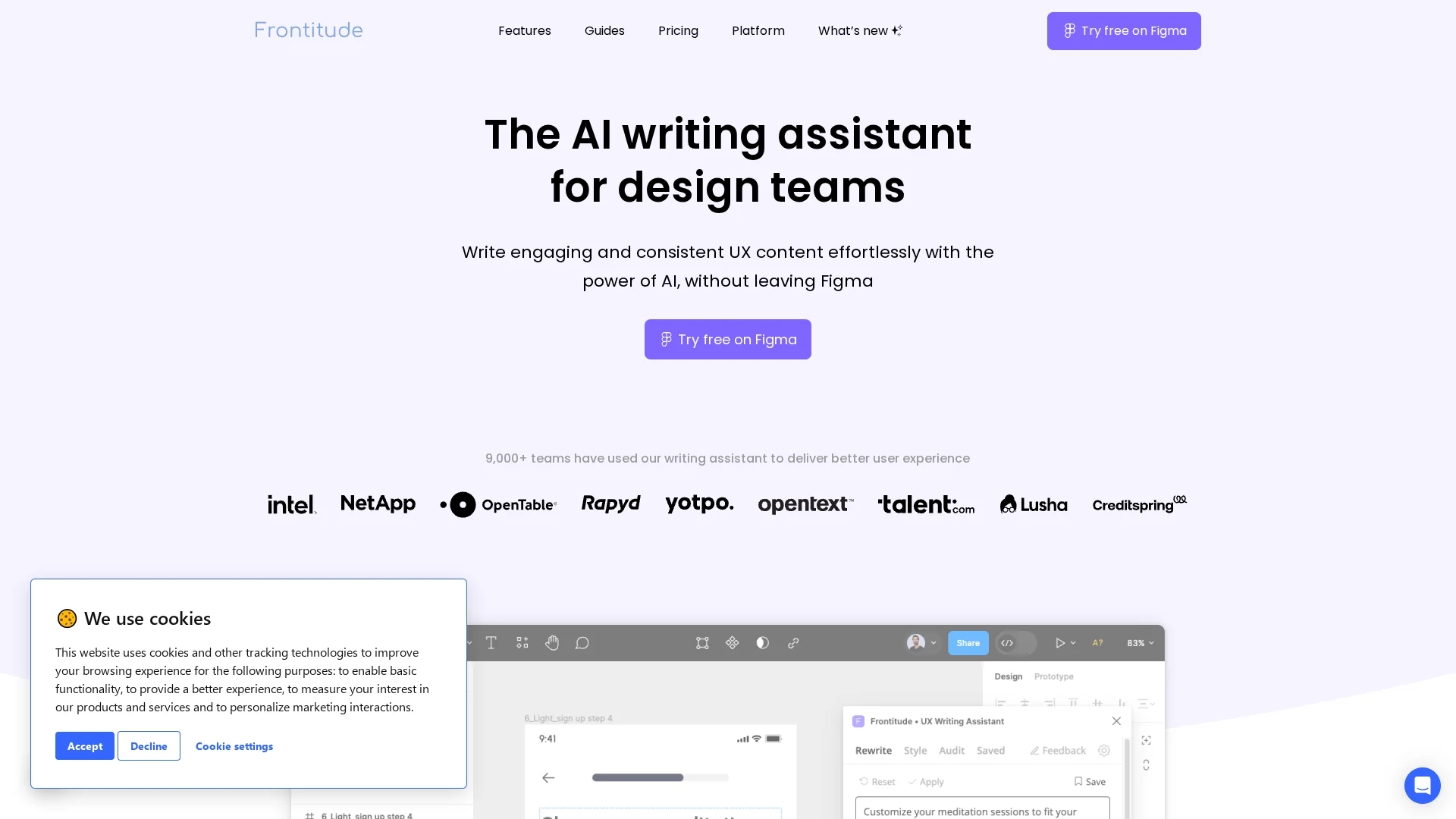
Frontitude's UX Writing Assistant is an AI-powered Figma plugin that helps design teams create consistent, engaging UX copy aligned with content guidelines.
Disclaimer: Visionary Hub is not affiliated with, endorsed by, or the operator of this tool. All trademarks, logos, and content are the property of their respective owners. Full disclaimer available here
Key Features
Copy Suggestions
Generates UX copy inspired by best practices and top products.
Alternative Phrasings
Offers multiple wording options to refine UX content.
Design Context
Considers UI elements and character limits in suggestions.
Guideline Integration
Embeds content rules into design systems for consistency.
Get Started
Share & Save
Share on Social Media
Why Choose Frontitude's UX Writing Assistant
Figma Integration:
Works seamlessly within Figma to streamline UX copywriting.Content Guidelines:
Ensures copy aligns with your product's style and tone.AI Suggestions:
Provides diverse, context-aware copy options instantly.
Pricing
Frontitude offers a free Starter plan at $0 per seat per month. Paid plans include Team at $12/seat/month and Growth at $22/seat/month. An Organization plan with custom pricing is also available. Pricing details are subject to change; see the official pricing page for updates.
About Frontitude's UX Writing Assistant
Frontitude's UX Writing Assistant is an AI-powered Figma plugin that helps design teams create consistent, engaging UX copy aligned with content guidelines.
What Frontitude's UX Writing Assistant Does
The UX Writing Assistant generates UX copy suggestions and alternative phrasings directly within Figma, helping teams write clear, concise, and consistent content faster. It supports various tones such as casual, formal, apologetic, and informative, enhancing communication with users.
Key features include integration with Figma, alignment with product content guidelines, and the ability to suggest primary action button copy and error messages. The tool uses AI trained on UX writing best practices and world-class product examples to deliver relevant suggestions.
This assistant is widely used by product designers, UX writers, and content strategists in industries focused on digital product design and user experience, improving workflow efficiency and content quality.
Pros & Cons
Time Saving
Reduces drafting and editing time with instant AI copy help.
Consistency
Maintains uniform UX language across teams and projects.
Language Support
Currently supports English only, limiting multilingual use.
Figma Dependency
Requires Figma for use, limiting standalone accessibility.
Frequently Asked Questions
It integrates business and design context, focusing on product copy within Figma, unlike isolated AI tools.
Plans include Free Starter, Team at $12/seat/month, Growth at $22/seat/month, and custom Organization pricing.
Yes, signing in to a Frontitude account is required to use the UX Writing Assistant.
Install via the Figma Community page by searching the plugin or using the provided installation link.
No, your content remains private and is only used to generate suggestions, not to train the model.
Similar Tools You Might Like
Discover more AI-powered tools that complement your workflow

List Your AI Tool & Reach Thousands of Users
Join 500+ AI innovators already thriving on our platform. Get visibility, feedback, and boost your conversions.
Expand Your Audience
Connect with over 50,000 AI enthusiasts actively looking for tools like yours.
Boost Your Authority
Get verified reviews and ratings to build credibility in the AI marketplace.
Drive Conversions
Our premium placements and targeted audience deliver quality leads and sign-ups.