
Frontender
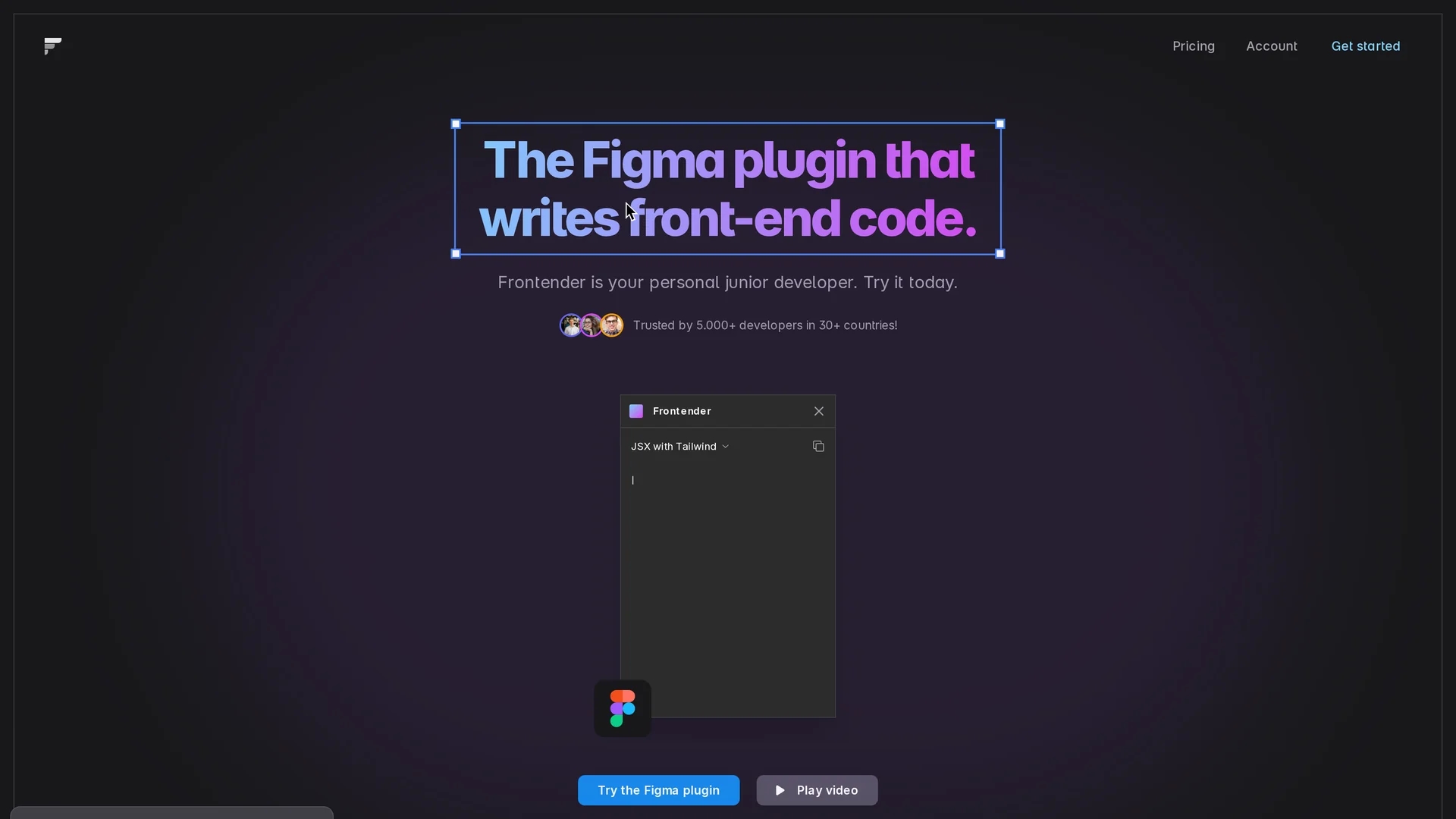
Frontender is a Figma plugin that converts designs into clean front-end code, supporting CSS, Tailwind, HTML, and JSX for frameworks like React and Vue.
Disclaimer: Visionary Hub is not affiliated with, endorsed by, or the operator of this tool. All trademarks, logos, and content are the property of their respective owners. Full disclaimer available here
Key Features
Figma to Code
Converts Figma designs directly into clean front-end code.
Framework Integration
Works with React, Vue, Next.js, and Svelte frameworks.
Multiple Outputs
Supports CSS, CSS-in-JS, Tailwind, HTML, and JSX code formats.
Custom Configs
Allows pasting custom Tailwind configs for personalized code generation.
Get Started
Share & Save
Share on Social Media
Why Choose Frontender
Multi-format Support:
Generates code in CSS, Tailwind, HTML, and JSX for versatile development needs.Layer Organization:
Automatically maintains design hierarchy even in complex or messy Figma files.Custom Tailwind:
Supports custom Tailwind configurations for tailored styling output.
Pricing
Frontender offers a freemium model with 15 free conversions monthly. Professional plans start at approximately €10/month monthly or €7.50/month annually, with discounts for annual billing. See pricing page for details.
About Frontender
Frontender is a Figma plugin that converts designs into clean front-end code, supporting CSS, Tailwind, HTML, and JSX for frameworks like React and Vue.
What Frontender Does
Frontender converts selected layers in Figma into front-end code, saving developers time by automating the translation of designs into clean, usable code. It acts as a personal junior developer to speed up workflows.
The tool supports multiple output formats including CSS, CSS-in-JS, Tailwind, HTML, and JSX, and integrates with popular frameworks like React, Vue, Next.js, and Svelte. It automatically organizes layers and maintains design hierarchy, even for complex or messy files. Users can also input custom Tailwind configurations to generate code with specific class styles.
Frontender is useful for front-end developers, designers, and teams working on web applications or websites who want to streamline the design-to-code process and reduce manual coding errors.
Pros & Cons
Ease of Use
No account needed and offers free monthly conversions.
Flexible Output
Supports a wide range of code outputs and frameworks.
Conversion Limit
Free plan limits users to 15 conversions per month.
Plugin Dependency
Requires Figma and installation of the plugin to function.
Frequently Asked Questions
Frontender supports Next.js and React (JSX), Vue and Svelte (HTML) frameworks.
You receive 15 free conversions every month on the free plan.
Yes, you can paste your custom Tailwind config to generate code with your classes.
No account is needed to use Frontender and access free conversions.
Pricing details are available on the official pricing page at frontender.io/pricing.
Similar Tools You Might Like
Discover more AI-powered tools that complement your workflow
List Your AI Tool & Reach Thousands of Users
Join 500+ AI innovators already thriving on our platform. Get visibility, feedback, and boost your conversions.
Expand Your Audience
Connect with over 50,000 AI enthusiasts actively looking for tools like yours.
Boost Your Authority
Get verified reviews and ratings to build credibility in the AI marketplace.
Drive Conversions
Our premium placements and targeted audience deliver quality leads and sign-ups.