
Freepik AI Video Generator
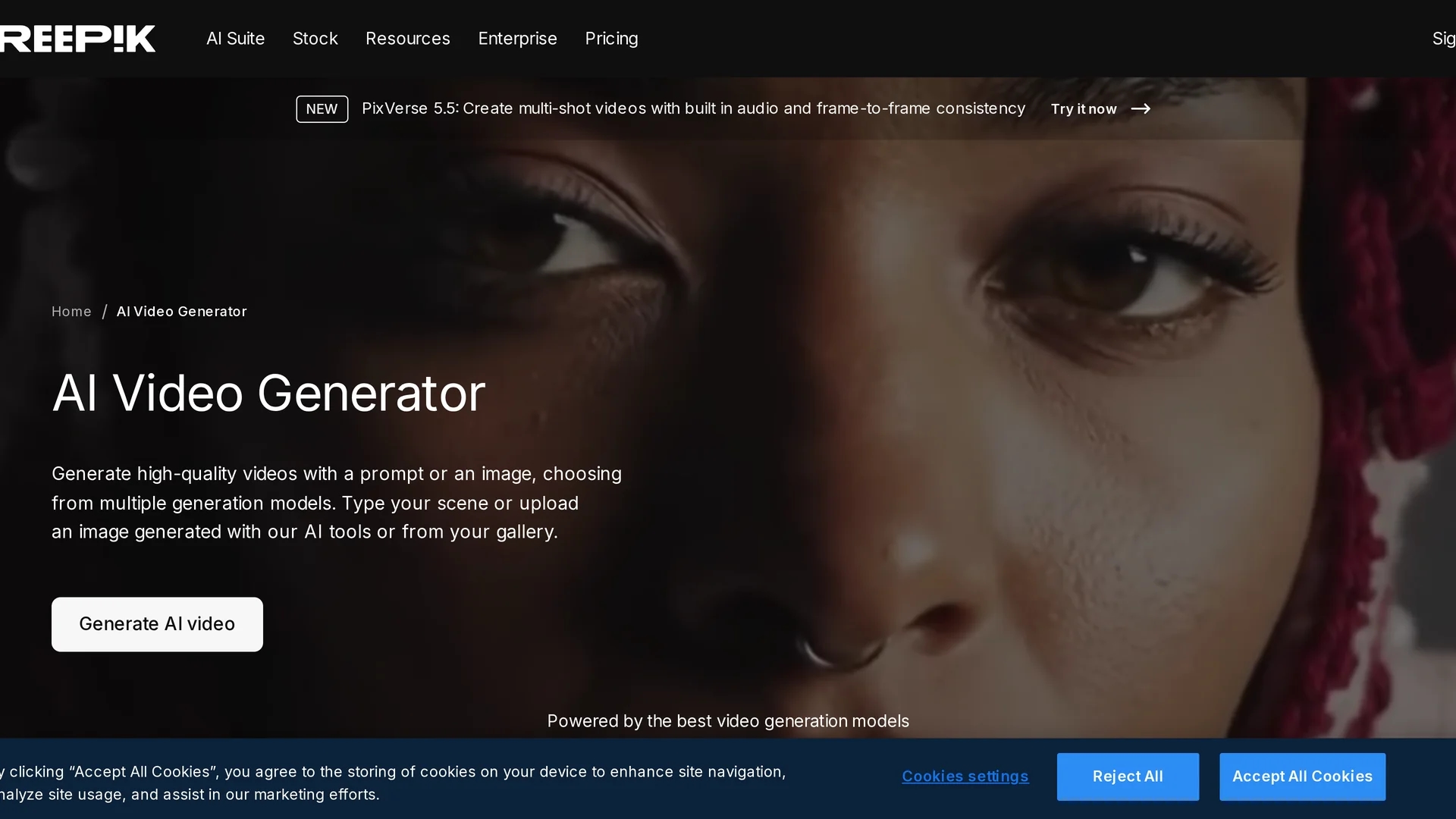
Freepik AI Video Generator creates high-quality videos from text or images, offering scene, transition, and shot control with multiple generation models for diverse project needs.
Disclaimer: Visionary Hub is not affiliated with, endorsed by, or the operator of this tool. All trademarks, logos, and content are the property of their respective owners. Full disclaimer available here
Key Features
Text & Image Input
Create videos using text prompts or uploaded images.
Scene Control
Manage scenes, transitions, and camera shots easily.
Multiple Generation Models
Access diverse AI models for cinematic or fast video production.
Audio Integration
Enhance videos with AI-generated soundtracks and voiceovers.
Get Started
Share & Save
Share on Social Media
Why Choose Freepik AI Video Generator
Multiple Models:
Choose from various AI models tailored for different video styles and speeds.Custom Control:
Adjust scenes, transitions, and shots for precise video customization.Integrated Audio:
Add AI-generated music and voiceovers directly within the platform.
Pricing
The AI Video Generator is included in Freepik’s Premium subscription plans. Pricing varies by plan tier, offering access to video credits and additional creative assets. Visit the pricing page for detailed information.
About Freepik AI Video Generator
Freepik AI Video Generator creates high-quality videos from text or images, offering scene, transition, and shot control with multiple generation models for diverse project needs.
What Freepik AI Video Generator Does
Freepik AI Video Generator converts text descriptions or images into high-quality videos, allowing users to produce engaging content quickly. It benefits marketers, content creators, and e-commerce sellers by simplifying video production workflows.
The tool offers multiple AI generation models such as Google Veo, Kling AI, MiniMax Hailuo, and Runway, each providing unique capabilities like cinematic effects, motion control, and fast rendering. Users can customize scenes, transitions, and shots, and add AI-generated soundtracks and voiceovers for complete audiovisual projects.
It is ideal for creating social media ads, product demos, personalized marketing messages, and educational videos, supporting diverse industries including advertising, retail, and digital media production.
Pros & Cons
Versatile Models
Supports various AI models for different video creation needs.
User-Friendly
Intuitive interface simplifies video generation from text or images.
Subscription Required
Access to the AI Video Generator requires a Premium subscription.
Credit Usage
Video generation consumes credits, varying by model and video length.
Frequently Asked Questions
Enter a text prompt or upload an image, select a generation model, and customize scenes before generating your video.
It is available through Freepik’s Premium subscription plans with varying access to video credits.
Yes, you can add AI-generated music and voiceovers within the platform.
Yes, provided they comply with Freepik’s terms and intellectual property guidelines.
You can create social media ads, product demos, personalized messages, educational, and explainer videos.
Similar Tools You Might Like
Discover more AI-powered tools that complement your workflow


List Your AI Tool & Reach Thousands of Users
Join 500+ AI innovators already thriving on our platform. Get visibility, feedback, and boost your conversions.
Expand Your Audience
Connect with over 50,000 AI enthusiasts actively looking for tools like yours.
Boost Your Authority
Get verified reviews and ratings to build credibility in the AI marketplace.
Drive Conversions
Our premium placements and targeted audience deliver quality leads and sign-ups.