
Frankenfile
Frankenfile is an AI-powered MacOS file manager that automates batch renaming, image resizing, video watermarking, and PDF manipulation for efficient local file handling.
Disclaimer: Visionary Hub is not affiliated with, endorsed by, or the operator of this tool. All trademarks, logos, and content are the property of their respective owners. Full disclaimer available here
Key Features
Natural Language
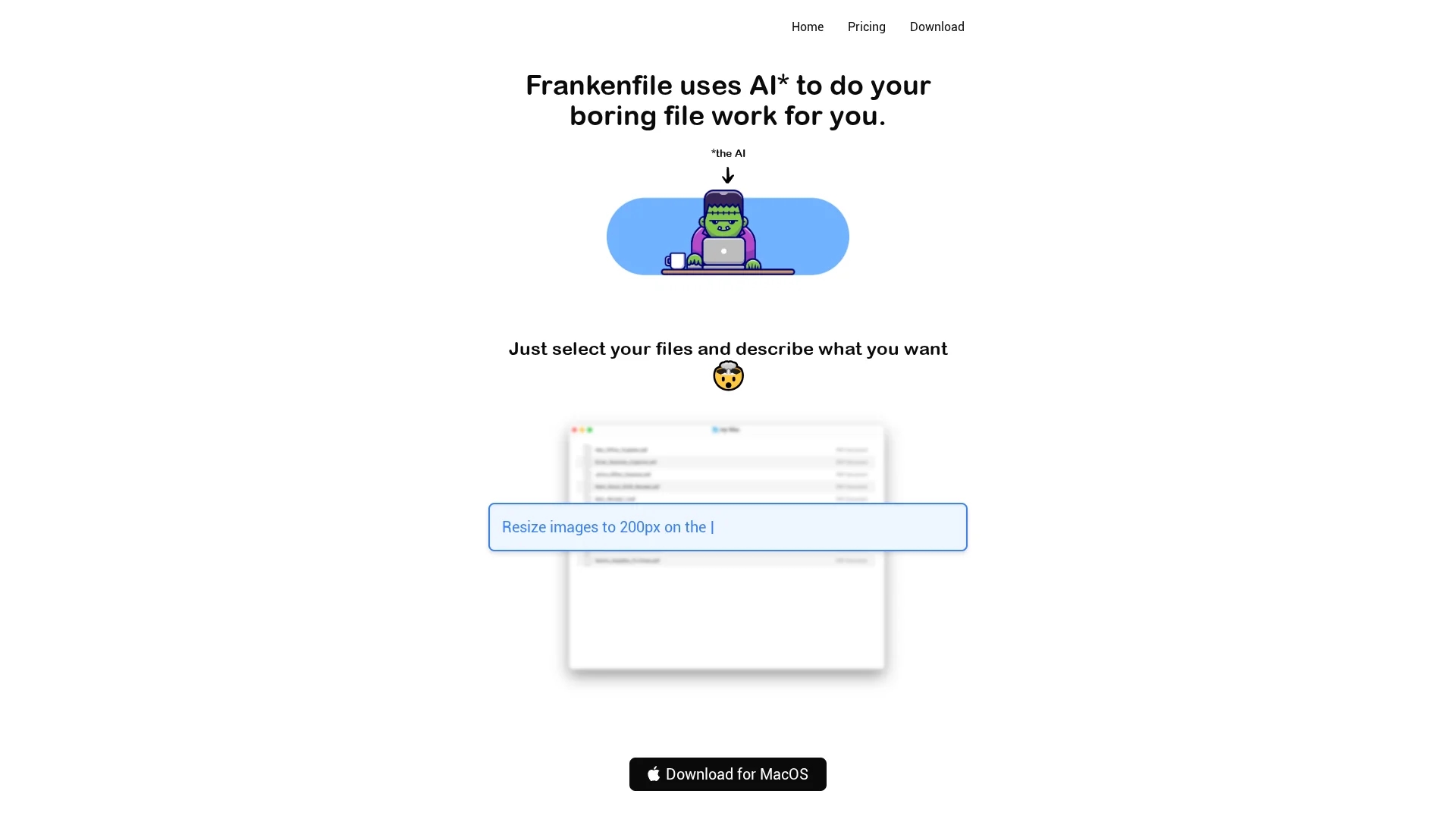
Select files and describe actions to automate processing.
Batch Renaming
Rename multiple files across formats efficiently.
Media Processing
Resize, crop, convert images and videos with AI assistance.
PDF Management
Split, merge, and convert PDFs within the app.
Get Started
Share & Save
Share on Social Media
Why Choose Frankenfile
AI Automation:
Automates complex file tasks through natural language commands.Local Processing:
Runs entirely on MacOS without uploading files for privacy.Multi-format Support:
Handles images, videos, audio, and PDFs in batch operations.
Pricing
Pricing details are available on the official pricing page at https://frankenfile.com/plans.
About Frankenfile
Frankenfile is an AI-powered MacOS file manager that automates batch renaming, image resizing, video watermarking, and PDF manipulation for efficient local file handling.
What Frankenfile Does
Frankenfile automates file management tasks on MacOS by allowing users to select files and describe actions like resizing images, overlaying watermarks on videos, and batch renaming files. This reduces manual effort and speeds up workflows.
It supports images, videos, audio, and PDFs, offering features such as image cropping, video trimming, audio compression, and PDF splitting or merging. The AI interprets user commands to perform these tasks efficiently and locally.
Ideal for creative designers, content creators, and product designers, Frankenfile streamlines file processing in industries requiring frequent multimedia handling and organization.
Pros & Cons
Privacy
Processes files locally without uploading to servers.
Versatility
Supports diverse file types including images, videos, audio, and PDFs.
Platform Limitation
Available only for MacOS users.
No Web Version
Requires installation; no browser-based access.
Frequently Asked Questions
It supports images, videos, audio files, and PDFs for various batch processing tasks.
You can download it directly from the official website at https://frankenfile.com/.
Pricing details and trial information are available on the pricing page at https://frankenfile.com/plans.
No, all file processing is done locally on your Mac to ensure privacy.
Yes, it supports batch renaming across multiple file formats efficiently.
Similar Tools You Might Like
Discover more AI-powered tools that complement your workflow
List Your AI Tool & Reach Thousands of Users
Join 500+ AI innovators already thriving on our platform. Get visibility, feedback, and boost your conversions.
Expand Your Audience
Connect with over 50,000 AI enthusiasts actively looking for tools like yours.
Boost Your Authority
Get verified reviews and ratings to build credibility in the AI marketplace.
Drive Conversions
Our premium placements and targeted audience deliver quality leads and sign-ups.